
Solution Workaround: Unable to Export OpenVPN Configuration File on Deco


Workaround: Unable to Export OpenVPN Configuration File on Deco
Tags:
#Official
#Highlighted Thread
#VPN
Hey Deco Users,
We've received feedback from users reporting that when configuring a VPN Server with OpenVPN on the Deco and attempting to export the config file, an error message appears stating: "Failed to save the information. Please try again later".
This phenomenon typically occurs in mixed-model Deco mesh networks where the Main Deco unit and one or more Satellite Deco units have differing support for the VPN Client Kill Switch feature.
Similar feedback can be found in posts #847706 and #846504.
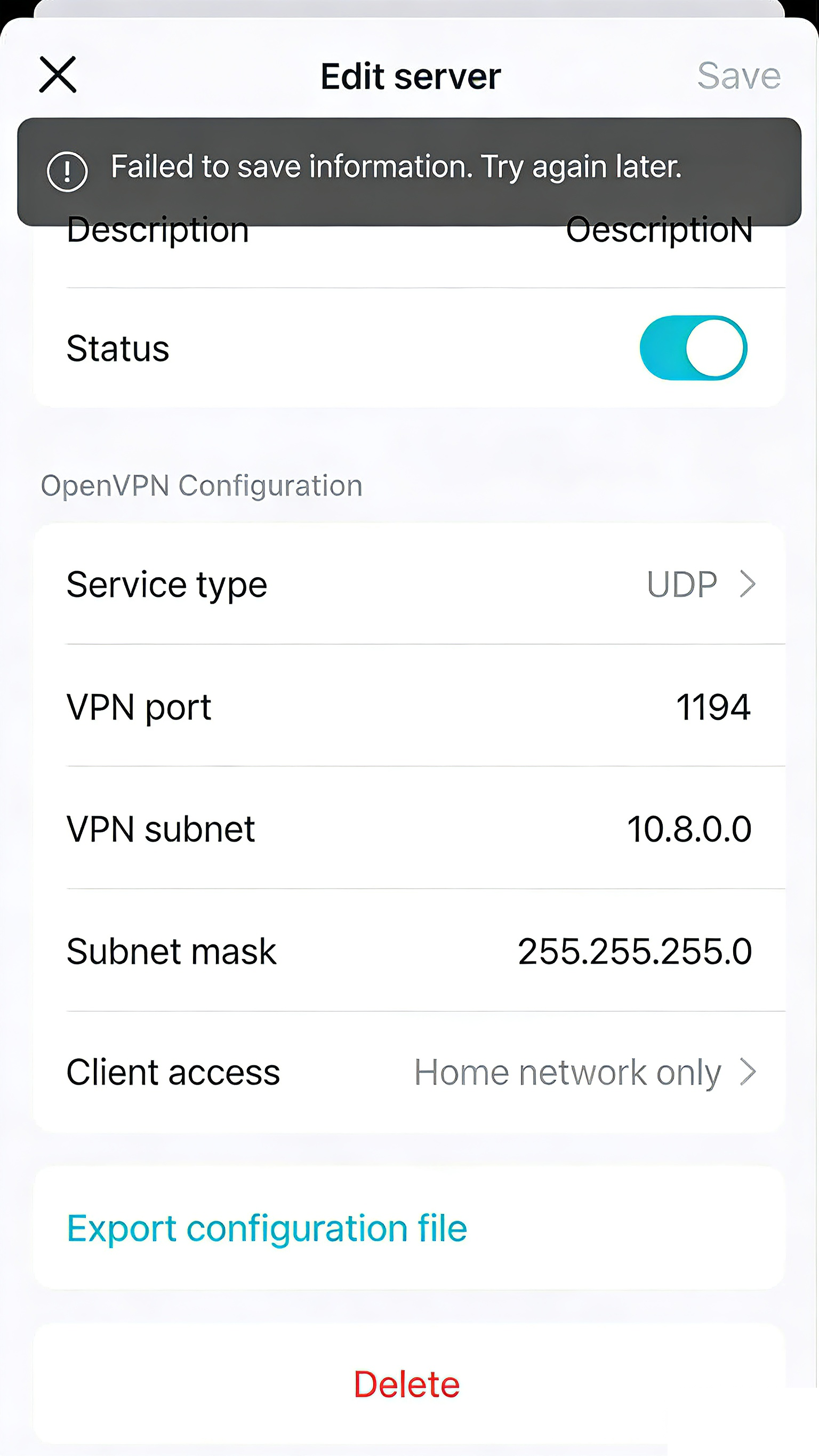
Possible Solution:
- A new firmware will be released in the future to ensure smooth configuration export in all network setups. We will provide updates as the firmware becomes available.
- Currently, it is recommended to temporarily power off all Satellite Deco units first. Once the file is saved/exported, power back on the Satellite Deco units to restore the mesh network.
Survey: Share Your Experience and Help Shape the Future of TP-Link Support
Make Your Home Wi-Fi Greener with Power-Saving Features
Check out Our Community Newsletter and Monthly Firmware Updates in our Knowledge Base
Contact Support
Join our Official Subreddits: r/tplink, r/tapo, r/omada_networks