c425 motion detection problems

c425 motion detection problems

c425 motion detection problems
22 hours ago
Model: Tapo C425  
Hardware Version: V12
Firmware Version: 1.2.26

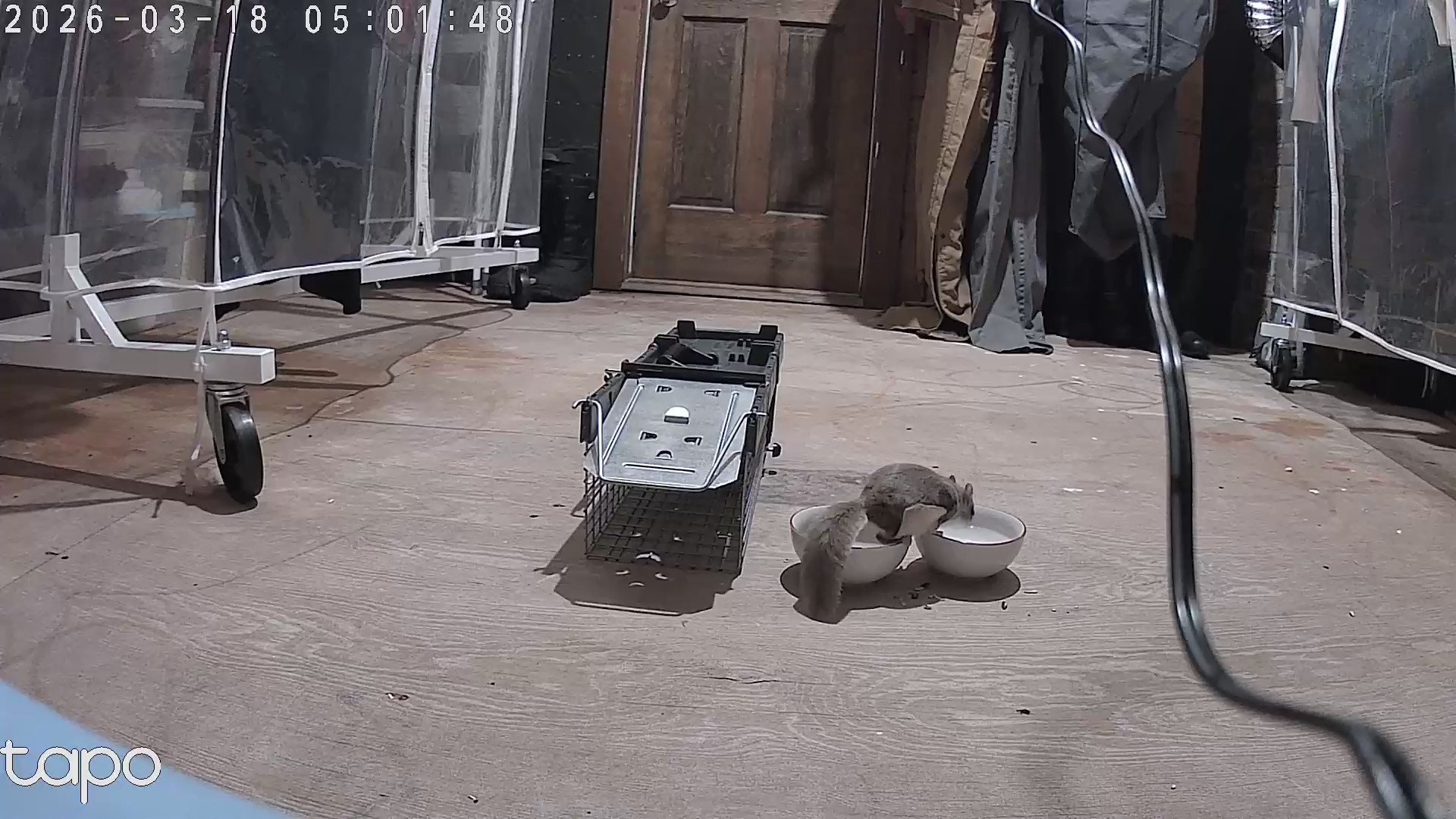
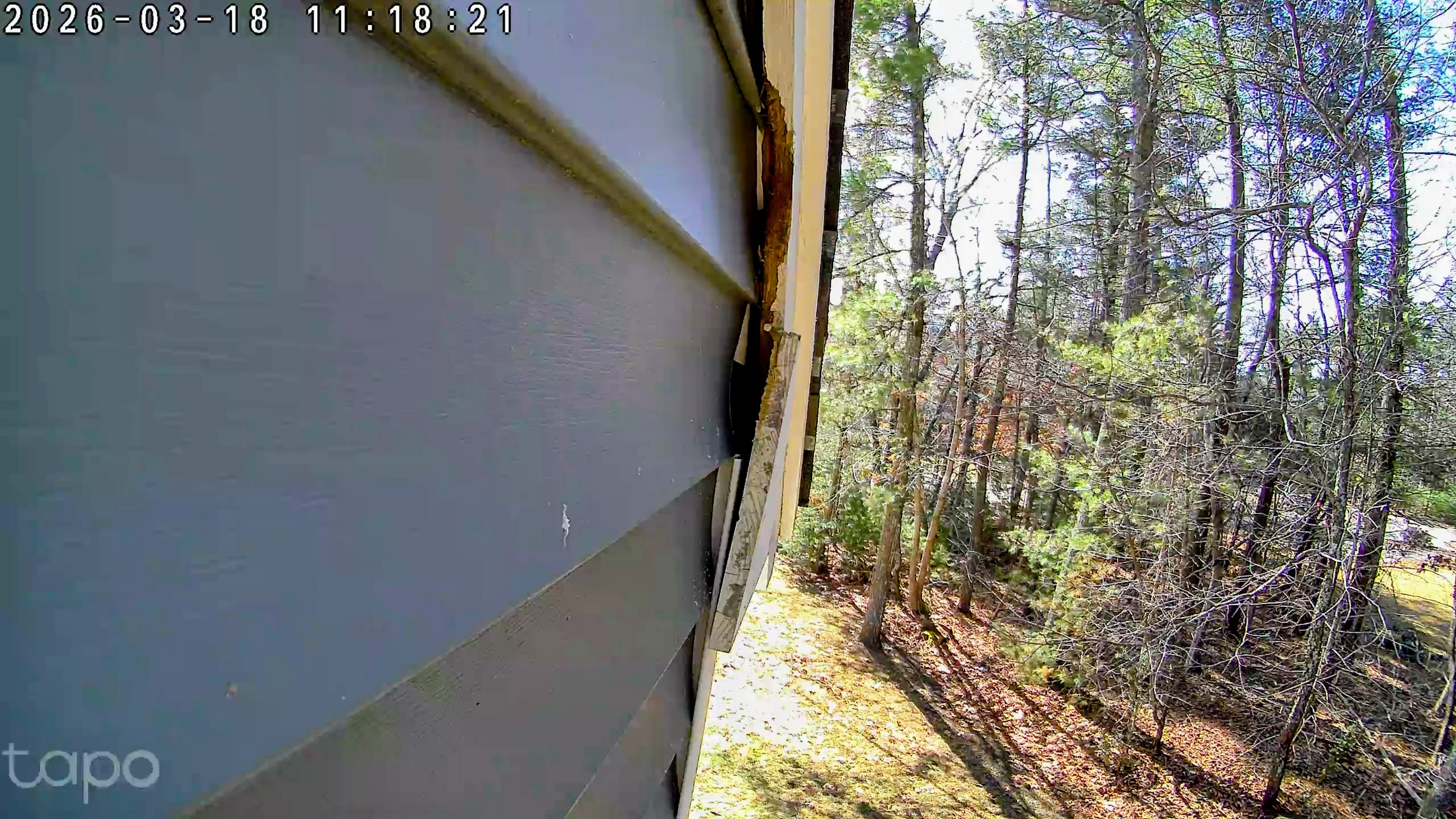
Greetings, I have a flying squirrel infestation problem in my attic, and I'm using a c100 to monitor the squirrel in the attic, and a c425 on the outside pointing at the point in the trim where the squirrel is entering the the house. The c100 works great, detects the squirrel; the c425 not so much -- I can wave my hand in front of it and it detects nothing. C425 detection settings: Motion Detection ONLY; Wake-up Sensitivity: 6 . Both cameras are using SD cards for storage. I need to know when the squirrel leaves the attic so I can fix the trim to prevent it from entering. Any help is welcomed.c425 exterior
  0      
  0      
#1
Options
4 Reply
Re:c425 motion detection problems
22 hours ago
  0  
  0  
#2
Options
Re:c425 motion detection problems
22 hours ago
  0  
  0  
#3
Options
Re:c425 motion detection problems
19 hours ago

  @Booji-Boy Interesting data:  When I perform the Detection Range Test on the C425, motion detection starts working. Whether it keeps working is another matter. If I close and reopen the app, it says motion detection is OFF. No, I never turned it off. If I migrate away from that setting and return to it in the same app session, it says motion detection is ON. Clearly, there is some problem with either the app or the firmware in the C425. I'm not seeing this behavior with the C100.

  0  
  0  
#4
Options
Re:c425 motion detection problems
9 hours ago

  @Booji-Boy 

Hi,
The Tapo C425 can't detect the squirrel, which could be related to several factors, including the squirrel's size, movement trajectory, camera installation location, and settings. For example, if the squirrel moves directly towards the camera, it might not be able to wake the camera up and therefore fail to detect it. You can refer to the following guide to understand the Tapo C425's wake-up mechanism and troubleshoot detection failures.
What is the Wake-up Sensitivity of my battery camera?
What to do if the Detection feature is not working on the TP-Link Camera?
 

The camera's Motion Detection function shows both ON and OFF states in the app, which may be because the camera settings haven't yet synchronized. We recommend accessing the camera's live view page in the app, and after the page loads normally, check whether other camera settings are displayed as configured.


It's recommended to contact our technical support if you need further assistance.
 

Best Regards

  0  
  0  
#5
Options