
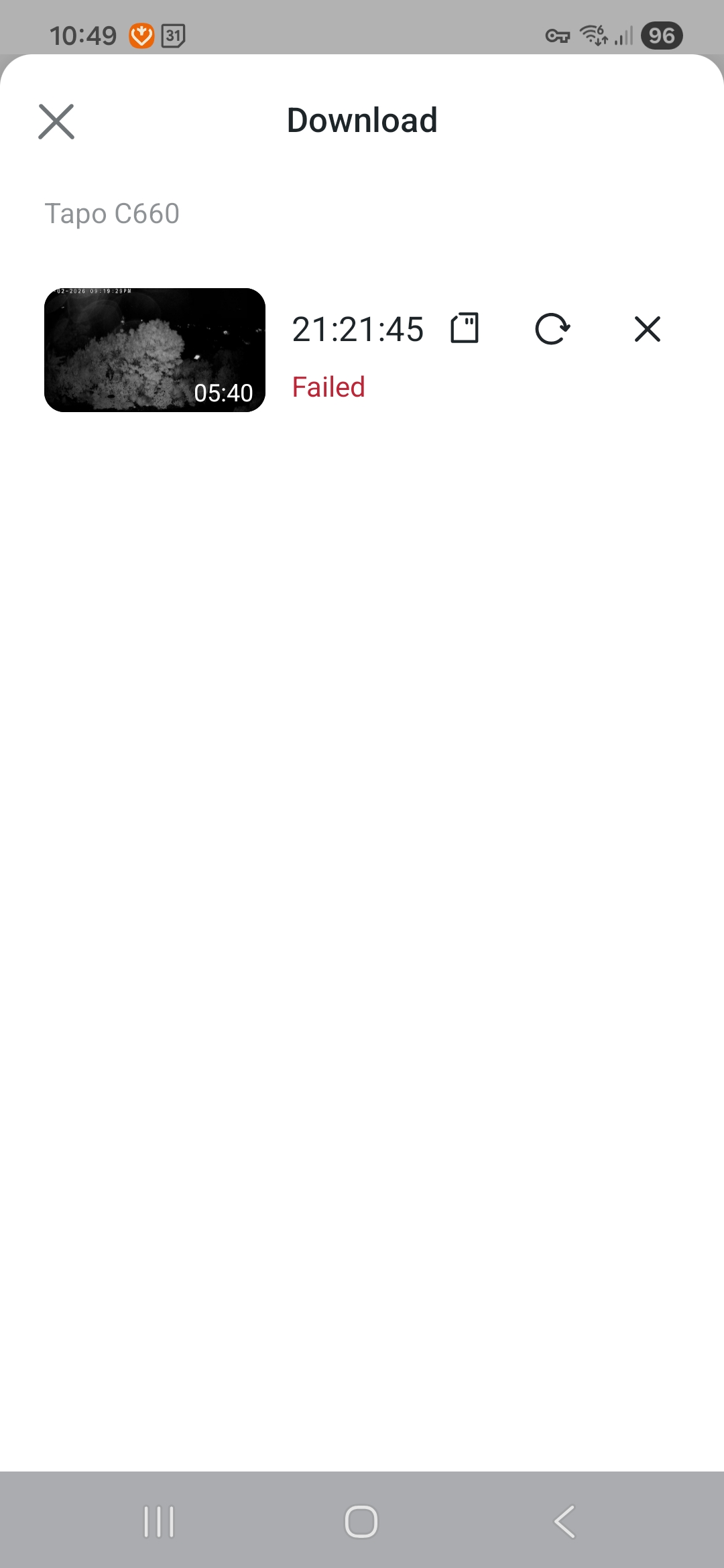
Downloading video fails. Connected to same network

Have snipped 2 videos from 24 hour recording on SD card. 5 mins each.
Downloading repeatedly fails.
On same wifi.
- Copy Link
- Subscribe
- Bookmark
- Report Inappropriate Content


Hi,
You can refer to the instructions below to troubleshoot if you fail to download the video clips from the SD card.
What can I do when I fail to download the video clips from the SD card?
If the same phenomenon persists, please confirm the following information.
1. What error message appears in the Tapo app when failing to download the SD card video recordings?
2. Please check whether you can change the camera's settings on its Device Settings page, for example, check if you can change the detection, alarm, or notification settings. This is to check whether the camera has been shared with you.
3. Can your phone ping the camera's IP address successfully?
Best regards
- Copy Link
- Report Inappropriate Content
- Copy Link
- Report Inappropriate Content
Hi,
Please check if your phone or tablet's memory is almost full. If you have a phone or tablet with sufficient memory, we suggest testing to see if you can successfully download the snipped video recordings.
If the same phenomenon persists, please confirm the following information.
1. What's your phone/tablet's model number and OS version?
2. What's the Tapo app version?
Best regards
- Copy Link
- Report Inappropriate Content
Plenty of memory, in both Mobile (Samsung Galaxy S23, Android 16) and Tablet (Galaxy Tab S7, Android 13), both can download a detected event video, but not a 5 minute clipping from 24/7 capture.
Tapo firmware is 1.1.7
S23 app is 3.17.109, S7 app is same.
- Copy Link
- Report Inappropriate Content
Hi,
I have escalated your case to our tech team, and they will contact you via email to assist you further. Please wait patiently.
Best Regards
- Copy Link
- Report Inappropriate Content
Information
Helpful: 0
Views: 136
Replies: 5
Voters 0
No one has voted for it yet.