
Early Access Deco X50/X55 V1/V1.6 Pre-Release Firmware 1.10.0 Enhanced Network Stability & Client Identification


Hello Everyone,
Another exciting news! We're pleased to announce a new pre-release firmware for Deco X50/X55 models (V1.0/V1.6). This update greatly improved the system stability and accuracy of Client Identification in the Deco App. This firmware is currently in beta; however, your testing and feedback may help accelerate its official release!
This Article Applied to:
Deco X50(EU/US/JP/CA)/ Deco X55(EU/US/CA)_V1.0/V1.6
Firmware Medications:
- Added WOL and IP&MAC binding.
- Add Flow Control on the web UI to effectively prevent packet loss caused by network congestion.
- Optimized Client Identification.
- Improved 2.4GHz Wi-Fi stability.
- Improved IPv6 firewall functionality.
- Improved system stability and reliability.
Firmware Download Link:
| Deco X50/X55_V1.0/V1.6 | 1.10.0_Build 26033014_Rel.79940_Beta |
Update Notice:
- Please be sure you have read the Beta Test Agreement before upgrading the Pre-release firmware!
- Please make sure the Deco APP is up-to-date.
- This firmware can’t be degraded directly to the 1.8.0 version.
- How to manually update the firmware via web UI.
As always, we value your feedback. If you happen to encounter any concerns during or after the firmware upgrade, please feel free to comment below with the following information. Your input helps us continue to improve and provide the best possible products and support.
- Provide a detailed network layout, including how the devices are connected.
- Include a detailed description of the issue and as much information as possible regarding the specific conditions that seem to trigger the behavior.
Thank you for your continued support and for being part of our community.
- Copy Link
- Subscribe
- Bookmark
- Report Inappropriate Content

 Caption
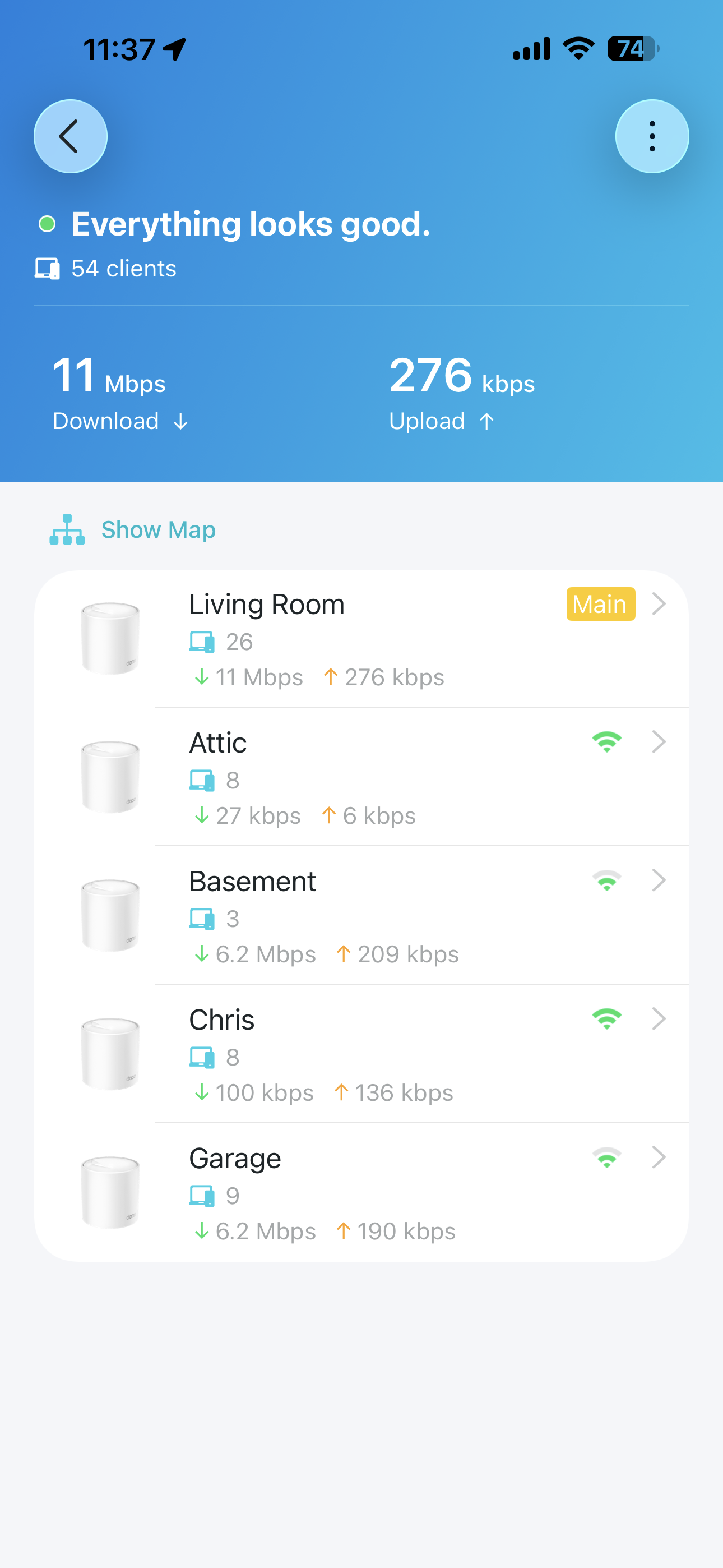
@Solla-topee As already mentioned, all devices are satellite except the main Deco X50. Disabling the IPV6 works most of the time or for longer periods. No red or off lights in any device . 3 192.168.68.1 show login screen but doesn't accept credentials , there is a noticeable slow down in speed.
- Copy Link
- Report Inappropriate Content

Hi,
When IPv6 is enabled, how do you restore the network connection if the Deco does not respond?
When the Deco network is working, what are the download and upload speeds on your client device when connecting to the main Deco directly via Wi-Fi and wired?
When the Deco does not respond, what are the download and upload speeds on your client device when connecting to the main Deco directly via Wi-Fi and wired?
Best Regards
- Copy Link
- Report Inappropriate Content
1. With IPV6 enabled , i have to hard reset ( unplug replug)
2. Via wifi when everything is working the wireless speed is almost 90% of the bandwidth and wired is 100%
3. Via wifi and when the problem occurs the speed is down at least 30% ( i have 1Gbps so it goes arround 600-700Mbps) wireless. I have not test it with cable.
One more thing observed is that i can't check for firmware updates using the app and can't change the wan settings without rebooting the device ( hard reboot).
- Copy Link
- Report Inappropriate Content
Hi,
I have escalated your case to our tech team, and they will contact you via email to assist you further. Please wait patiently.
Best Regards
- Copy Link
- Report Inappropriate Content

@SteveWex what outdoor access point did you use. Was it part of your deco mesh? They are still selling x50 outdoor but I'm having all sorts of issues with mine (connected to three x60).
- Copy Link
- Report Inappropriate Content
Let's just say it's an alternative brand. I'm afraid I have given up on both Deco and TP-Link despite having spent a fortune, it seems they don't care. Even my message stating TP-Link simply stop communicating resulted in them no longer communicating. They build second-rate product and back it up with third-rate customer service.
My advice, drop the whole Deco thing like a hot potato, it'll give you nothing but trouble. There's another brand that does Mesh beginning with "A", they're very good and I'm testing it now alongside my Deco system and so far I'm finding it not only faster, but it reaches further and is easier to set up. It seems to be far more stable in every sense.
As for an Access Point for outdoors, you can usually find one at a good price on Amazon. They don't have to be the same brand as for security reasons it's sensible to use a different SSID so that anyone cracking the password doesn't gain access to your main network. Most Outdoor Access Points are used for CCTV anyway so there's usually no need to use the same SSID. On your mobile device, just use "Auto Connect" to move between indoor and outdoor SSIDs.
I use a Powerline Adapter to get the wireless signal into the house.
- Copy Link
- Report Inappropriate Content

A brand new beta was just released for the Deco X50-PoE that you may be able to install/test. The beta is for the following Deco models/hardware versions.
Deco X50/X55/X3000 V3.0
Deco X55 Pro/X50 Pro V1.0
Deco X50-PoE/HB6300-PoE V2.0
This FAQ will go over how to find the hardware verson of your Deco X50-PoE please make sure your Deco is running hardware version 2.0 before trying this beta firmware
You can find the link to the thread with the beta firmware below.
Deco X50/X50Pro/X50-PoE Pre-Release Firmware 1.7.0 Introduces DoH/DoT, Channel Selection, and More!
- Copy Link
- Report Inappropriate Content
Information
Helpful: 5
Views: 3340
Replies: 27
Voters 1
