Solution Archer MR600 & TL-MR6400 Fails to Connect to OpenVPN or WireGuard VPN as Client


Archer MR600 & TL-MR6400 Fails to Connect to OpenVPN or WireGuard VPN as Client
This Article Applies to:
TL-MR6400 V7.2
TL-MR6400 V8
Archer MR600 V2
Archer MR600 V3
Archer MR600 V5
Phenomenon Description:
When the router is configured as a VPN client (OpenVPN or WireGuard), you may encounter the following phenomena:
- Failed to upload the VPN configuration file on the router, even though the same configuration file works correctly on a PC using VPN client software (such as OpenVPN Connect).
- The VPN configuration file can be successfully uploaded to the router, but the VPN connection status remains stuck at "Connecting" and never establishes a connection.
Workaround:
We are currently implementing firmware improvements to resolve these unexpected behaviors across affected models.
| Model | Firmware Download URL |
| TL-MR6400 V7.2 | 1.3.0 0.9.1 Build 260420 Rel.59470 |
| TL-MR6400 V8 | 1.5.0 0.9.1 Build 260424 Rel.60116 |
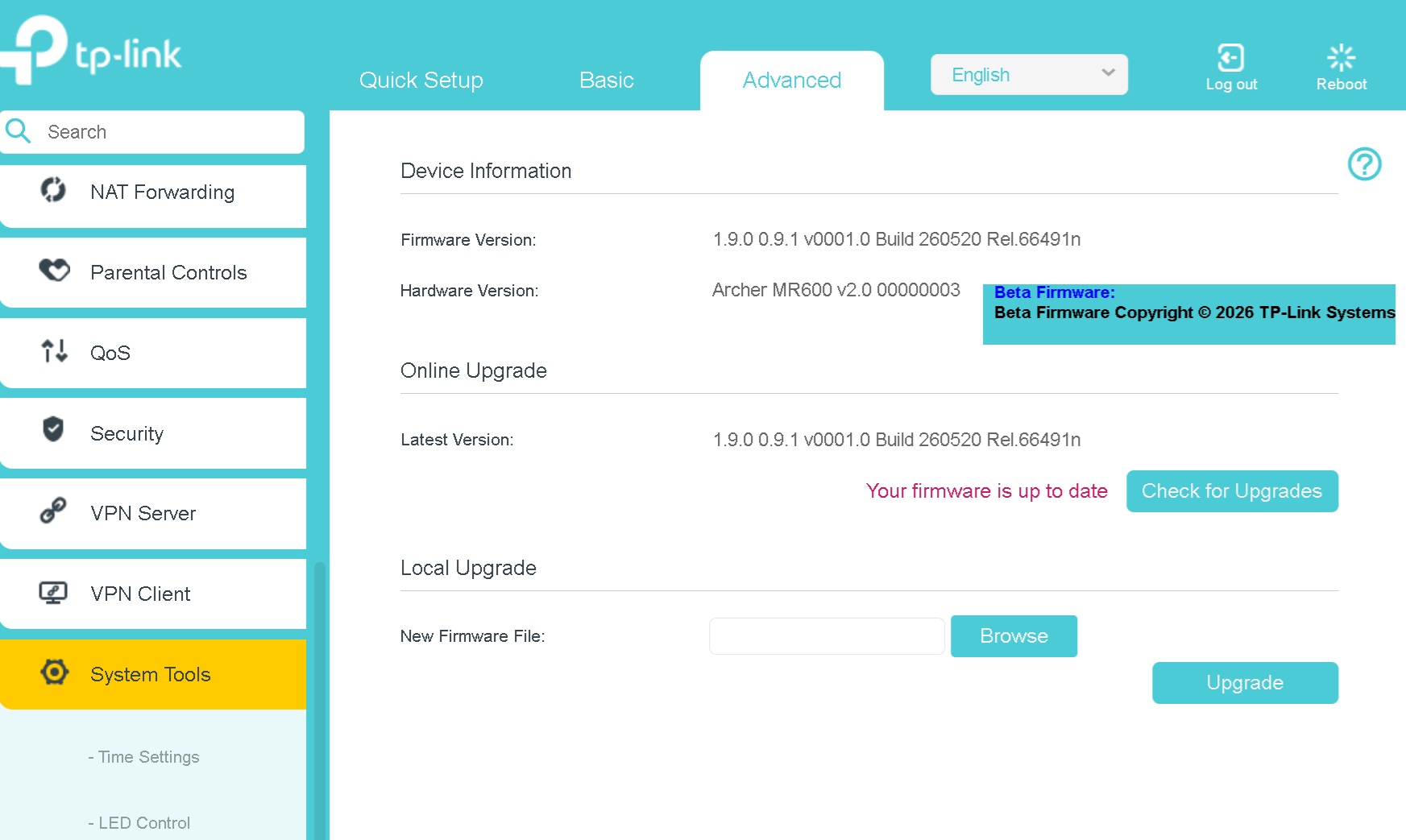
| Archer MR600 V2 | 1.9.0 0.9.1 Build 260520 Rel.66491 |
| Archer MR600 V3 | 1.3.0 0.9.1 Build 260522 Rel.39772 |
| Archer MR600 V5 | Official firmware v1.7.0 Build 260518 |
Note:
1. Please be sure you have read the Beta Test Agreement before upgrading the beta firmware!
2. For detailed instructions on how to install this beta firmware on your router, visit: How to upgrade the firmware of TP-Link 5G/4G Routers