
Tapo D235 Doorbell - Frame Jump/glitch exactly 4 seconds into any recording.
Tapo D235 Doorbell - Frame Jump/glitch exactly 4 seconds into any recording.

Has anyone else experienced this?
I’ve noticed something unusual and I’m wondering if it’s just me or a possible firmware bug that could be addressed in an update.
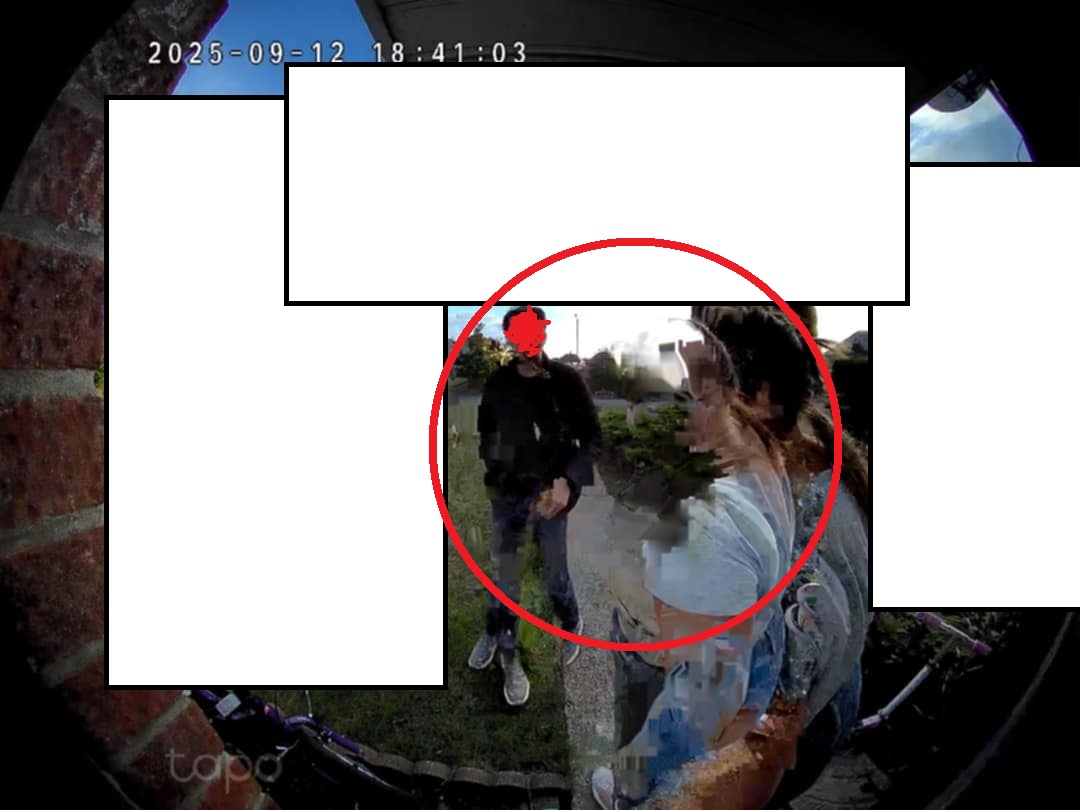
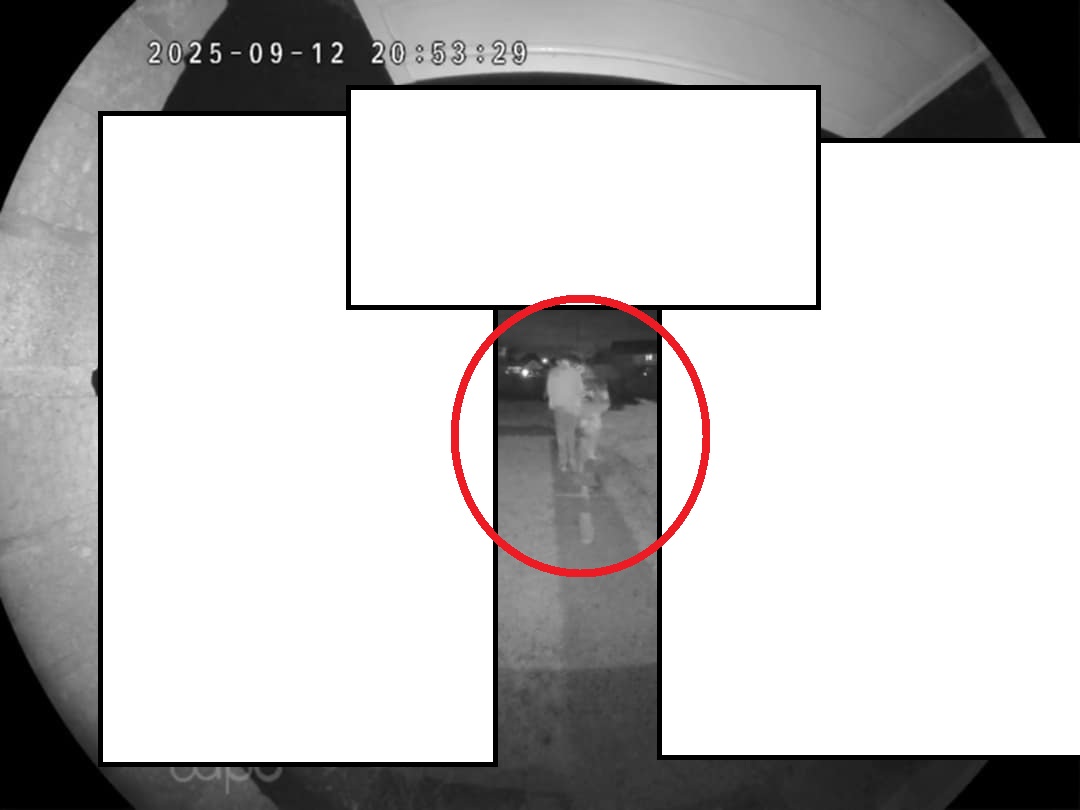
Exactly 4 seconds into any video capturing event, I consistently see a glitch or Frame jump, it looks like either a bitrate lag or simply a frame skip. This happens on nearly any video, some frame jumps are harder to capture if the person is not moving.
Here’s what I’ve already tried/checked:
-
Performed a hard reset and re-synced/reset the device.
-
RSSI value: -46
-
Average ping (no timeouts): 22 ms
-
Device set to high performance.
-
Internet: 50 Mbps up / 500 Mbps down.
-
Downloaded the footage and confirmed the glitch is actually recorded, not just a playback issue.
-
Device is a day old fully charged battery, + none of my other cameras do this on the same network
-
Cloud footage, not SD card, 20FPS
Additional observation: when the device wakes, the exposure adjustment feels noticeably slow.
I’m very Tapo-oriented (RV30 arriving tomorrow, can’t wait!). I’ve raised a ticket with support. I’m just curious if anyone else noticed this, or have I stumbled upon a firmware bug that hasn’t been widely reported yet?
Thank you for reading.
- Copy Link
- Subscribe
- Bookmark
- Report Inappropriate Content
I've just uploaded 8 video examples and 1 with diagnostics enabled.
Awaiting Tapo response. Let me know how you get on.
- Copy Link
- Report Inappropriate Content

- Copy Link
- Report Inappropriate Content

hi was there ever any update on this I am
experiencing the same issue with lag on every video.
reluctant to return as I have full Tapo system and all work well except the door bell
thanks
- Copy Link
- Report Inappropriate Content

Hi @Matts95 and Tapo Support.
This is a common problem across many different devices and has been ongoing for the last few years.
You can check the widespread reports online, if you search for: “Tapo camera skipping,” “Tapo lag,” or “Tapo frame jumping” reveal that this has been a persistent issue affecting multiple users over several years, particularly those using cloud storage.
I am writing to formally escalate an ongoing issue with my TP-Link Tapo cameras that is now significantly affecting the reliability of my home security setup.
Impact and Inconvenience
This issue is causing serious inconvenience and concern. The purpose of these cameras is security and monitoring, yet the recorded footage is unreliable due to frequent frame skipping (4–15 seconds at a time). This creates critical gaps in recordings, making it impossible to trust the system for its intended use.
I have invested heavily in the Tapo ecosystem, including multiple devices across my property. Most recently, I purchased two C560WS AI cameras, which are now exhibiting this issue.
- Initially, both cameras worked flawlessly for approximately two months.
- Without any changes to my setup, playback recordings began skipping intermittently.
- Footage stops abruptly and resumes several seconds later (4, 10, or 15 seconds).
- The issue affects both cameras, not just a single unit.
- Live streaming works perfectly, with no lag or frame loss.
- The issue only occurs in cloud-recorded playback
Troubleshooting Completed:
I have conducted extensive troubleshooting to eliminate all common causes:
- Firmware updated on all devices
- Tapo app fully updated
- Verified stable, high-speed fibre internet connection (London city based)
- Tested isolated network conditions (disconnecting other devices)
- Adjusted Powerline frequency (Auto / 50Hz / 60Hz)
- Cameras powered via direct DC connection
- Frequent camera and router reboots to test
- Confirmed strong connectivity at camera locations
- Issue persists across both cameras
Additionally:
I am not using SD cards on these devices (cloud-only setup).
I have other Tapo cameras using SD cards at a different locations, and they do not experience this issue.
My root cause assessment:
Based on all testing and comparisons, I have reached a reasonable conclusion that the issue is likely related to do with the Tapo Care Cloud service, rather than hardware or local network conditions.
I am unable to perform SD card diagnostics on these units due to their installation height (externally mounted high on a wall), which would require hiring assistance or engineer.
Given the consistency of this issue and the volume of similar reports, further local diagnostics should not be necessary to validate the problem.
Please escalate this issue directly to your engineering team for investigation into Tapo Care Cloud recording integrity.
Technical Explanation
I would like a clear explanation of what is causing these recording gaps and whether this is a known issue within your cloud infrastructure.
Resolution Timeline
What is the expected timeline for a fix?
- Copy Link
- Report Inappropriate Content
Information
Helpful: 0
Views: 2448
Replies: 14
Voters 0
No one has voted for it yet.