
C320WS Geofancing not working (again)
C320WS Geofancing not working (again)

Hi
I'm refering to this thread.
https://community.tp-link.com/en/smart-home/forum/topic/715832?replyId=1467146
A week ago I changed my phone from Xiaomi 9 to Xiaomi 14. Now Geofencing is not working anymore.
It seems the Tapo process is killed in the background when not used.
All settings are the same as in my previous phone.
What else can I check?
Thank you
- Copy Link
- Subscribe
- Bookmark
- Report Inappropriate Content


Hi,
Typically, you can refer to Q4 in the following instructions to troubleshoot if the Geofencing smart action is not working.
General Questions about Tapo Geofencing
Please confirm the following information for further analysis.
1. After you change your phone, have you configured new Geofencing entries for your new phone? If not, please try adding new Geofencing entries.
How to set up Geofencing on the Tapo App
2. On your phone, please go to Settings > Apps > Manage Apps > search for Tapo > Battery saver, select No restrictions, and check if it helps.
Best Regards
- Copy Link
- Report Inappropriate Content
I tried the steps you mentioned. It did not help.
Still Geofencing for "coming home" and "leaving home" does only work 1 out of 10 times.
I think my Xiaomi 14 kills the tapo app in the background.
What else can I do?
- Copy Link
- Report Inappropriate Content
Hi,
The behavior where the phone kills the app in the background is usually related to the phone's settings. You can contact your phone's technical support to see if they have any suggestions.
Regarding the phenomenon that the automation entries do not work as expected, please confirm the following information.
1. When (date, time, and time zone) was the last time the "coming home" or "leaving home" automation entry failed to take effect as expected? If possible, please provide data from the last 3 days.
2. Please send me (@Solla-topee) the camera's MAC address via a private message.
3. On the camera's Device Settings > Device Info page, please tap the Wi-Fi icon, and check the RSSI value.
4. On the Tapo app > Smart tab, please tap the Page icon at the top right corner to see the "coming home" and "leaving home" automation entries execution histories, and send us a screenshot of the failed history details.
Best Regards
- Copy Link
- Report Inappropriate Content
When the automation fails there is no entry in the history.
Anyway I now deleted the app and reinstalled everything, I will check if this helps.
- Copy Link
- Report Inappropriate Content
- Copy Link
- Report Inappropriate Content
Hi, yes the problem is still there. Geofencing does not work.
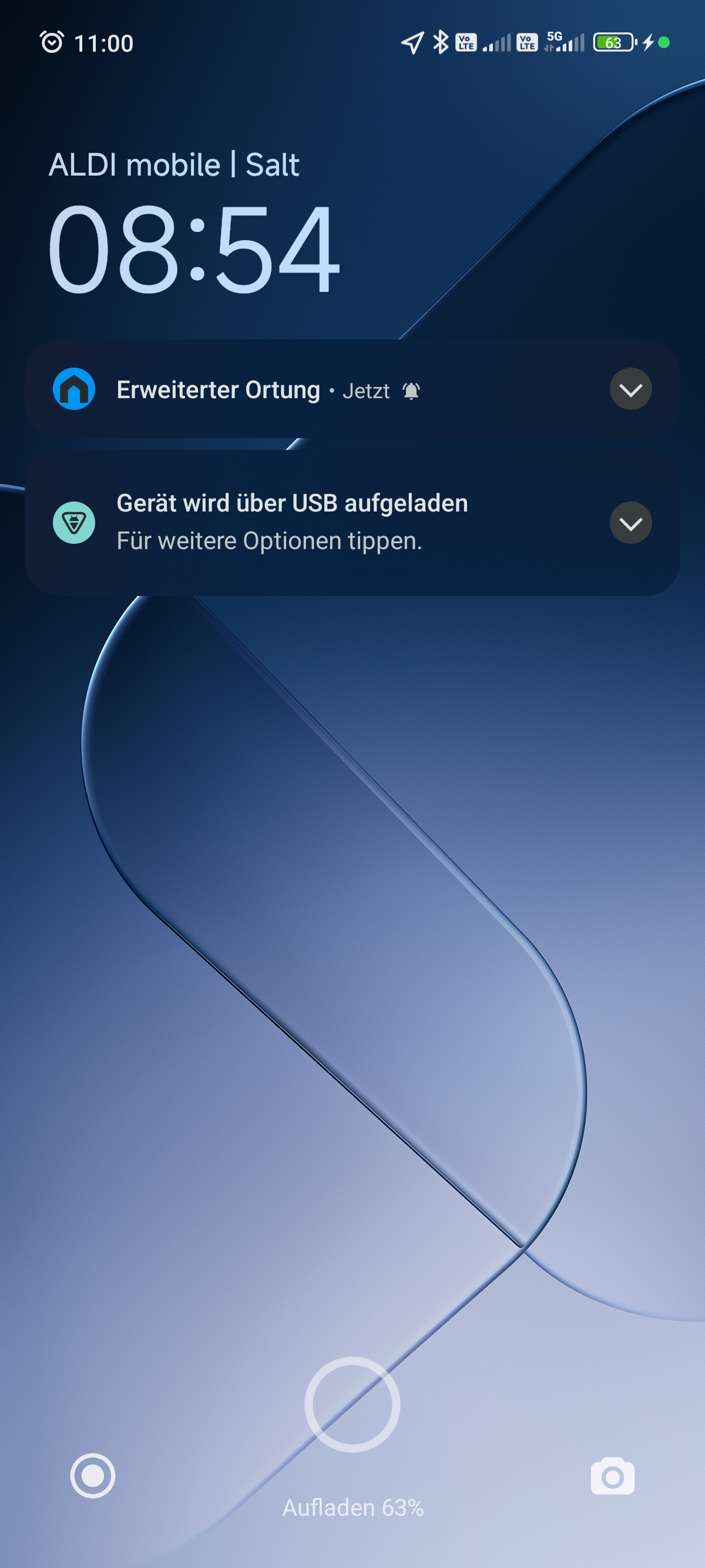
I noticed, that after enabling Geofencing in the Tapo app, there is a Tapo message on my home screen which confirms this (Erweiterte Ortung).
As long as this message is there, Geofencing is working. Unfortunatelly this message dissapears after about 15min. After that, Geofencing is no longer working.
- Copy Link
- Report Inappropriate Content
Hi,
I have escalated your case to our tech team, and they will contact you via email to assist you further. Please wait patiently.
Best Regards
- Copy Link
- Report Inappropriate Content
- Copy Link
- Report Inappropriate Content

- Copy Link
- Report Inappropriate Content
Hi,
More information is required about the reported phenomenon for further analysis. In your situation, you can try the tips in this post and check if they help. Please also ensure the Location permission for the Tapo app on your phone is set to "Always allow".
If the same phenomenon persists, please provide us with your phone's model number and OS version.
Best Regards
- Copy Link
- Report Inappropriate Content
Information
Helpful: 0
Views: 794
Replies: 15
Voters 0
No one has voted for it yet.