
tapo camera not accessible unless on the same network

I cannot access my C211 camera from the internet. It is only accessible when on the same network as the camera.
There are no firmware updates available. When not on the same network when I goto the app, it says not available. It is available when on the same network.
I have seen other threads on the forum where they send their MAC address to @Solla-topee who does something to make it work.
- Copy Link
- Subscribe
- Bookmark
- Report Inappropriate Content
@Solla-topee thank you. A factory reset worked.
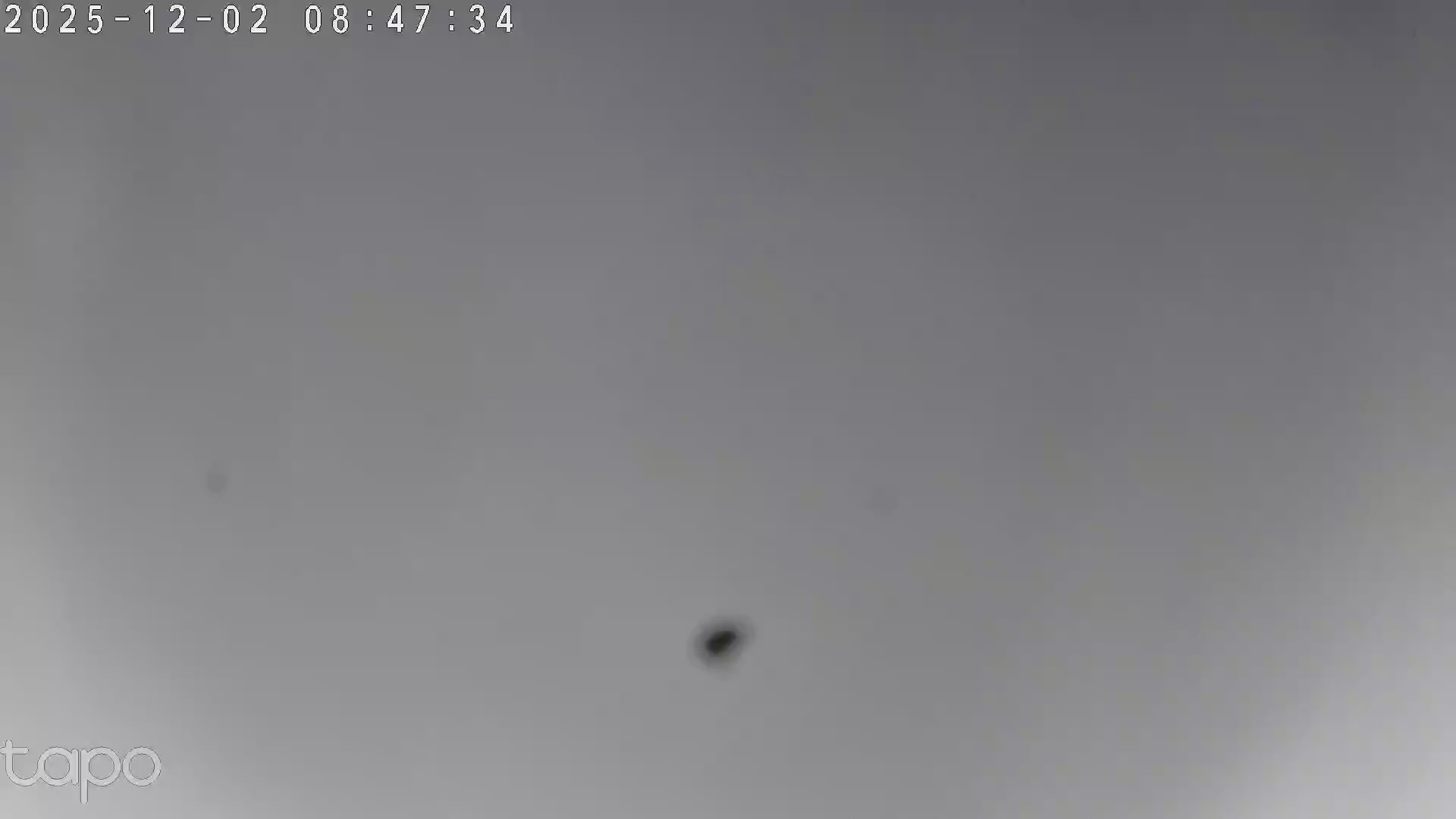
Since the factory reset, there is a black dot in the bottom half of the screen. I can't seem to clear it.
- Copy Link
- Report Inappropriate Content


Hi,
The reasons for remote control failures may vary depending on different usage scenarios. In your situation, please follow the instructions below to troubleshoot.
What to do if I can't control my Tapo cameras on the Tapo app
If the same phenomenon persists, please confirm the following information.
1. What's the model number of your router? Do you have internet when connecting to your router's 2.4 GHz Wi-Fi?
2. What's the LED status on the camera, such as solid red, flashing red, etc.? Is the camera directly connected to your router's 2.4 GHz Wi-Fi?
3. Is your camera a second-hand product? What's the MAC address of your camera? You can send it to me (@Solla-topee) via a private message.
4. Please try to enable a hotspot Wi-Fi on your phone, factory reset the camera by pressing the reset button for 10 seconds, configure it with another phone, connect it to the hotspot Wi-Fi, and then check if you can control it remotely.
Best Regards
- Copy Link
- Report Inappropriate Content
@Solla-topee thank you. A factory reset worked.
Since the factory reset, there is a black dot in the bottom half of the screen. I can't seem to clear it.
- Copy Link
- Report Inappropriate Content
Hi,
For the 'black dot' phenomenon:
1. Please send me a screenshot of the camera's live view page.
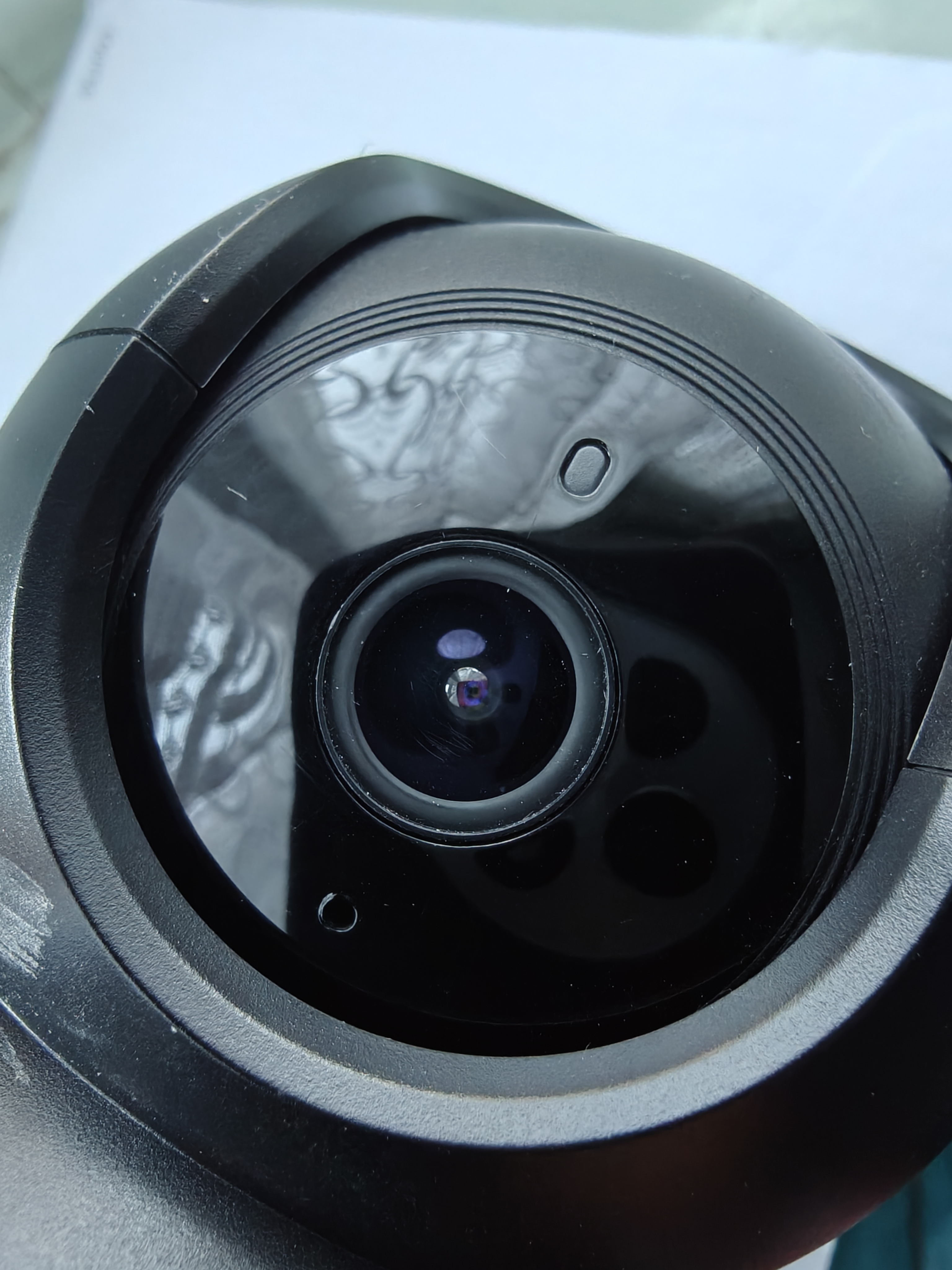
2. Please wipe the lens with a clean, dry cloth to confirm that the lens is clean. You can also send me a picture of the camera's lens.
Best Regards
- Copy Link
- Report Inappropriate Content
- Copy Link
- Report Inappropriate Content
Hi,
If you can ensure the lens is clean, but the 'black dot' won't disappear, you can contact your retailer or the local support team to check if the camera is under warranty.
Best Regards
- Copy Link
- Report Inappropriate Content
Information
Helpful: 0
Views: 359
Replies: 5
Voters 0
No one has voted for it yet.