Can't detect SD card after power ON/OFF

Can't detect SD card after power ON/OFF

Can't detect SD card after power ON/OFF
Friday - last edited 23 hours ago
Model: Tapo C200C  
Hardware Version: V5
Firmware Version: 1.3.3

I bought this Tapo C200C camera one week ago. After that, I installed and inserted an SD card. But when a power cut happens, or I manually switch off my camera and then turn it back on, it can't detect the SD card inside it. It says there is no SD card inserted. It can only detect the SD card if I remove and insert the SD card manually.

I have tried two different SD cards:
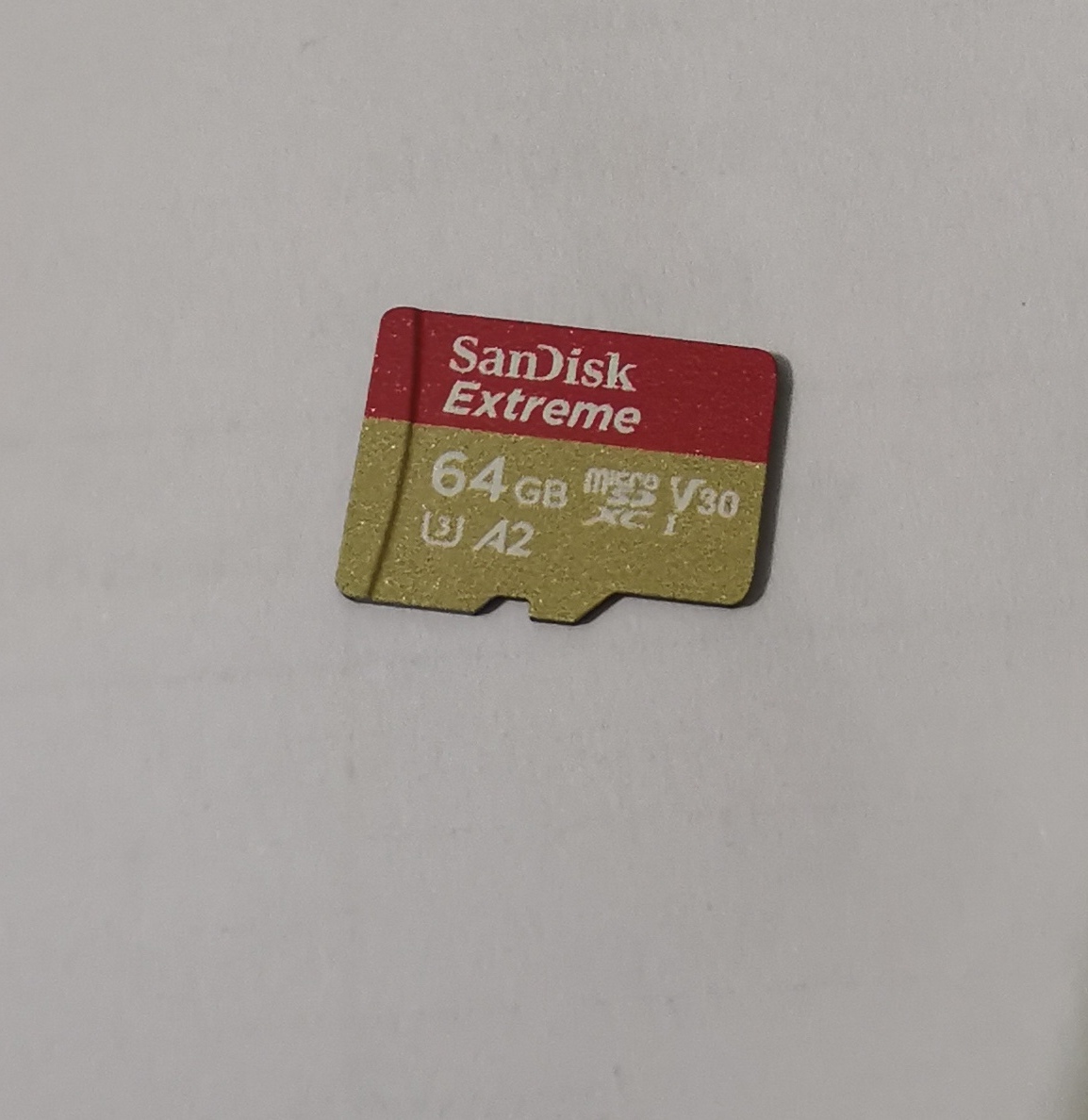
1. SanDisk Extreme 64GB 170mbps microSDXC UHS-I Memory Card (SDSQXAH-064G-GN6MN)
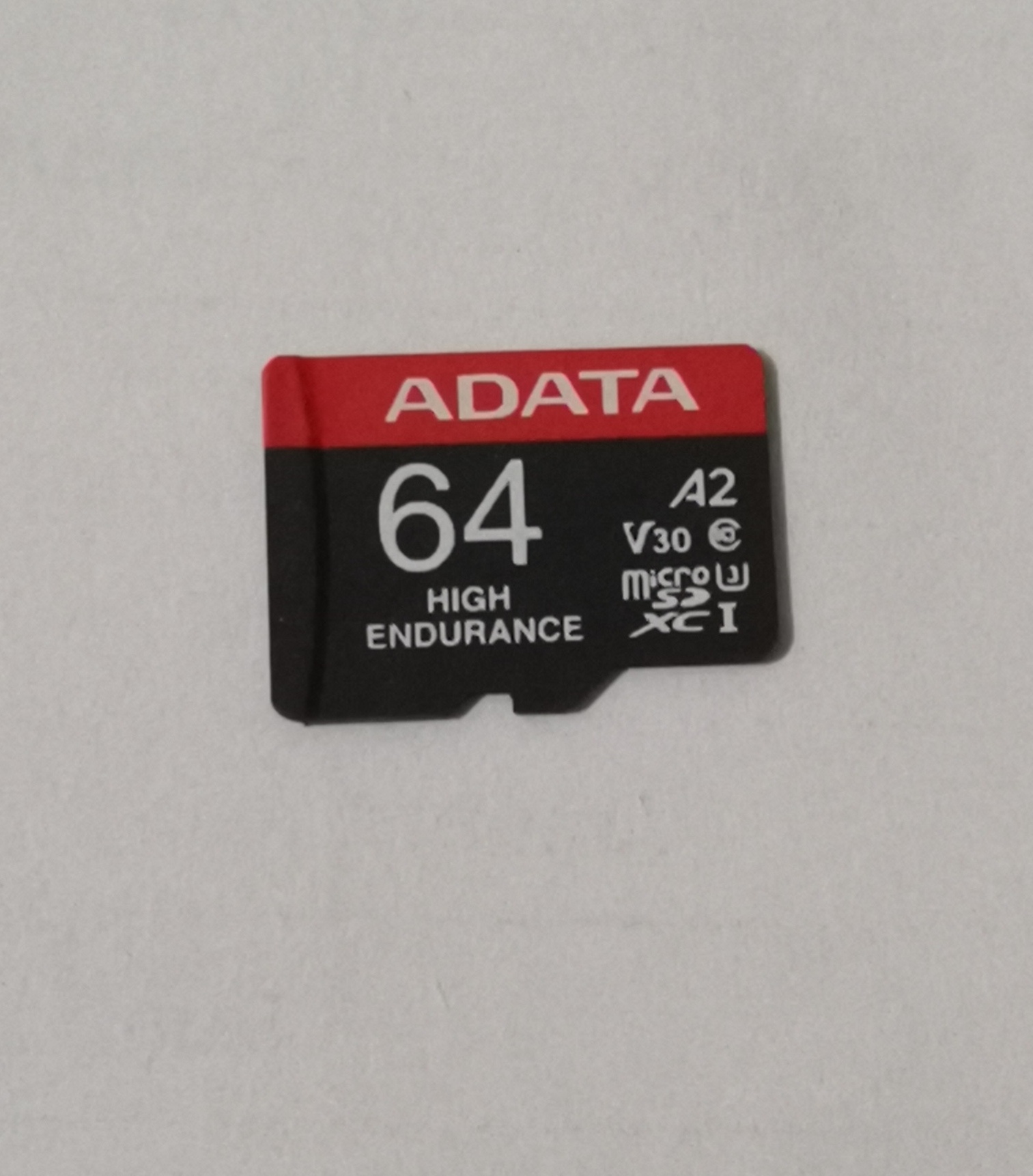
2. ADATA High-Endurance 64GB UHS-I Class 10 microSDXC Memory Card (AUSDX64GUI3V30SHA2-RA1)


There are no issues with recording and playback once I manually insert the SD card.


Note: Both the SD cards work perfectly on my Tapo C320WS camera.

  0      
  0      
#1
Options
3 Reply
Re:Can't detect SD card after power ON/OFF
Monday

  @Bappy0 

Hi,
Please provide the following information for the reported phenomenon.
  1. If you reboot the Tapo C200C in the Tapo app > camera's Device Settings > Reboot Camera page, does the reported phenomenon occur?


  2. Please remove the SD card from the Tapo C200C, then take pictures of the two SD cards and send them to us.


  3. Can you send us the link to purchase the two SD cards if you buy them from online stores?


Best Regards

  0  
  0  
#2
Options
Re:Can't detect SD card after power ON/OFF
23 hours ago

  @Solla-topee 

Hello,

1. Yes, it also occurs in this case.

2. 


3. SanDisk Extreme 64GB: SanDisk Extreme 64GB microSDXC UHS-I Memory Card Price in Bangladesh
ADATA High-Endurance 64GB: ADATA High-Endurance 64GB UHS-I Memory Card Price in Bangladesh


Thanks.

  0  
  0  
#3
Options
Re:Can't detect SD card after power ON/OFF
7 hours ago

  @Bappy0 

Hi,
Thank you for the cooperation. In this case, the Tapo C200C may have an issue. You can contact your retailer or the local support team to check whether it is under warranty.
Best Regards

  0  
  0  
#4
Options