
Camera's Sometimes Do Not Load From Live Feed.

Camera's Sometimes Do Not Load From Live Feed.

Camera's Sometimes Do Not Load From Live Feed.
Wednesday
Model: Tapo C320WS  
Hardware Version: V2
Firmware Version: 1.5.3/ 1.6.3

I am extremely frustrated with my Tapo cameras because they are completely unreliable inside the app. Most of the time, the live feed just sits on a loading screen or spins indefinitely instead of connecting. When I actually need to view the cameras It seems like a constant connection but its not, as my home Wi-Fi is working perfectly fine for all my other devices (tried two wi-fi Routers) I need a solution to fix this constant loading and app instability immediately , i wrote to tp-link's support but nothing as improved. my phone was blamed yet everything is up to date


so posting here to see if anyone else is experiencing major issues with their Tapo camera's, the app completely fails to load the stream i need to exit the app and re-enter it.


using Android (Samsung Galaxy S25+) latest OneUI 8.5 Update and Latest google play system update as well as the Tapo App


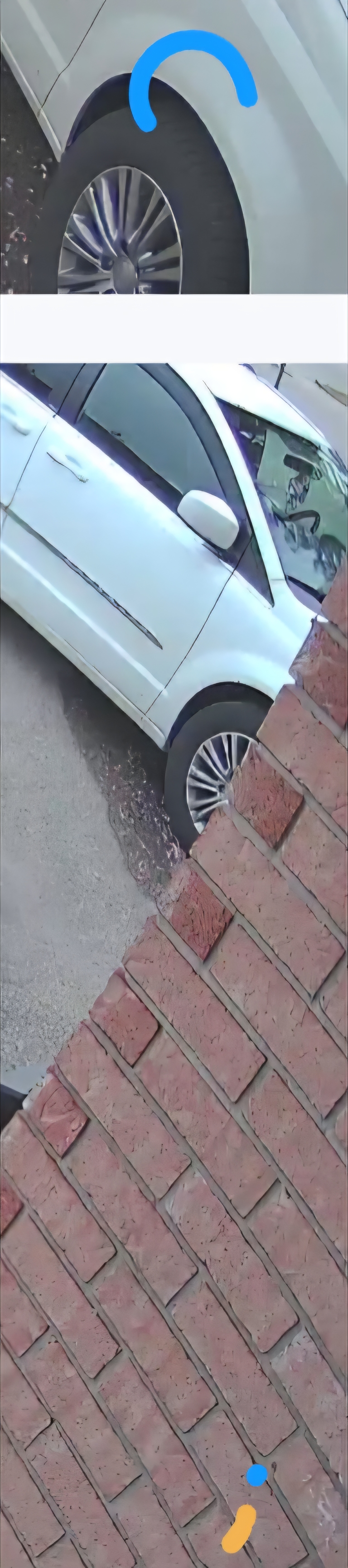
 i don't know if it's the tapo app on android or the phone it self (Which i doubt the phone is the problem). cars also get detected as person and people as cars.

0
0
#1
5 Reply
Re:Camera's Sometimes Do Not Load From Live Feed.
Thursday

  @gptechman 

Hi,

Welcome to TP-Link community.

If your camera's liveview fails to load, please refer to this article: What should I do if I can't view the Tapo camera?


If you still need further follow‑up, we recommend continuing to work with the support team you contacted previously, as they are best positioned to provide you with more effective assistance.


Best Regards,

0
0
#2
Re:Camera's Sometimes Do Not Load From Live Feed.
Thursday

  @Hilbert-TP I've tried all of these and it remains the same.

0
0
#3
Re:Camera's Sometimes Do Not Load From Live Feed.
Friday

  @gptechman 

Hi,

Thank you for the update. If you have already tried all suggested troubleshooting steps without success, we recommend that you continue following up directly in your ongoing email  with our support team. They will continue to investigate and provide further assistance.


You can reply within the existing email conversation and share the latest results. Our support team will follow up your case.


Best Regards,


0
0
#4
Re:Camera's Sometimes Do Not Load From Live Feed.
17 hours ago - last edited 17 hours ago

The notifications are poorly shown for example randomly throughout the day and night as well as with a reboot my device tapo app randomly gives notifications of minutes behind of a event that happened which is pretty bothersome, So something must be wrong with the cloud servers not syncing properly to the cameras and app.

0
0
#5
Re:Camera's Sometimes Do Not Load From Live Feed.
15 hours ago

  @gptechman 

Hello,

Normally, there is no delay in receiving notifications from the Tapo app. If there is a delay, try the following:

    1. Ensure the internet connection is stable on both your camera and phone.

    2. Enable auto-start for the Tapo app.

    3. Disable battery optimization/limitations for the Tapo app.

    4. Allow the app to run in the background.

    5. Reboot the camera.

    For more details, refer to Scenario 2 in this FAQ:What should I do if Tapo/Kasa notifications are delayed or not working?


If the problem persists, contact our customer service team and provide the results of the above troubleshooting steps. If you have already contacted support previously and received a ticket ID, you can simply reply directly to that existing email thread. This will help the support team quickly pick up your case history and continue the investigation without restarting the process.


Best Regards,

0
0
#6