CRITICAL SECURITY FLAW: Granular SD Card Deletion Feature in Tapo Firmware/App

CRITICAL SECURITY FLAW: Granular SD Card Deletion Feature in Tapo Firmware/App

CRITICAL SECURITY FLAW: Granular SD Card Deletion Feature in Tapo Firmware/App
Monday - last edited Yesterday
Model: Tapo C320WS  
Hardware Version: V2
Firmware Version: 1.6.3

Hello Tapoers,


I am writing to urgently report a critical security and privacy design flaw regarding local SD card storage management introduced in recent Tapo app/firmware updates. This feature, allowing users to delete specific video segments directly from the smartphone, creates a massive vulnerability.

Previously, as seen in firmware Version:1.5.3 Build 260304 Rel.25729n (referencing image Screenshot_20260601_135346_Tapo.jpg), the only deletion option was to format the entire SD card, which would be a massive red flag.

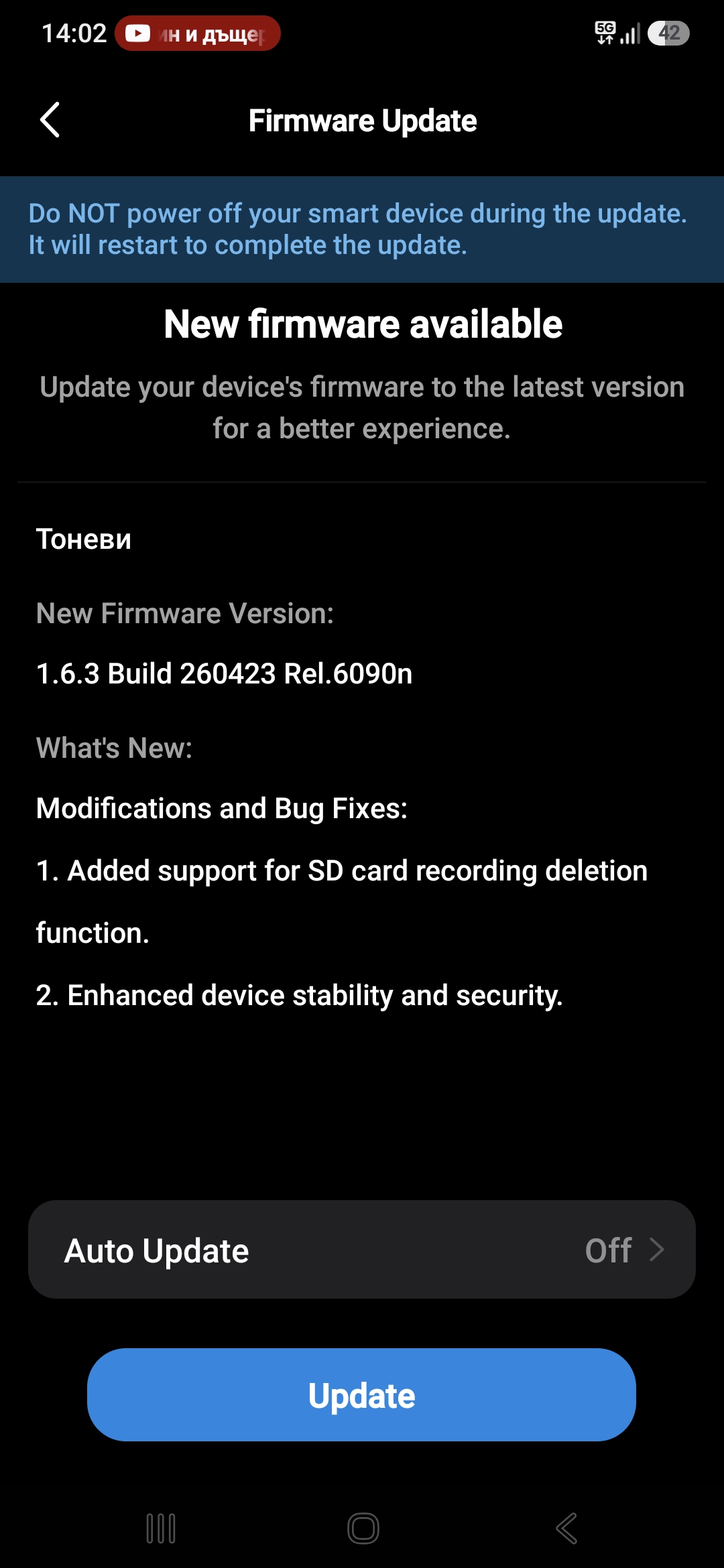
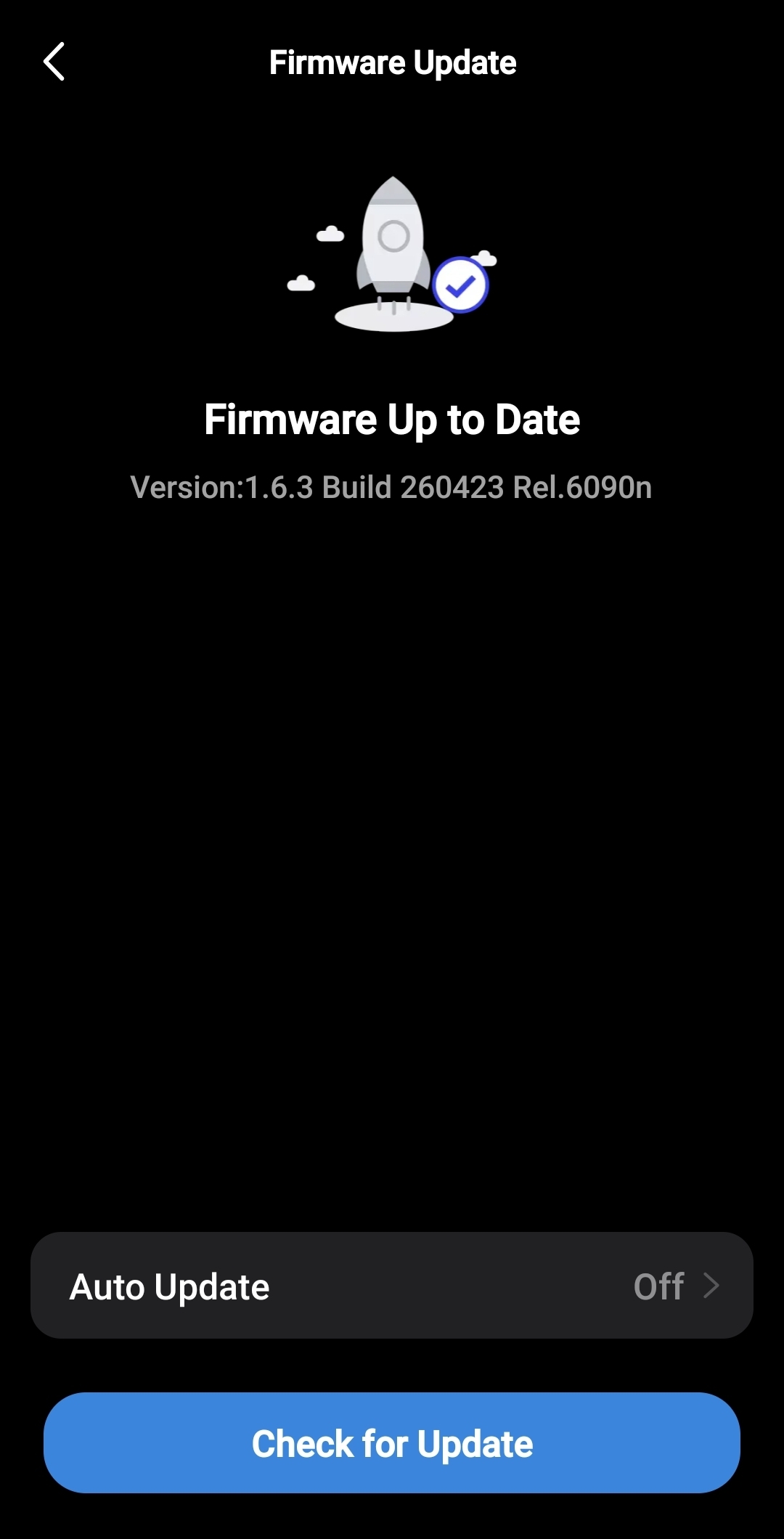
The new feature, which granularly deletes specific clips, has now been added in Version:1.6.3 Build 260423 Rel.6090n (referencing image Screenshot_20260601_135152_Tapo.jpg), and potentially other iterations around this version.

**The Threat Model:**

If a user's smartphone is compromised (via device cloning, spyware, session hijacking, or unauthorized physical access), a malicious actor can now surgically delete specific security footage—such as the exact timeframe they entered a property—leaving the rest of the timeline intact. The owner would be completely unaware that critical evidence was removed, as no obvious trace is left.

**Required Action:**

Evidence integrity must be the top priority for a security system. I strongly urge you to take one of the following actions immediately in the next update:

 1. **Rollback:** Completely remove the granular deletion feature for local SD card storage.

 2. **Hard Security Gate:** Require secondary authentication (e.g., account password or biometrics) specifically for deleting any local files.

 3. **Immutable Audit Log:** Implement a non-deletable log entry that explicitly notifies the primary account holder when specific clips are deleted from an SD card.

This feature compromises the core function of a security camera. Please escalate this to your product and security engineers.

I look forward to your prompt response.


Best regards,

Deyan Petrov
  2      
2
#1
Options
2 Reply
Re:CRITICAL SECURITY FLAW: Granular SD Card Deletion Feature in Tapo Firmware/App
13 hours ago - last edited 13 hours ago

  @Deyan_Petrov_24 

Hello,

Thank you for taking the time to share your detailed security concerns with us. 


Regarding the “Granular SD Card Deletion Feature” feature, here is our explanation:

This feature was developed in response to long-standing feedback from many users. They expressed the need for a more convenient way to manage local storage—such as deleting false alarm clips or temporary footage—without having to physically remove the SD card and connect it to a computer each time. A “full format” is often too cumbersome for home users, and this feature was introduced to improve usability.


We understand your concerns, but we want to clarify that the associated security risks are not introduced by this new feature.
The core premise of security is that control over the device and its content depends entirely on the security of the user account and the bound mobile device.
If a user’s phone or TP-Link account is fully compromised, an attacker could damage the data using either “selective deletion” or “full formatting”—and could even unbind the device or perform a factory reset. Therefore, the key issue is not “how much can be deleted,” but “who has permission to delete.”


For this reason, we recommend the following steps to enhance your security:
1. Enable two-factor authentication (2FA) for your TP-Link account. This is the most effective way to prevent unauthorized logins.
2. Regularly review the list of devices logged into your account and remove any unfamiliar ones.
3. Secure the phone bound to your account: use a strong password/biometric lock, avoid installing apps from untrusted sources, and keep the operating system updated.
4. Ensure the email account linked to your TP-Link ID is secure, with a strong password.


Best Regards,

  0  
0
#2
Options
Re:CRITICAL SECURITY FLAW: Granular SD Card Deletion Feature in Tapo Firmware/App
11 hours ago

  @Hilbert-TP 


Hi Hil,


For how long I can continue to use the cameras without updating the firmware (2-3 years)?


Thanks!

  1  
1
#3
Options