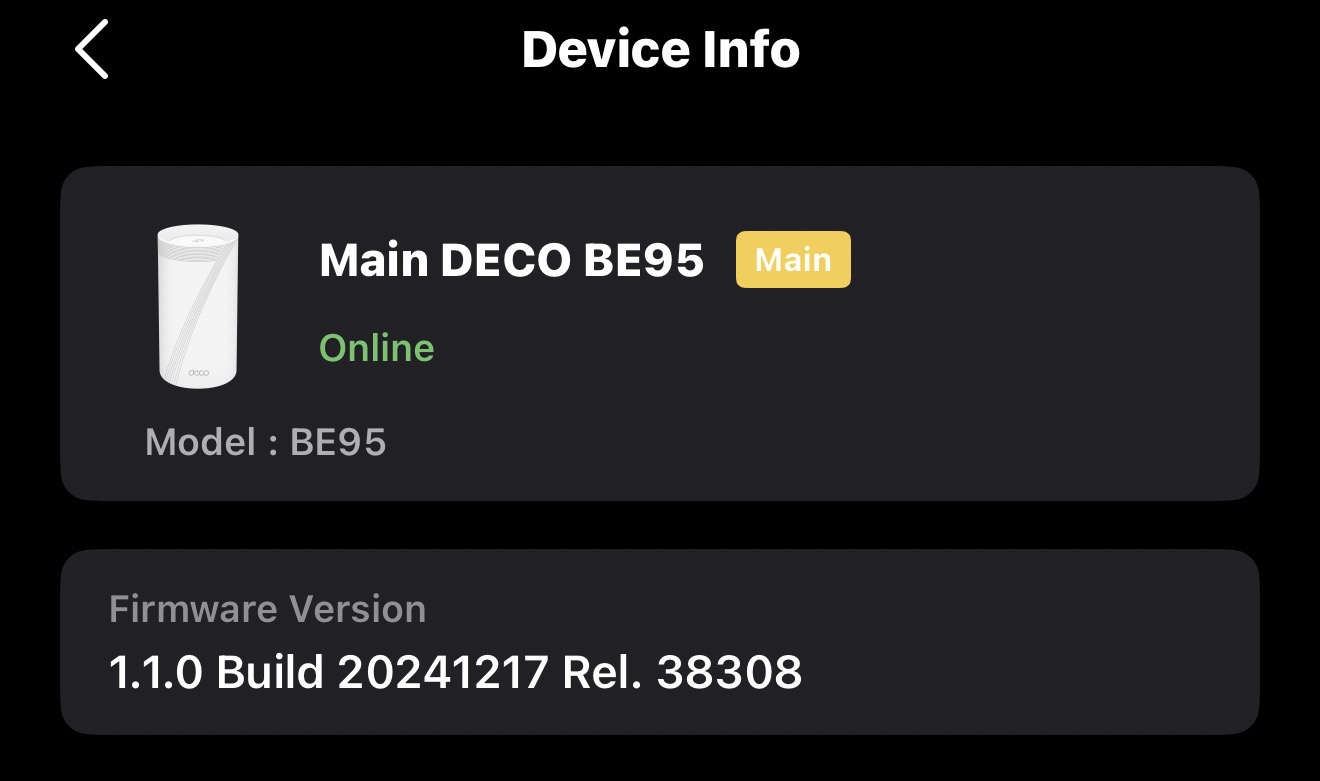
DNS Leak with WireGuard on Deco BE95
 This thread has been locked for further replies. You can start a new thread to share your ideas or ask questions.
DNS Leak with WireGuard on Deco BE95
I’m using WireGuard on my Deco BE95 with Surfshark VPN, and I’m seeing DNS leaks on tests, even though:
- WireGuard DNS is set to 194.169.169.169
- AllowedIPs = 0.0.0.0/0
- “Exclude private IPs” is off
- IPv6 is disabled
- Deco WAN IPv4 DNS is also set to 194.169.169.169
Testing the same WireGuard config directly on my iPhone does not leak DNS. This indicates the leak is caused by the BE95 firmware — system-level DNS queries (mesh, device discovery, or router services) are bypassing the VPN DNS.
I’ve rebooted, toggled WireGuard, and double-checked all settings — the leak persists.
Request: Can TP-Link provide a fix or guidance to ensure all DNS queries on the BE95 go through WireGuard, fully respecting the DNS setting?
Thanks!