
Feature request: Let us setup multiple band configurations for a device via connection preferences

With the rise of Wi-Fi 6E/7 devices, would it be possible in a future update to allow certain devices to prefer at least two WiFi bands in connection preferences (i.e., utilize 5/6 GHz instead of being able to choose one)? This would help ensure that the device achieves a faster Internet connection and will be useful for those that have there units configured/spaced out properly for smooth coverage across these bands (smoother roaming).
I usually find that if I let my devices handle this option automatically, the connection may stall (might be due to 2.4GHz causing the other bands (5/6 GHz) to maintain said connection).
- Copy Link
- Subscribe
- Bookmark
- Report Inappropriate Content

My bad I should explain a little more apologies!!!... Did you installed the profile that I attached to my post in the iphone? Make sure you did it, cause that will allow you to see the Diagnostics option on the iphone Wifi MLO connection. It will work on any Iphone model :). The other Screen I put on my post was to show that in the Deco app as it appears on yours, showing that my Iphone is using the MLO capabilities of having 5ghz+6ghz.
Well good news for you according to apple, your 16 plus do support MLO thats why you are seeing on your connection type: 2.4+5+6ghz. Check what they stated below, the red statement from them :). According to that you are using the full capabilities.
Wi-Fi specification details for iPhone models
Wi-Fi specifications for the following iPhone models are detailed in the table below:
-
iPhone Air, iPhone 17, iPhone 17 Pro, iPhone 17 Pro Max
-
iPhone 16, iPhone 16 Plus, iPhone 16 Pro, iPhone 16 Pro Max
These models also support Wi-Fi 7 in the 2.4 GHz, 5 GHz and 6 GHz bands, and Multi-Link Operation (MLO).
| 802.11 standard, name, frequency |
Maximum PHY data rate |
Maximum channel bandwidth |
Maximum MCS index |
Maximum spatial streams / Type |
|---|---|---|---|---|
| be@6 GHz |
2400 Mbps |
160MHz |
11 (EHT) |
2/MIMO |
| be@5 GHz |
2400 Mbps |
160MHz |
11 (EHT) |
2/MIMO |
| be@2.4 GHz |
229 Mbps |
20MHz |
9 (EHT) |
2/MIMO |
Do you mind sharing what are your channels numbers and band with please? What deco are you using?
- Copy Link
- Report Inappropriate Content


OK, this one is beyond me? I am a PC guy, not an iOS one...
Don't know how to install the Profile?
It is in my FILES on the phone now.
Looked at 
I don't see that line either below:
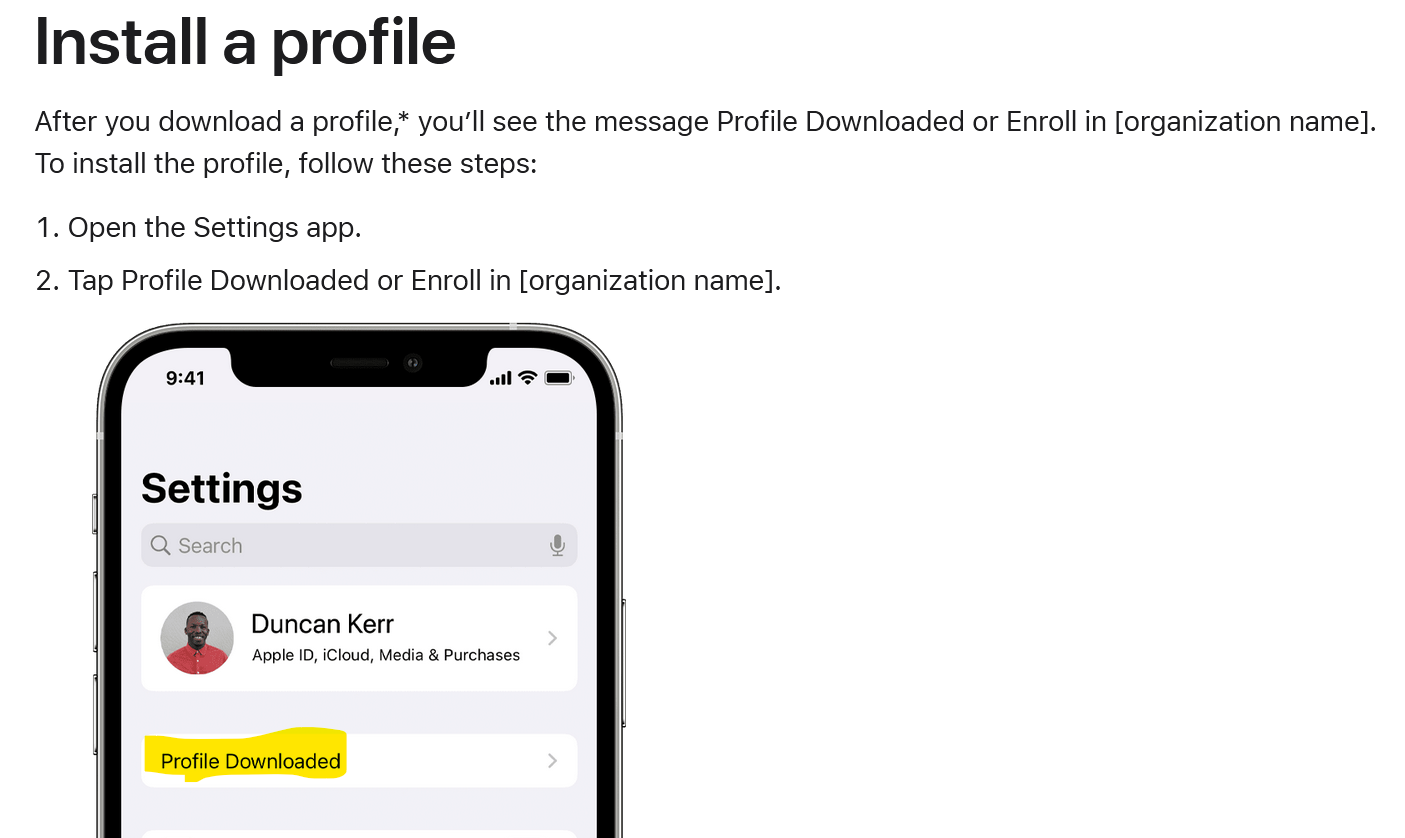
I ask Sire "WiFi Profile" and I get to sign-in to the Developer section buy can't do anything?
So, how do I install it?
- Copy Link
- Report Inappropriate Content
No worries thats why we are here to help each others! So you downloaded the zip file, go to your Files and if you tap on it you will decompress it. After you will see a folder named AppleProfile, go inside and execute the shortcut :). That will do all the work for you.
- Copy Link
- Report Inappropriate Content
RudhyR wrote
No worries thats why we are here to help each others! So you downloaded the zip file, go to your Files and if you tap on it you will decompress it. After you will see a folder named AppleProfile, go inside and execute the shortcut :). That will do all the work for you.
Err, not sure I have it right then?
In Files, tapped on the ZIP file and get this:
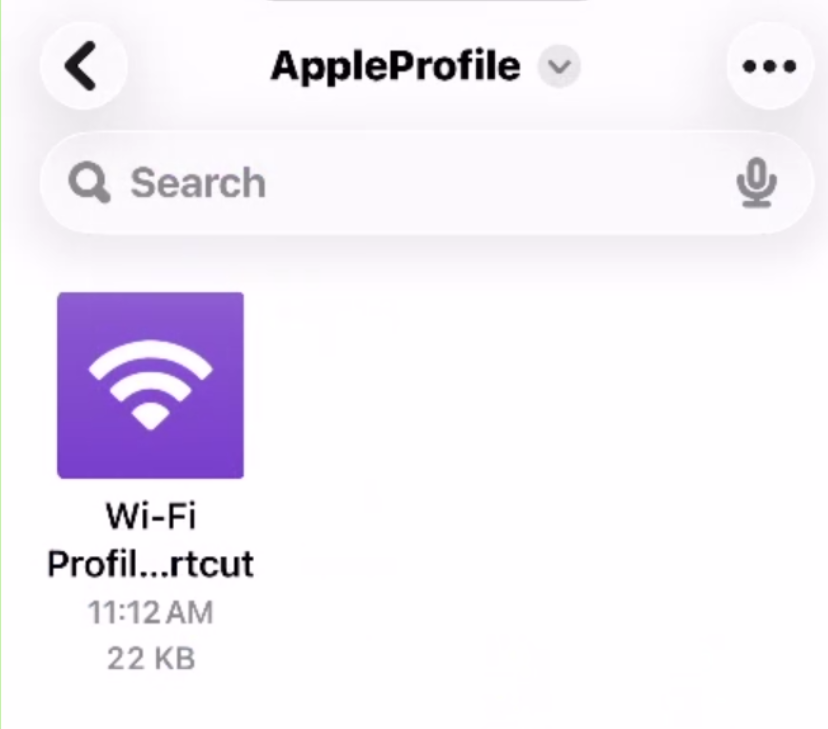
Then I see this:
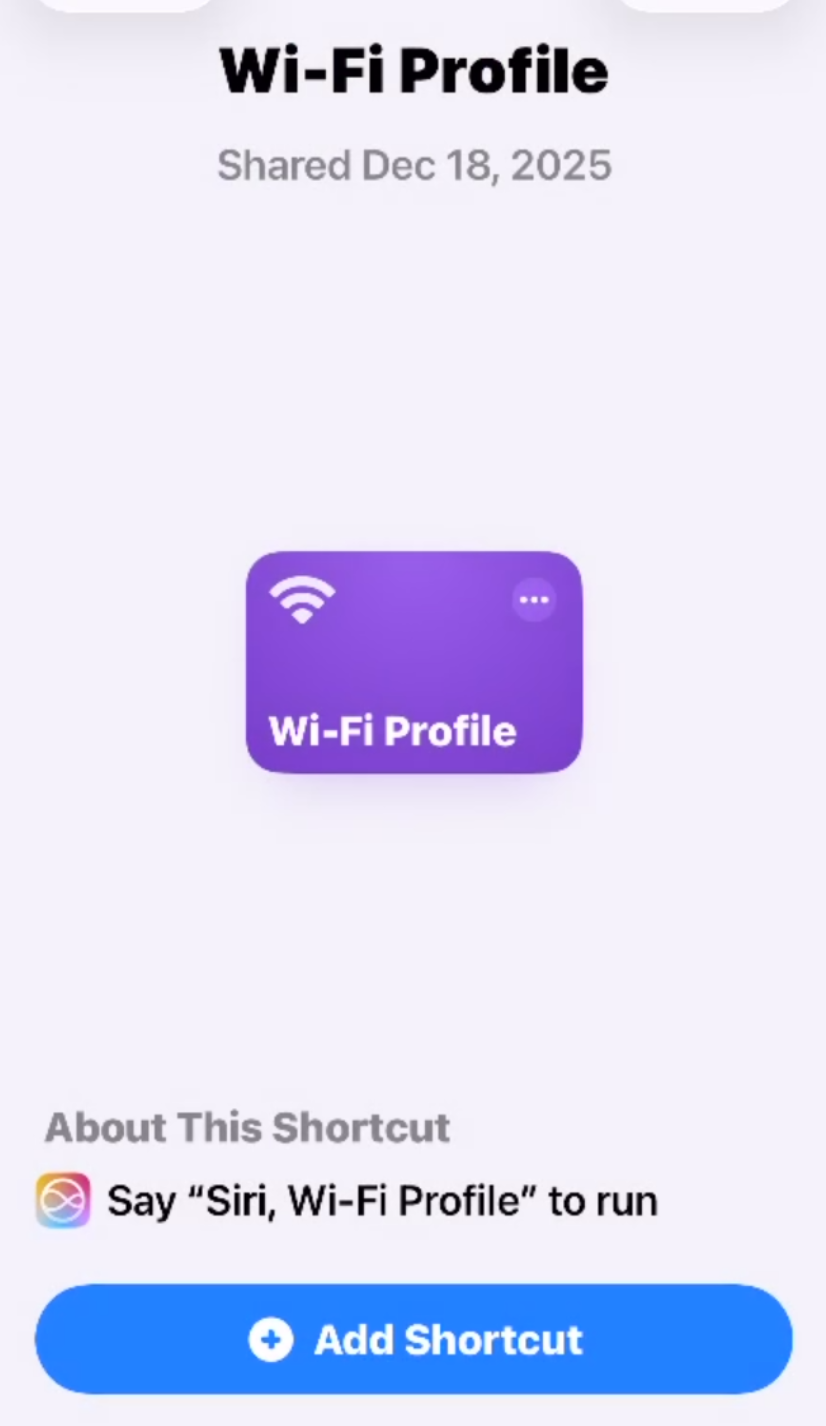
It is here where I was lost? Adding it as a Shortcut is all I could do and ask Siri to run it.
Then I get here:
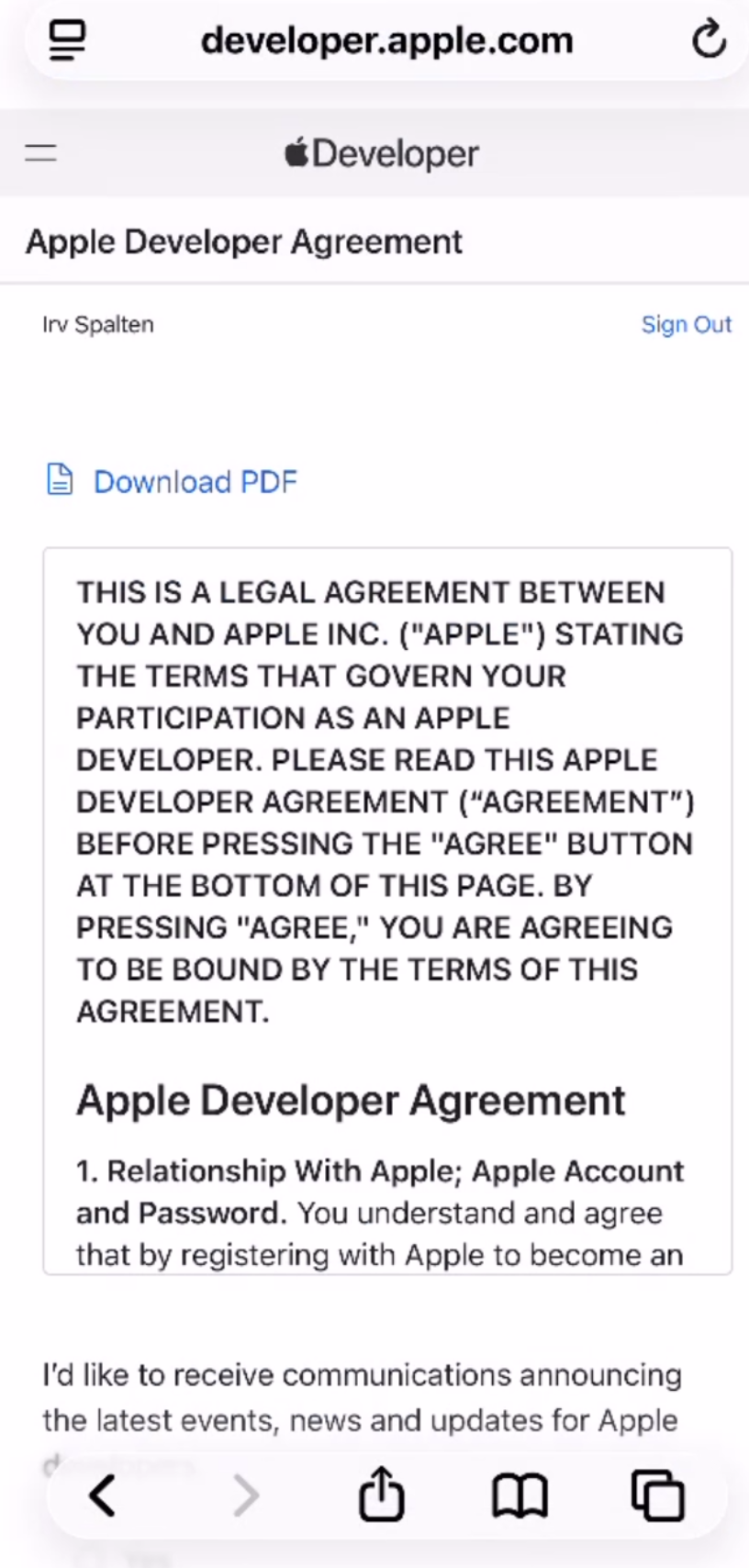
Continue and I have to log in, do that, and it doesn't help?
No way to run the Profile it seems? I am lost it seems???
- Copy Link
- Report Inappropriate Content
Ok I just attached the profile to this post, you should no need to login using that. let me know :)

- Copy Link
- Report Inappropriate Content
I almost think I am DUMB!!!
I use the PC browser to get here... if I d/l it, then I'd email it to myself and then get the mail on my phone... which is what I did before. Saved it to FILES.
I am 'wondering' IF this might have corrupted the ZIP file?
I tried going to this forum on the iPhone, tp-link community Deco and can't even find this subject???
OK, did all that, and it did INSTALL!!!!
Now, HOW to run it? Where did it go?
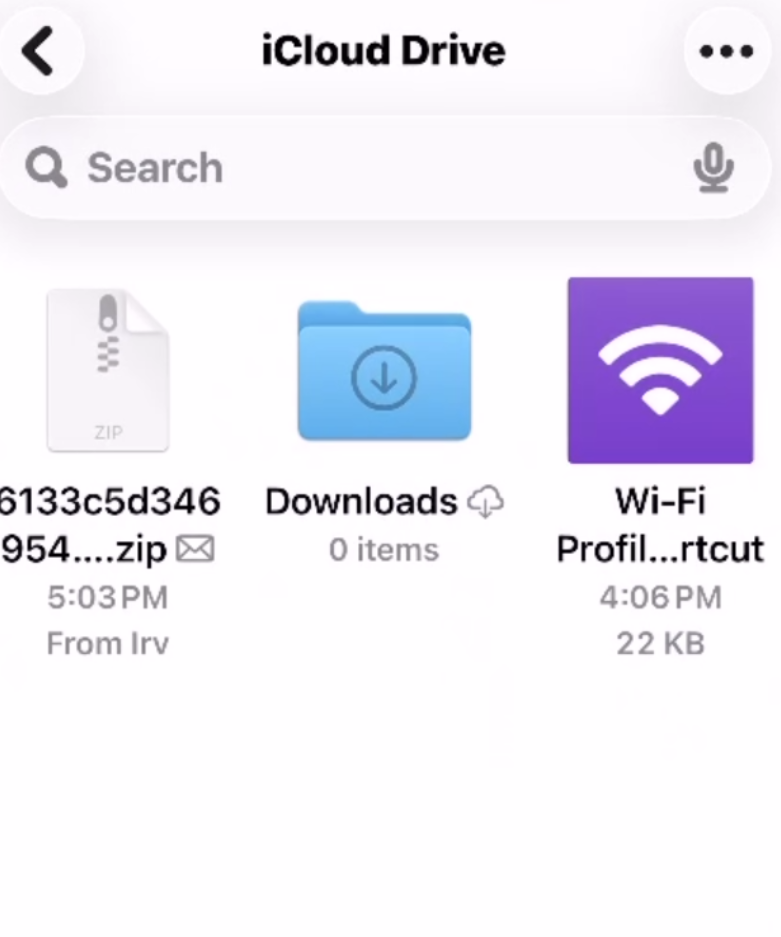
Left is the D/L I saved from email from my PC.
Clicked on it:
Now have this and clicked on it:
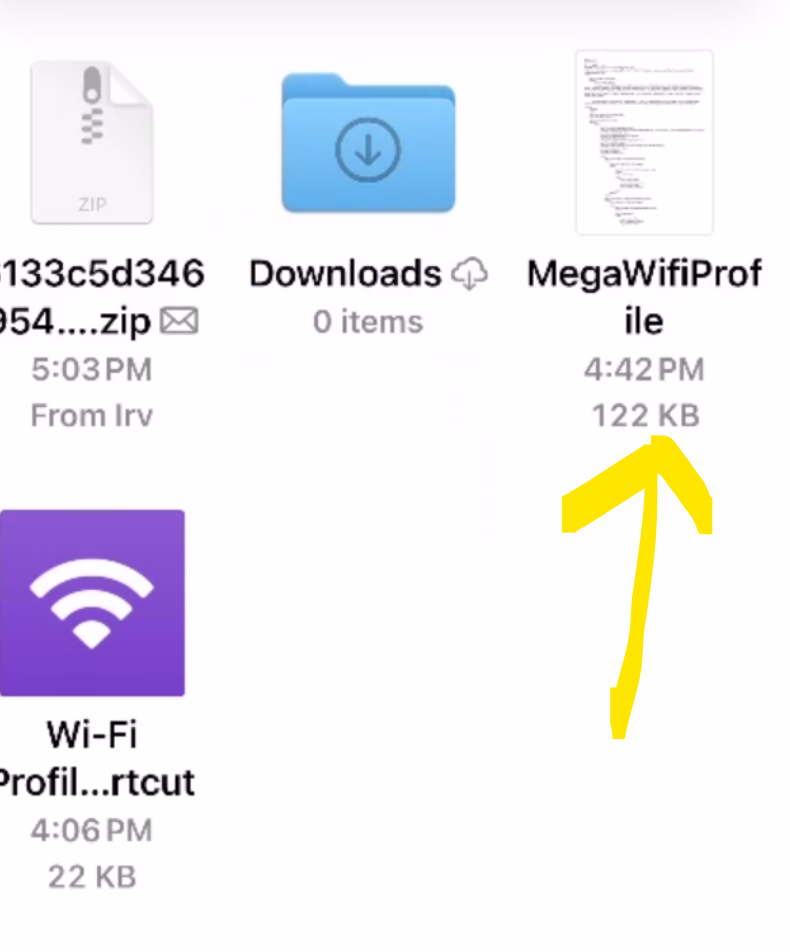
Get this and that seems to be what I want:
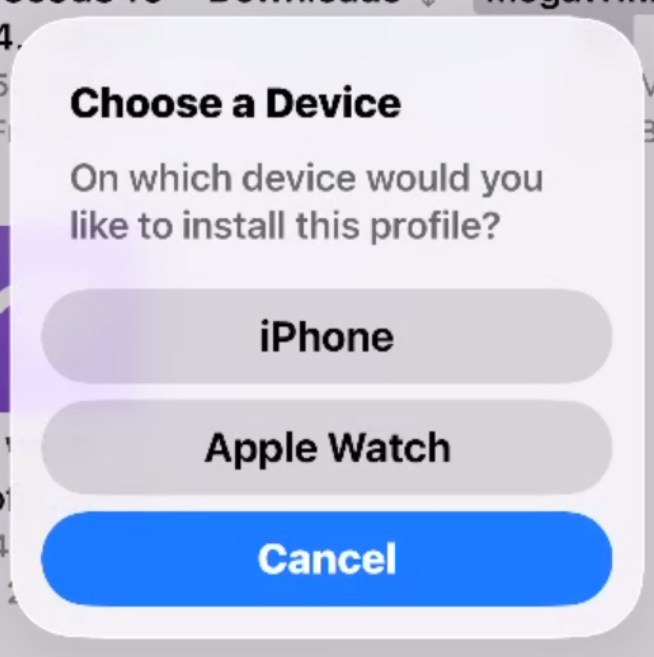
Select iPhone:
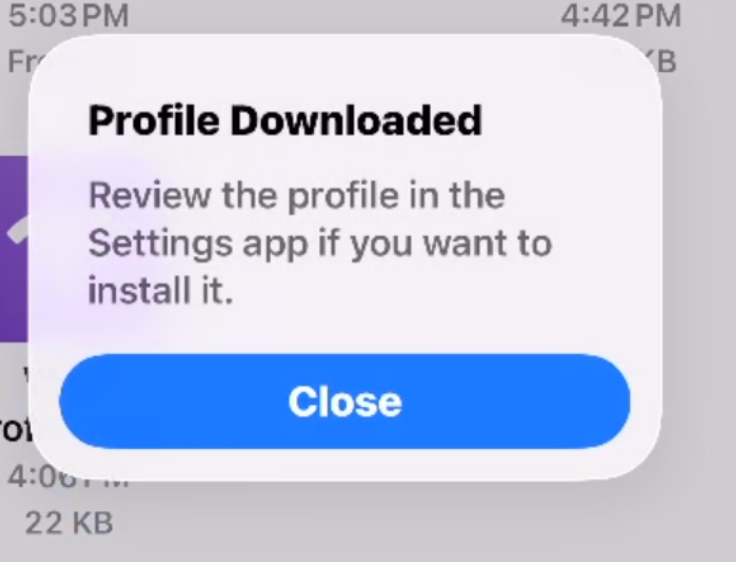
Good, now onto Settings:
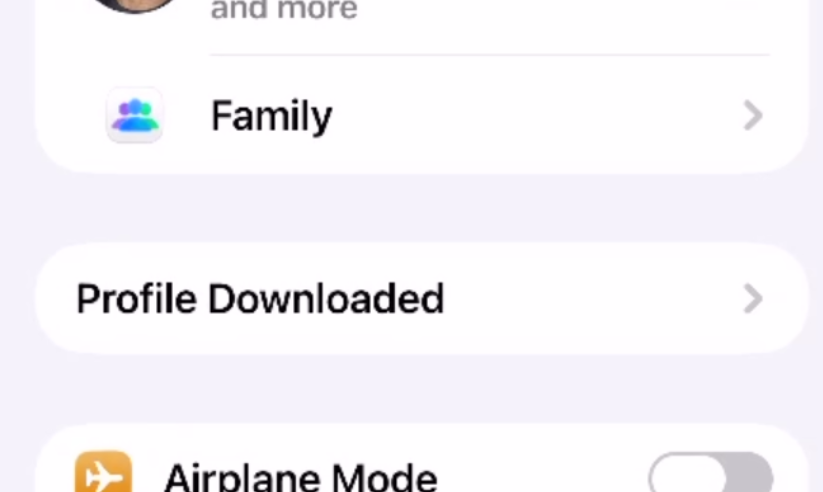
I have that line!!!!
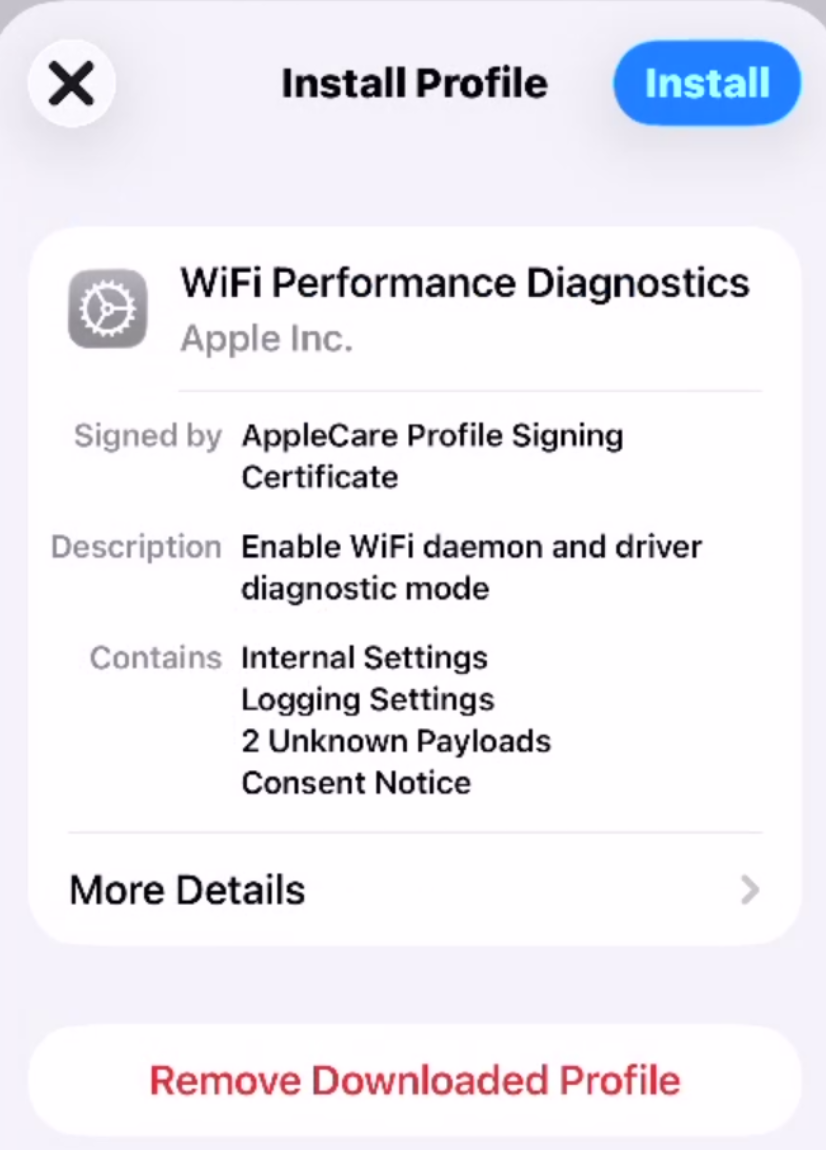
It IS installed!!!
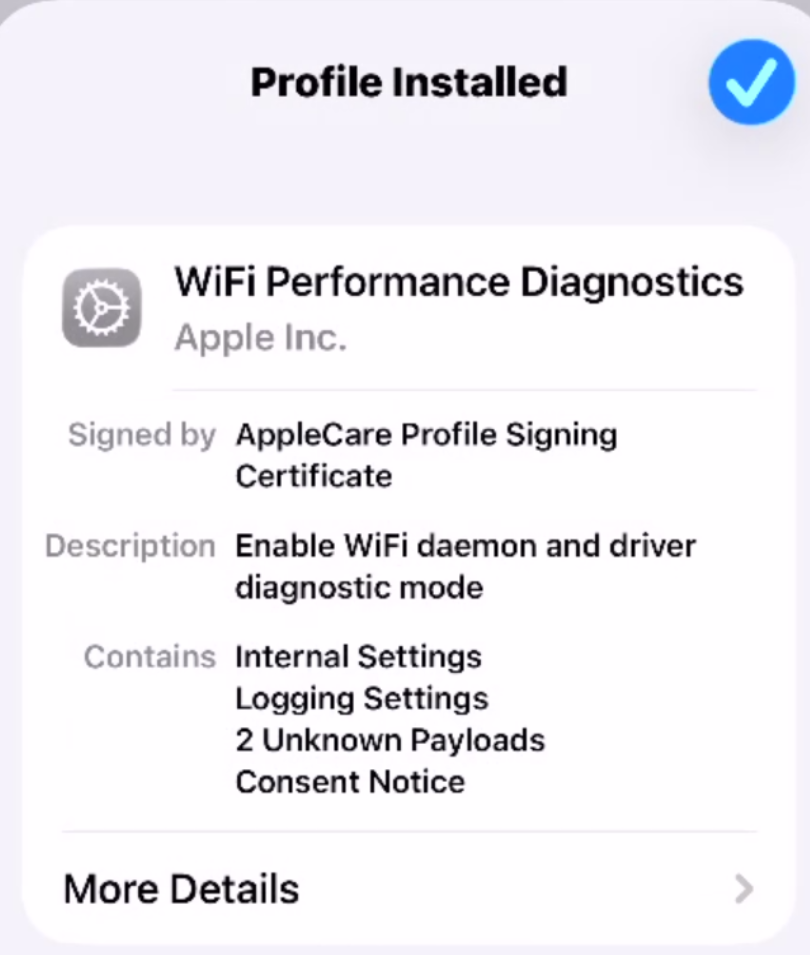
Now what?
More Details isn't doing anything???
- Copy Link
- Report Inappropriate Content
I found DIAGNOSTICS...
Entered MLO for it and it saved the log....
Now where is it? Not in FILES???
- Copy Link
- Report Inappropriate Content
Awesome you were able to installed! Now go to your Wifi Settings, under your MLO wifi network options, Diagnostics will show up there. Inside that you will see all information :) ...Let me know if you can see it
- Copy Link
- Report Inappropriate Content
OK!!!!
I guess it took some time to populate and appear!
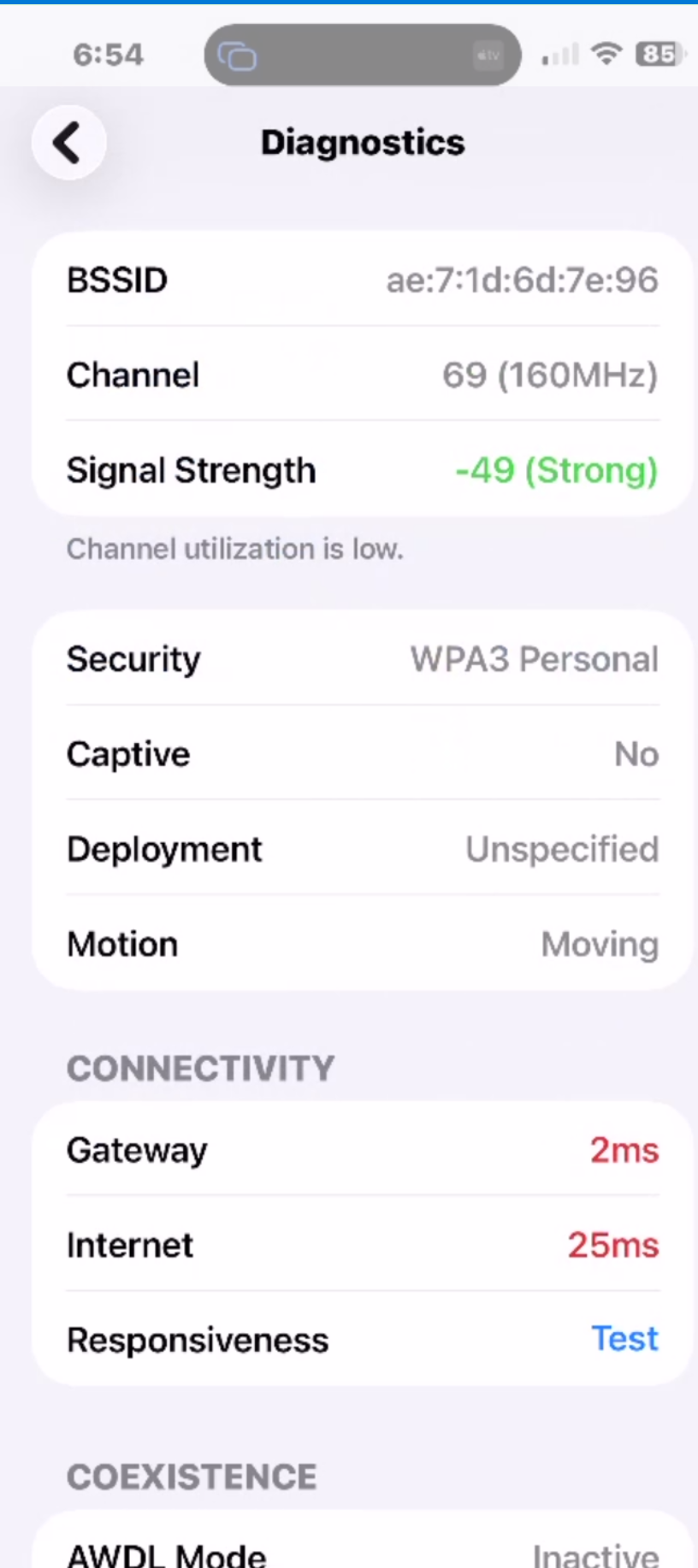
Seems that is a 5Ghz channel?
However, I don't think Acrylic Home is Wifi 7 capable:

- Copy Link
- Report Inappropriate Content
- Copy Link
- Report Inappropriate Content
Information
Helpful: 0
Views: 3472
Replies: 42
Voters 0
No one has voted for it yet.