Archer Ge400 bufferbloat issues when using QOS settings

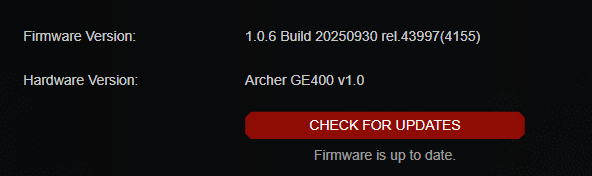
I just upgraded this week from an Archer A7 to an archer GE400 due to the stuttering I was having when gaming with QOS enabled on the archer A7 due to an older less powerful CPU. The QOS setting did work very well on this device it would just throttle my bandwidth much lower than what I set because that's all the CPU could handle. Since getting the GE400 I can tell the QOS is not working the same. My setup is as follows:
arris surfboard SB8200 DOCSIS 3.1. --- Archer Ge400 gaming dedicated port ---- Gaming PC.
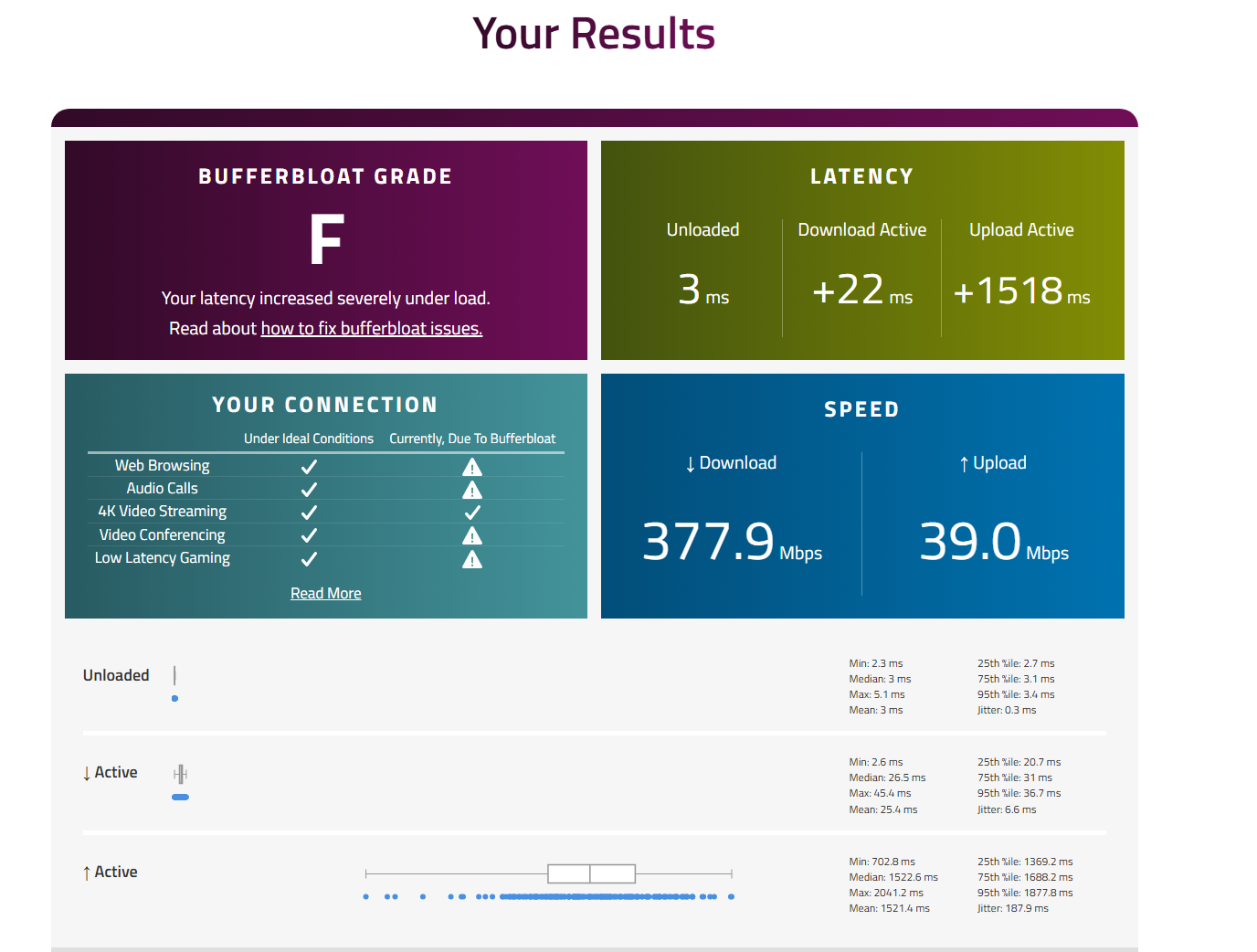
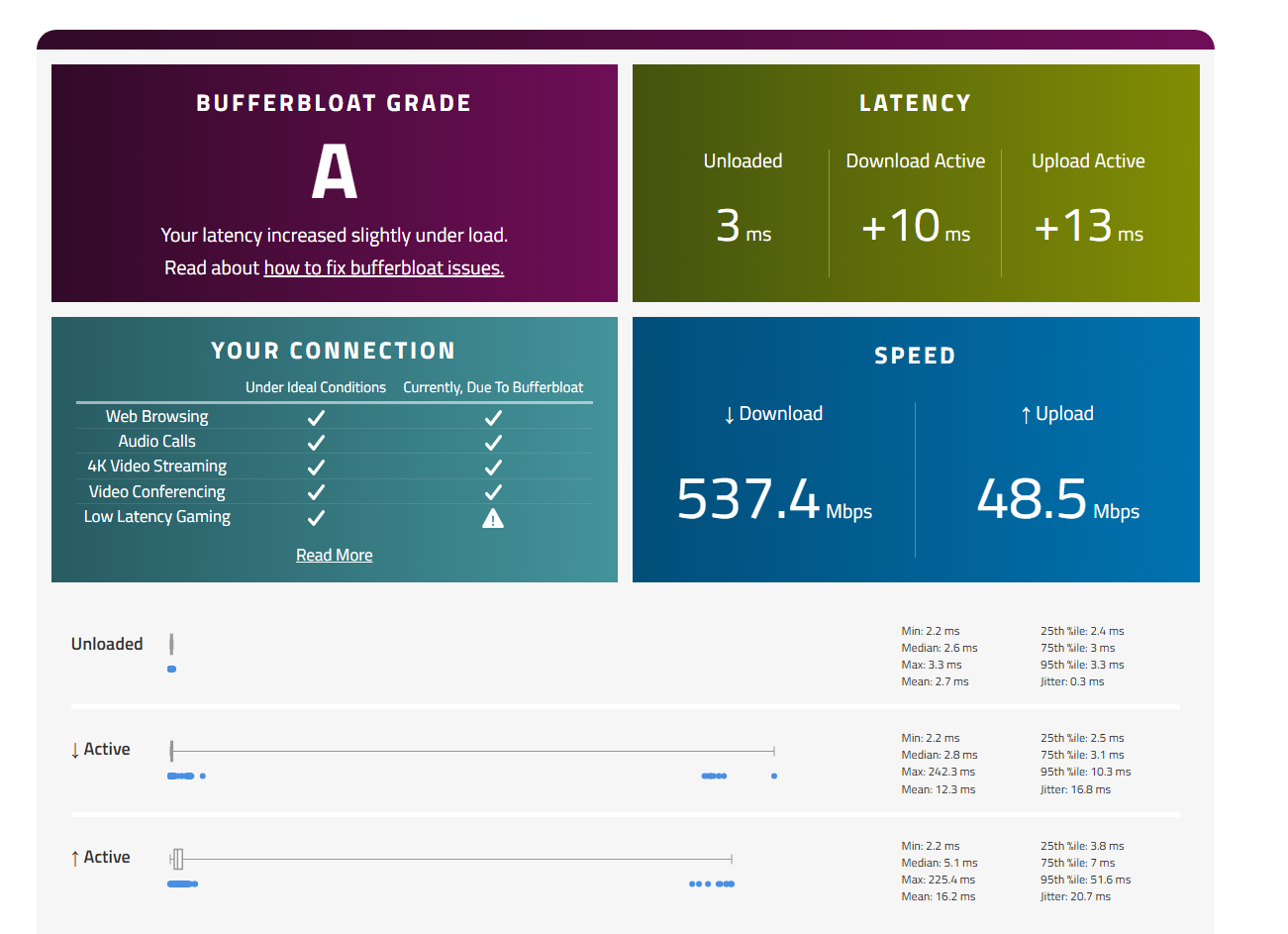
I have tried all different settings during buffer bloat testing and the best score I have gotten so far is a B. Previously with the archer A7 I could achieve an A+ it would just stutter in game. I have tried manual QOS, game acceleration, high priority device (which is default for the gaming port). When entering bandwidth values I score worse D-F when using 85%-90% of my ISP values (1000 mbps down / 50 mbps up). I can score an A+ on just the upload portion when entering double my plan amount (100mbps upload). The download portion of a test I can never score better than a B with latency increasing by a minimum of 50 no matter what value I use or what mode I try (standard, gaming, streaming, or custom)
If someone could help me with better settings or explain as to why this is testing as such when the archer A7 performed well but was CPU bound, why is the GE400 not able to score an A or better. I've also read abo it a similar issue in this lineup of routers. The Ge800 has a beta firmware that is supposed to help this issue? Did it help the issue? If so could this be something implemented for the Ge400?
Thanks!