
Parental Controls Bedtime
Parental Controls Bedtime

The bedtime parental controls are horribly designed and I need some help configuring them correctly. Please.
The latest update says the off time starts the night before, which makes no sense. Who came up with that? I'm trying to set my schedule to have the Wi-Fi shut off for the child profile at 11 PM on school nights and 1 AM on the weekends. When I try to set the 1 AM off time, it will not allow it. At all. It tells me to pick a time after midnight, which makes zero sense because that is what I am doing!
How do I set up the time controls so that Sunday through Thursday Internet shuts off at 11 PM and Friday and Saturday Internet shuts off at 1 AM? The stupid circle time dial does not work at all for my scenario.
Someone please help before I throw these stupid things in the trash and just chuck it all. I pay good money annually for this service. The least it could do is work with a normal GUI that is intuitive and actually does what I needed to do.
Sorry for the rant. With this latest update now my kids' profiles show off-line right now even though it is 9 AM and none of my parameters are set to be off at 9 AM. None of them have that! Just incredibly frustrating that a simple time parameter does not work.
- Copy Link
- Subscribe
- Bookmark
- Report Inappropriate Content
@Hamaf Use "Offtime" - works better than "Parental Controls". Those are worthless, IMO.
- Copy Link
- Report Inappropriate Content

Shonuff_24 wrote
@Hamaf Use "Offtime" - works better than "Parental Controls". Those are worthless, IMO.
@Shonuff_24 in time limits section I can't control when they don't use the phone! Only how much they use it whic is worthless for my case. I only have these bed time and time limits
i email them and still didn't hear back but upon looking I think they intentionally did " limited " how the parental control works.. and if you want more control you have to subscribe!
I will wait for the answer, but if that was true, it will be the time I throw all these deco's in the garbage for blackmail and greedy.
- Copy Link
- Report Inappropriate Content

- Copy Link
- Report Inappropriate Content
no I didn't I just saw this thread after I've sent the email
However .. how it's any different than contacting the support directly and explaining the issue ? Thanks
- Copy Link
- Report Inappropriate Content
- Copy Link
- Report Inappropriate Content
HelpFixDecoApp wrote
ok I'll do it once I get home
but atm can you confirm this is not a feature limitation ? Because when I deleted the profiles in in the section I saw something about subscription for advanced parental control..
- Copy Link
- Report Inappropriate Content


Hi,
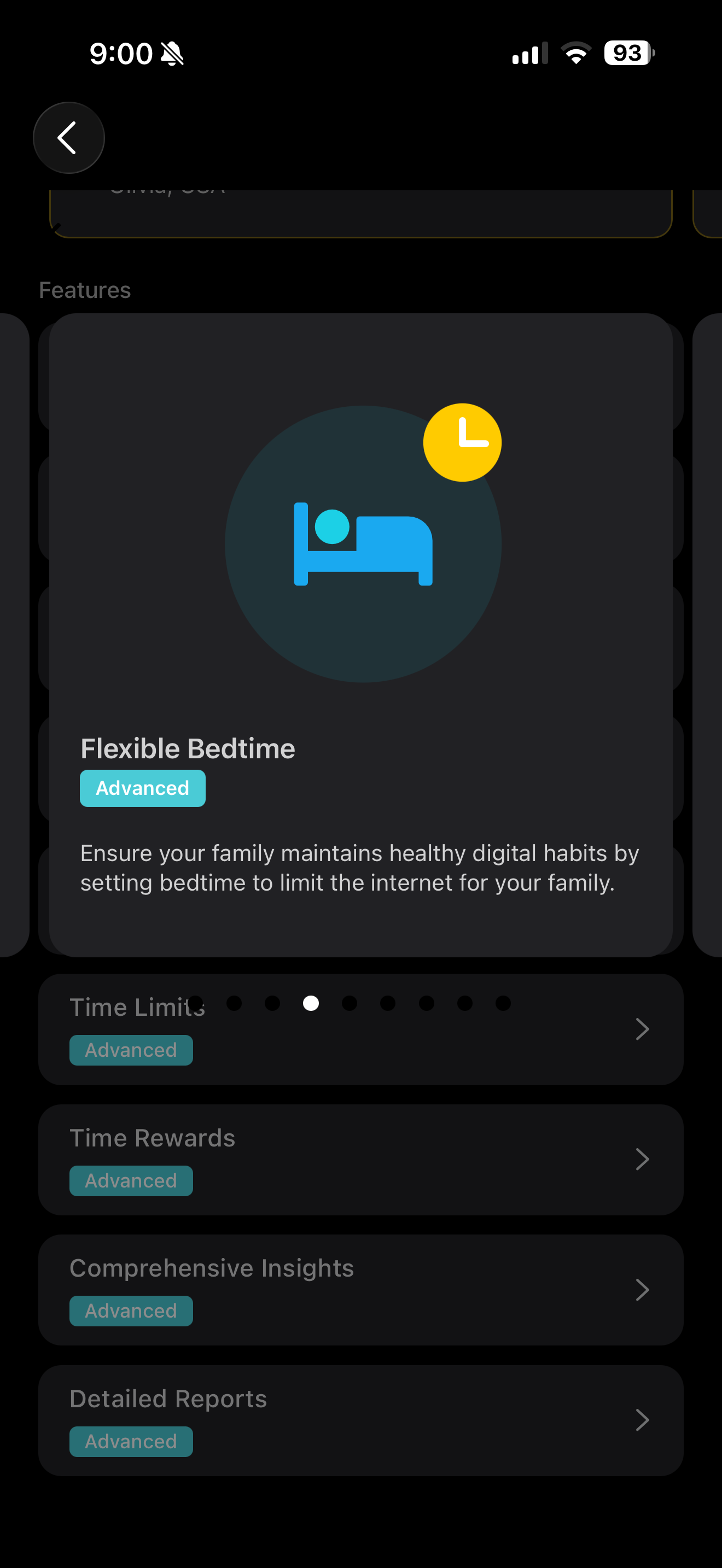
Here are the instructions to set up the Parental Controls with TP-Link HomeShield. In the Bedtime settings page, if you select Every Day, then you can use it without subscribing to the Advanced Parental Control service.
Set up Parental Controls with TP-Link HomeShield
Regarding the issue that the bedtime needs to cross midnight, please send us the email reference number(e.g., TKIDXXXX) after sending the email, and I'll forward it to the relevant team to follow up on your case.
Best Regards
- Copy Link
- Report Inappropriate Content
Solla-topee wrote
Hi,
Here are the instructions to set up the Parental Controls with TP-Link HomeShield. In the Bedtime settings page, if you select Every Day, then you can use it without subscribing to the Advanced Parental Control service.
Set up Parental Controls with TP-Link HomeShield
Regarding the issue that the bedtime needs to cross midnight, please send us the email reference number(e.g., TKIDXXXX) after sending the email, and I'll forward it to the relevant team to follow up on your case.
Best Regards
hi
I don't see sign of the HomeShield in the app .. I deleted the profiles and created another again all I see after I press the button in parental control tap is choose name, age range & icon > then another page opens to pic what phone and then done! Nothing else.. there are some steps in the guide you sent doesn't show to me,
Do you mean the TK number for this email “ forumsupport.usa@tp-link.com “ that have been mentioned here in this thread or my current chat with the support ?
I have sent an email with the logs to the engineering team email today that was mentioned here but didn’t receive respond yet.
here's the number from the email with the support I’ve sent couple days ago:
TKID260551981
- Copy Link
- Report Inappropriate Content
Information
Helpful: 5
Views: 776
Replies: 18
Voters 1
