@KwekSnoop
Hi,
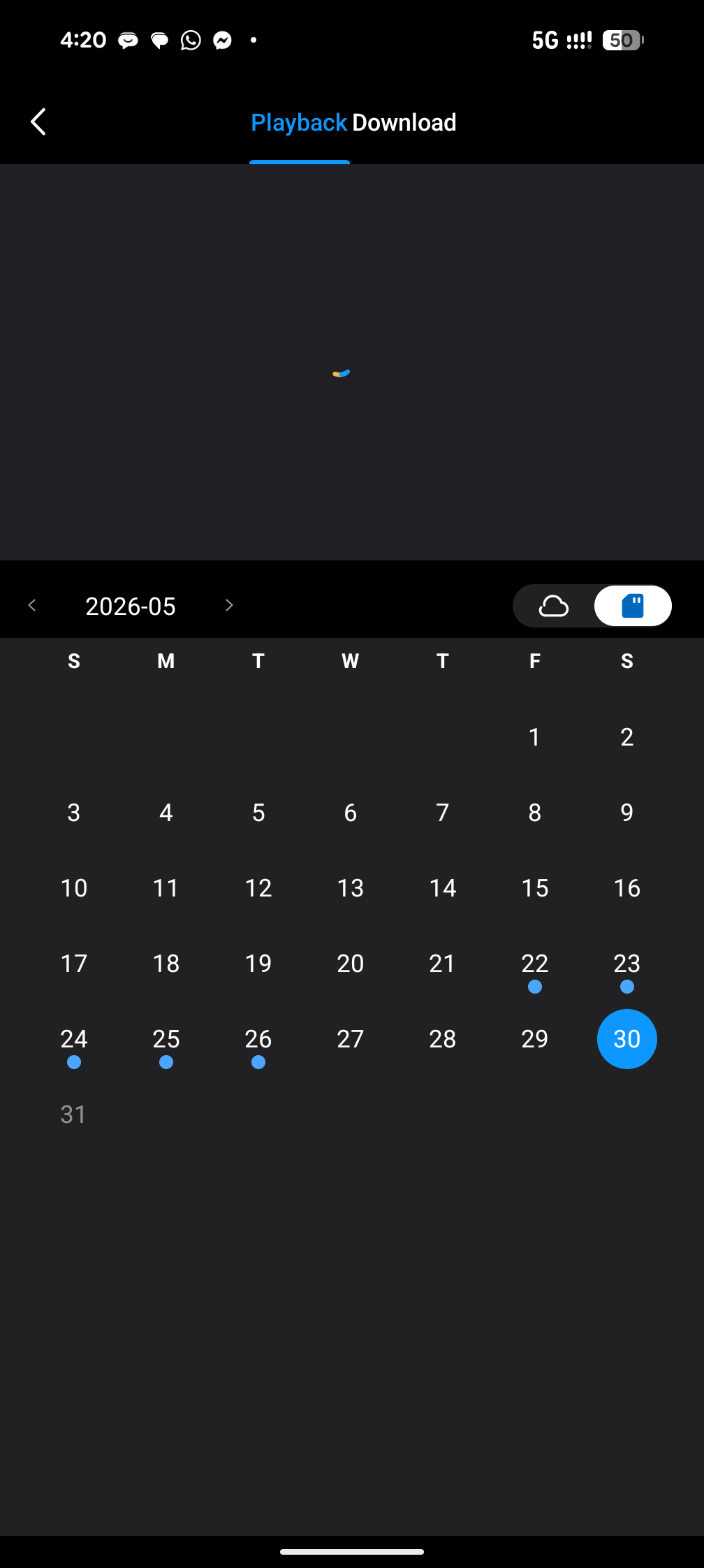
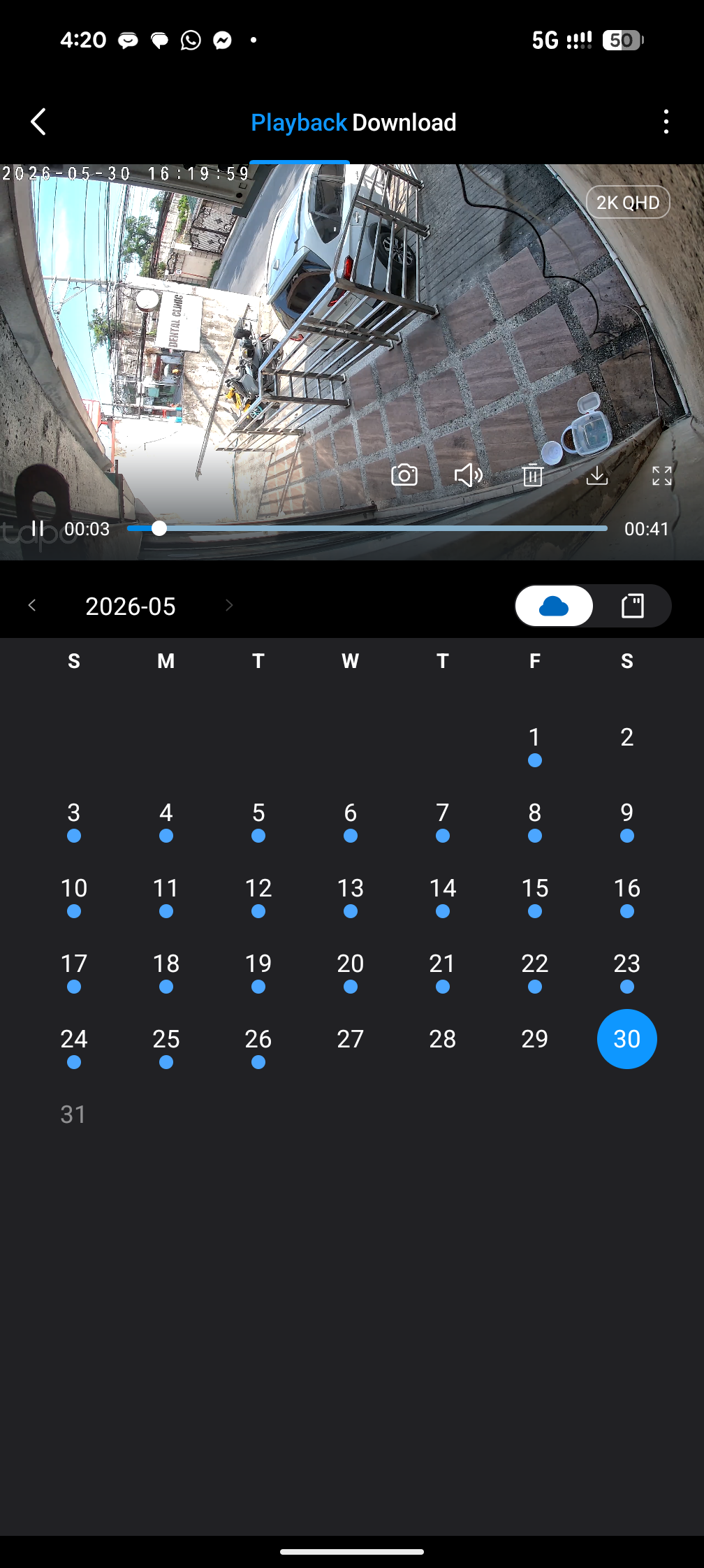
Based on your screenshot, it looks like you are viewing the SD card playback, rather than the cloud playback. Please tap the cloud icon to switch to Cloud Video and check there instead.
If you are encountering any recording issues, please review the troubleshooting steps below:
1. Ensure both the camera and Tapo App firmware are up-to-date.
2. Verify if the camera is added to the Tapo Care plan: How to add new cameras to my Tapo Care plan
3. Enable detection and increase sensitivity on the Tapo APP > Device Settings > Detection page.
4. Turn on the camera alarm and walk in front of the camera to confirm detection works and triggers the alarm.
5. Confirm the camera is connected to the internet/cloud (solid green LED, accessible via mobile data).
6. Improve network quality by moving the camera closer to the router.
Refer to this article for more troubleshooting: Troubleshooting for cloud video recordings of Tapo Camera
If the problem persists, contact our customer service team and provide the results of the above troubleshooting steps.
Best Regards,