Tapo C425 Adjust Event Type buttons disappeared - AI training

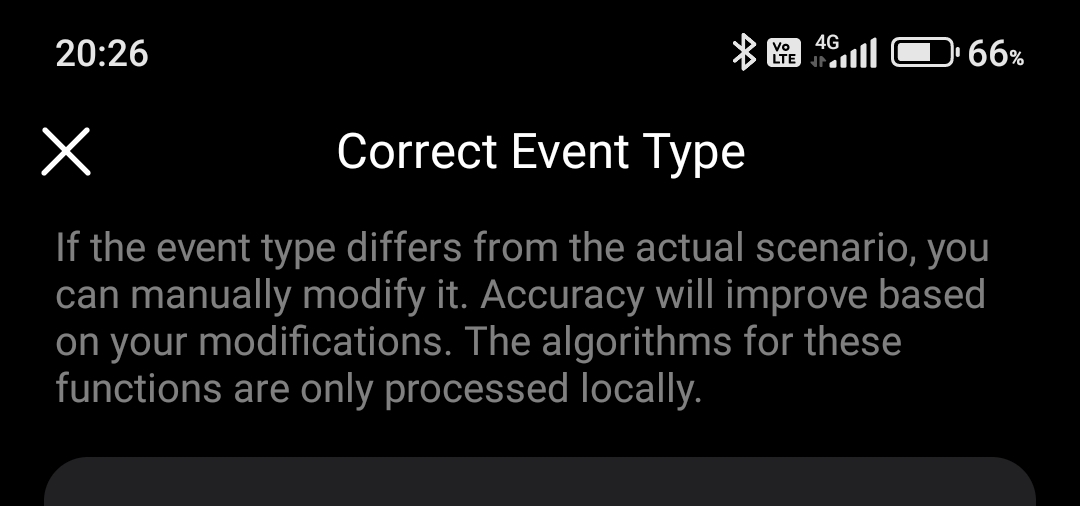
Tapo C425 Adjust Event Type buttons disappeared - AI training
| Bevor the SD card was moved from the camera to the hub H200, |
| detected events could be corrected to: motion, car, person, pet, or no event. |
| After changing the SD card from the camera to the hub, |
| the event correction option for training the AI has disappeared in the app. |
| The videos are correct stored in the hub H200. |
| But only the buttons DOWNLOAD and CANCEL are displayd. |
| The button <Adjust Event Type> is missing. |
| Tried so far: |
| Reset and rebooting the camera. |
| Restart the hub. |
| Logged the camera out of the hub and logged it back in. |
| Reformatted the SD card. |
| Uninstalled and reinstalled the app. |
| The latest firmware and latest app are installed. |
| I need the SD card in the hub so that additional new cameras can store data on it and the SD card is more secure against theft. |
| Is there anything I could do? Thanks in advance. |
1 Accepted Solution