
Early Access New Firmware for Archer GE800 V1 Introduces VPN Enhancements, EasyMesh IoT/Guest Expansion, and More


Hello, All GE800 Users!
We are excited to announce that the highly anticipated firmware update for the Archer GE800 V1 is now available! This update introduces comprehensive VPN enhancements, EasyMesh IoT/Guest Expansion, critical bug fixes, and various system optimizations.
We recommend that all users upgrade to the latest firmware and share their feedback. Your valuable input is crucial to our continuous product improvement! We look forward to hearing about your experience.
Download the update now to experience the router's new features!
New Features:
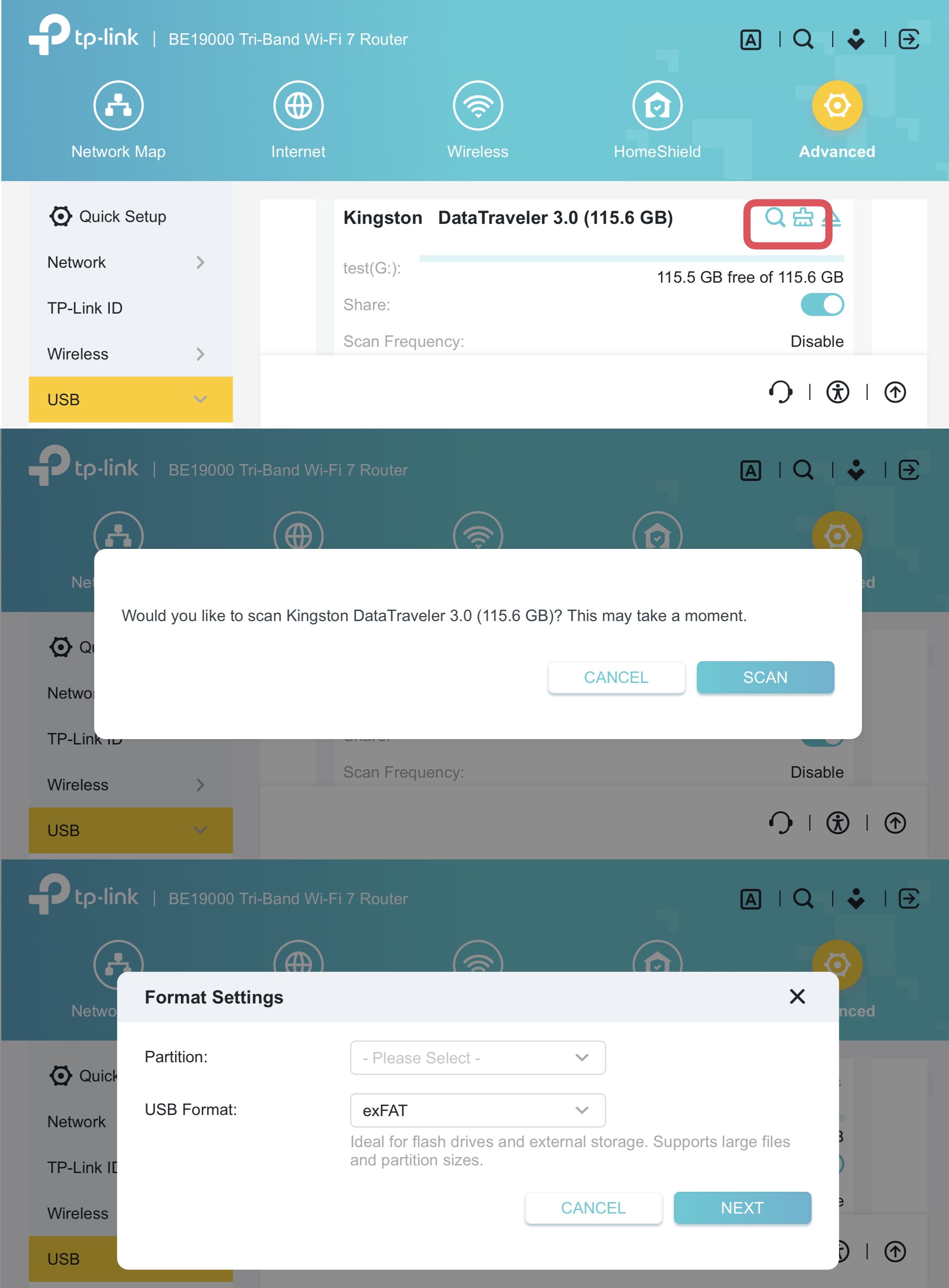
1. USB Health Scan & Format
Added USB drive management functions, including health scanning and reformatting.
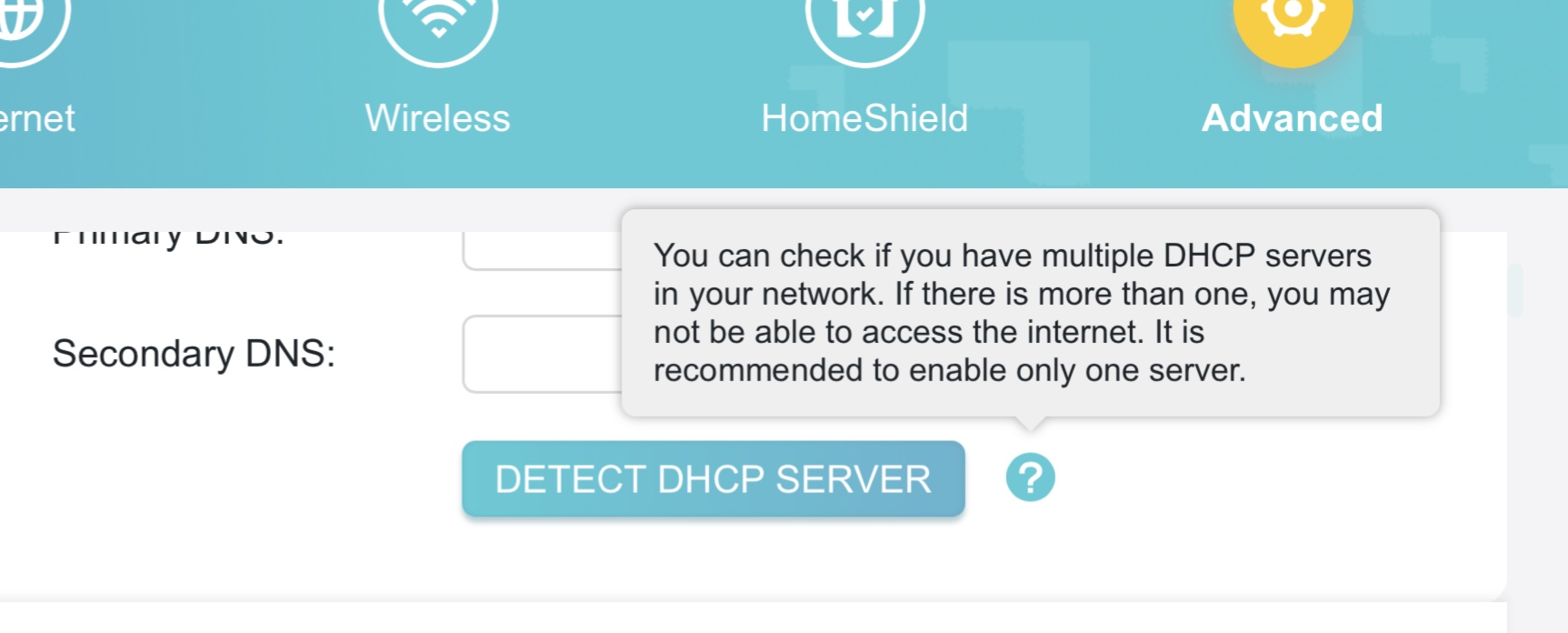
2. DHCP Server Conflict Detection
This feature is designed to identify and resolve issues caused by multiple DHCP servers on the same network, ensuring connection stability.
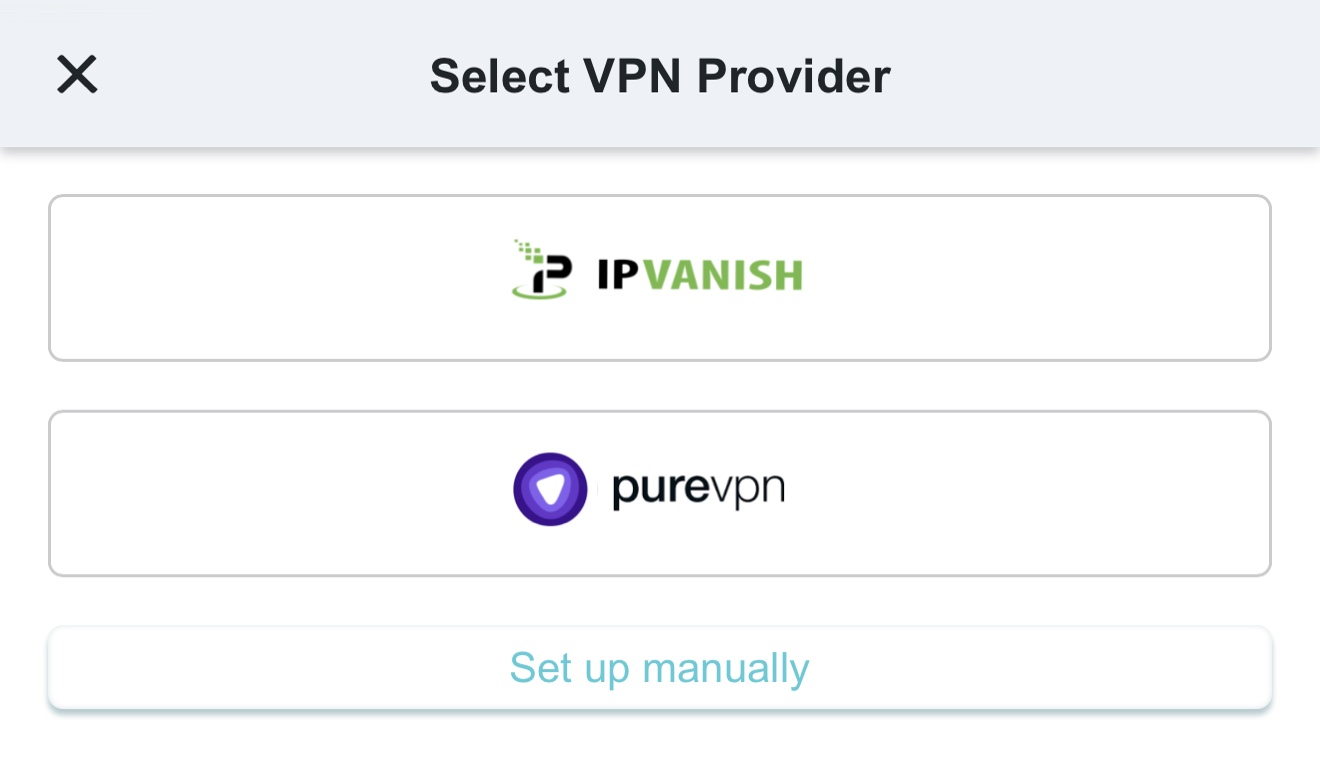
3. Third-Party VPN
Added quick configuration support for third-party VPN providers, such as IPVanish and PureVPN.
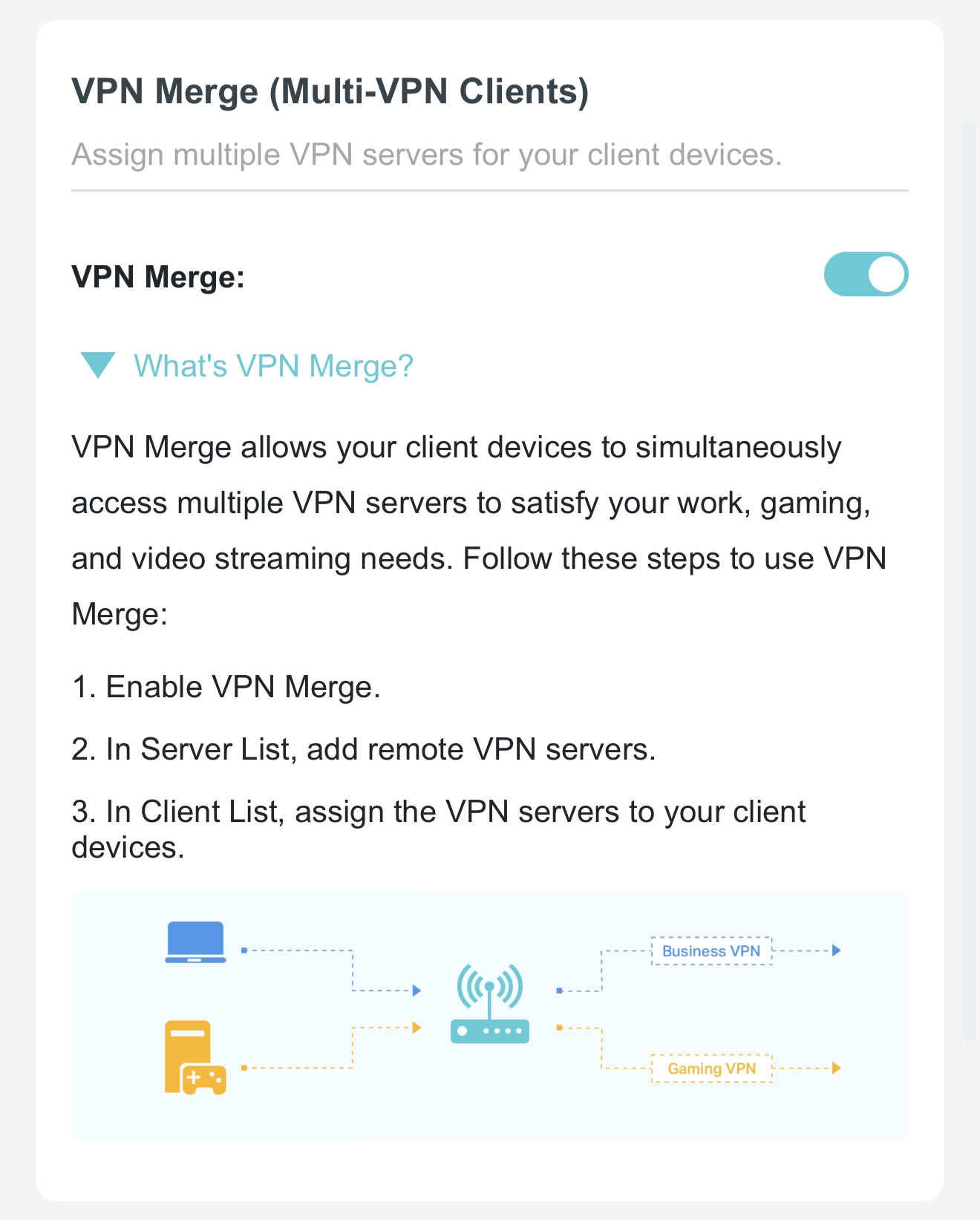
4. VPN Merge
VPN Merge(Multi-VPN Clients) function, allowing designated clients to use the VPN while others remain on the standard network.
5. VPN Kill Switch
Added a VPN Kill Switch function to ensure VPN clients only access the internet through a secure tunnel; internet access will be automatically disabled if the VPN connection fails to prevent data leaks.
6. EasyMesh IoT/Guest Expansion
Added support for EasyMesh to extend IoT and Guest network coverage.
Optimizations:
- Upgraded wireless drivers to enhance overall system security and stability.
- Optimized VPN performance for faster and more reliable connections.
- Optimized HomeShield and Parental Control features for a better user experience.
Bug Fixes:
Fixed an issue where traffic statistics for specific clients appeared abnormal under certain conditions.
Firmware Download:
Before the Upgrade
(1) Please be sure you have read the Beta Test Agreement before upgrading the pre-release firmware!
(2) For the sake of insurance, it's always recommended to save a copy of the router's Backup Config file before upgrading or downgrading.
(3) This pre-release firmware for Archer GE800 V1 is available for all versions.
(4) You may follow the guide to upgrade the firmware of your router. How to Upgrade the Firmware on the TP-Link Wi-Fi Routers.
| Model | Direct Download Link |
| Archer GE800_V1 | Archer GE800_V1_1.3.4 Build 20260618(Pre-Release Firmware) |
Additional Information
As always, we value your feedback. If you encounter any issues during or after the router firmware upgrade, please leave a message below and include the following information. Your feedback helps us continuously improve and provide you with better products and support.
Please provide detailed information, including but not limited to:
- A complete network topology diagram.
- The device's connection method and whether EasyMesh networking is enabled.
- Screenshots of relevant error messages, etc.
Thank you for your continued support and for being a member of our community.
Related Article:
New Firmware for Archer BE800 V1 to Support VPN Merge,Guest/IoT Network Extend in EasyMesh, and More
- Copy Link
- Subscribe
- Bookmark
- Report Inappropriate Content
Hi @raven-au ,
To help you accurately track this case, please note that your case ID is TKID260648626.
Of course, if you are unable to follow up for the time being, we can also wait for progress updates from CacheMode and the engineers.
- Copy Link
- Report Inappropriate Content
Hi @Vendex ,
That’s excellent; the step of clearing the cache serves as a very useful reference for other users, and we welcome you to continue sharing your experiences with the GE800.
Additionally, we would like to know if you have also encountered a situation where the client list does not display all clients. Two other users have mentioned this issue.
Vendex wrote
Just a quick update regarding the traffic monitor issue I mentioned earlier. It turns out the page is actually working perfectly fine now. After a few more attempts and a hard browser refresh, the logout loop completely stopped and the page started loading normally. It was simply a classic browser session cache conflict where the old cached javascript from the previous firmware version was mismatching with the new interface tokens upon the first few requests. Once the browser cleared that old data, everything smoothed out, so there is no actual bug with the feature in this build
- Copy Link
- Report Inappropriate Content

Feedback 2: on R3 Pre-Release (1.3.4 Build 20260618)
I installed the new R3 pre-release and have been testing it.
Positive:
• Guest and IoT network extension is working much better with minimal drops when roaming between nodes. This is a big improvement.
Issues still present:
• Custom device names continue to wipe after reboots and restores. This remains very disruptive.
• Tether app client list is often inaccurate and frequently shows “Operation failed” when refreshing.
• Custom names reset when devices switch between different networks/bands (requires manual renaming each time).
• 6 GHz SSID still broadcasts on satellite nodes even when hidden on the main router.
• Intermittent IoT instability (multiple devices going offline with reconnect notifications).
Small UI quirk:
• When adjusting RGB brightness with the slider in the Tether app, the percentage does not update in real-time. It only shows the correct value after switching to a different lighting mode.
Feature Request:
• Please add the ability to restore configuration backups directly from the Tether app, for backups saved on mobile devices without needing a wired connection to the Web UI. Even better would be, if as long as your router was connected to the Internet and your Tp-Link ID was also connected to that router, that you could upload that backup configuration file from anywhere in the world. This would be very helpful during recovery situations.
- Copy Link
- Report Inappropriate Content

@Joseph-TP hi,
thanks for the reply! I will definitely keep sharing my experience as I test this build further.
Regarding the client list issue you mentioned, I actually have some very good news. Lately, and especially after installing this new firmware, I am no longer getting timeouts when browsing the device list in the tether app. Even better, all my device names are loading perfectly fine now, regardless of which frequency band they are currently connected to. Everything seems to be showing up correctly on my end so far.
As a big fan of TP-Link and this router, I am really happy to see these stability improvements in the new build. I will keep a close eye on the client list over the next few days to see if anything changes, and I will let you know right away if any devices start disappearing.
- Copy Link
- Report Inappropriate Content
CacheMode wrote
What I was observing is the MLO performance on the main router itself. Even when roaming within the main router’s coverage area toward Node 2, I still see a noticeable (but brief) drop to 1–2 bars on MLO before it recovers. The signal is generally strong on its own, which is why I’m hopeful that once full MLO propagation is added in a future update, roaming will feel much smoother.
@CacheMode I see, when you say "roaming" I immediately think of switching between mesh nodes but I think your meaning "roaming around the area" and your getting a variable signal, sometimes quite poor, without any obvious cause ...
- Copy Link
- Report Inappropriate Content
Information
Helpful: 0
Views: 781
Replies: 25
Voters 0
No one has voted for it yet.