
Early Access New Firmware for Archer GE800 V1 Introduces VPN Enhancements, EasyMesh IoT/Guest Expansion, and More


Hello, All GE800 Users!
We are excited to announce that the highly anticipated firmware update for the Archer GE800 V1 is now available! This update introduces comprehensive VPN enhancements, EasyMesh IoT/Guest Expansion, critical bug fixes, and various system optimizations.
We recommend that all users upgrade to the latest firmware and share their feedback. Your valuable input is crucial to our continuous product improvement! We look forward to hearing about your experience.
Download the update now to experience the router's new features!
New Features:
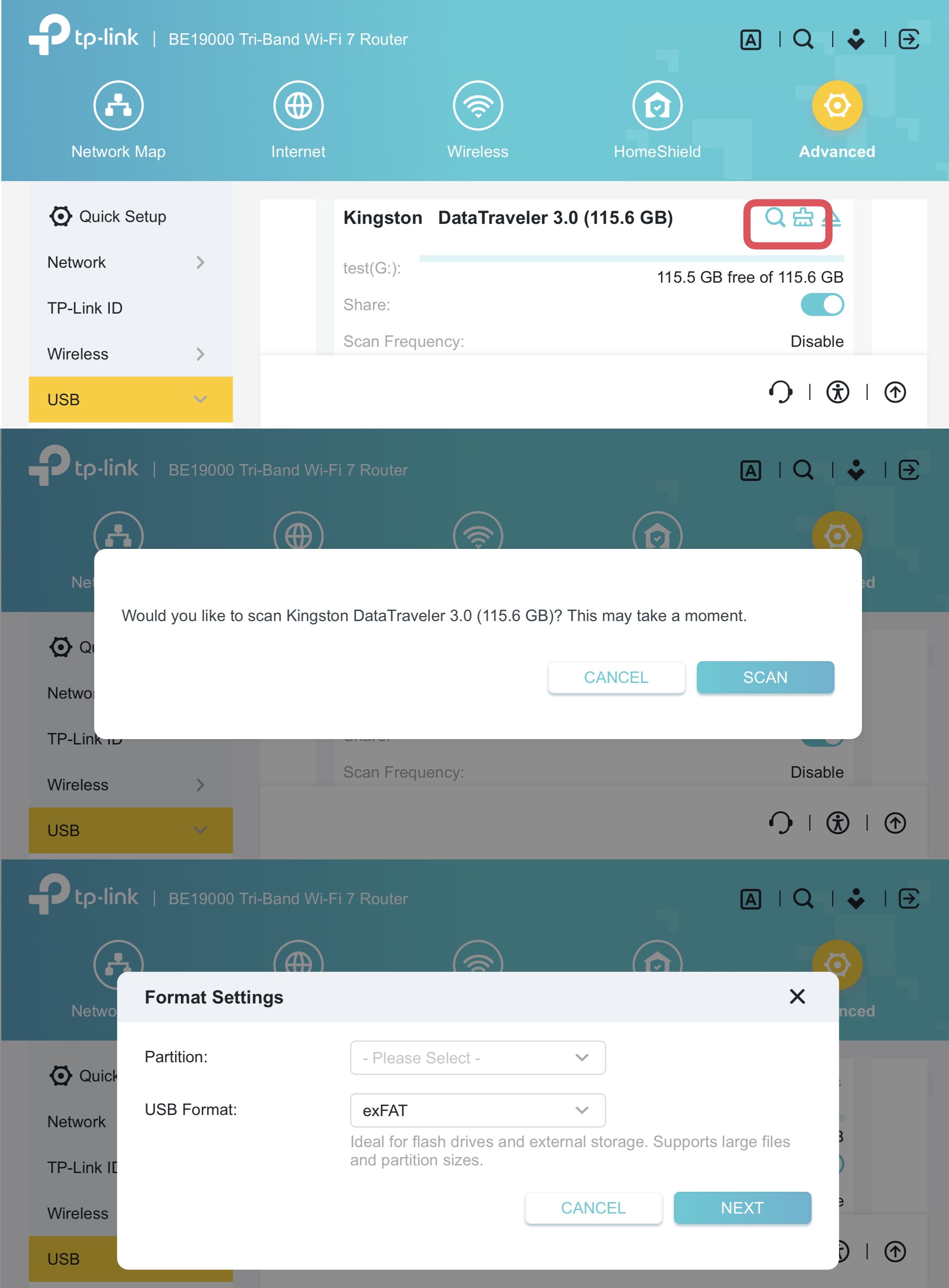
1. USB Health Scan & Format
Added USB drive management functions, including health scanning and reformatting.
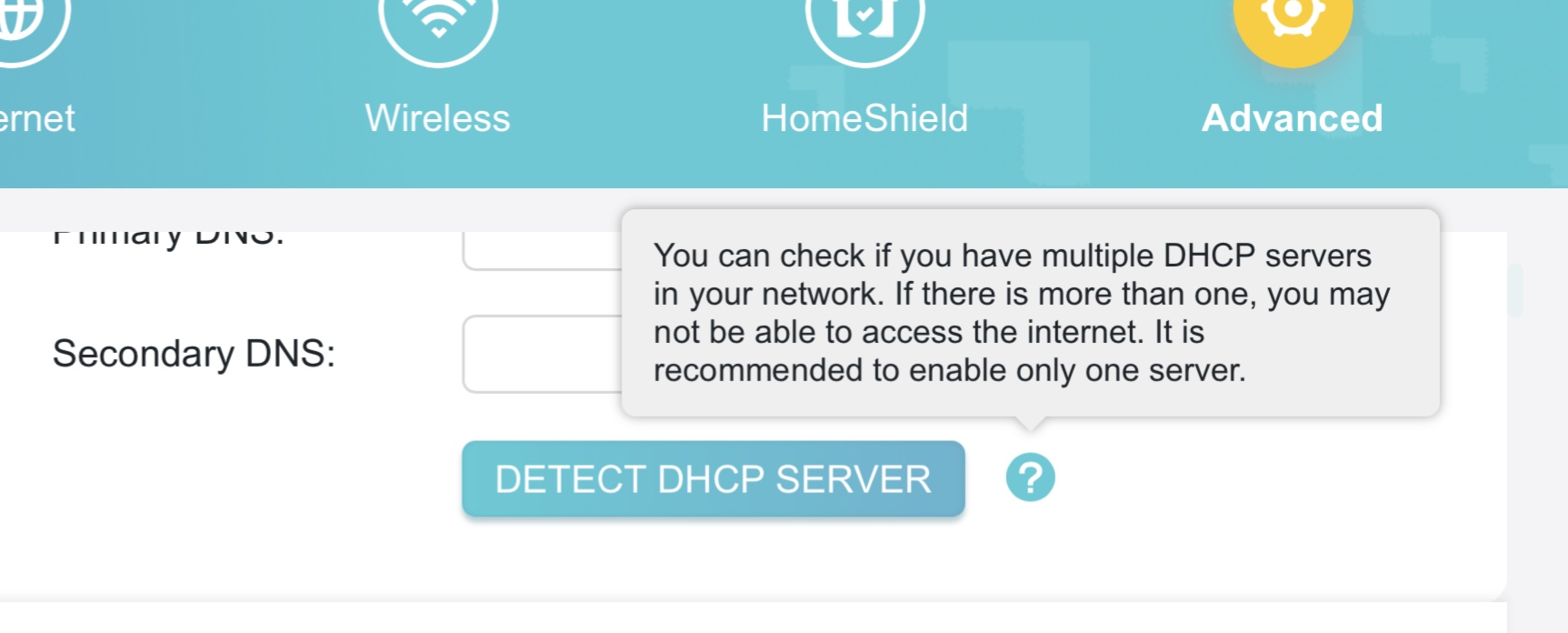
2. DHCP Server Conflict Detection
This feature is designed to identify and resolve issues caused by multiple DHCP servers on the same network, ensuring connection stability.
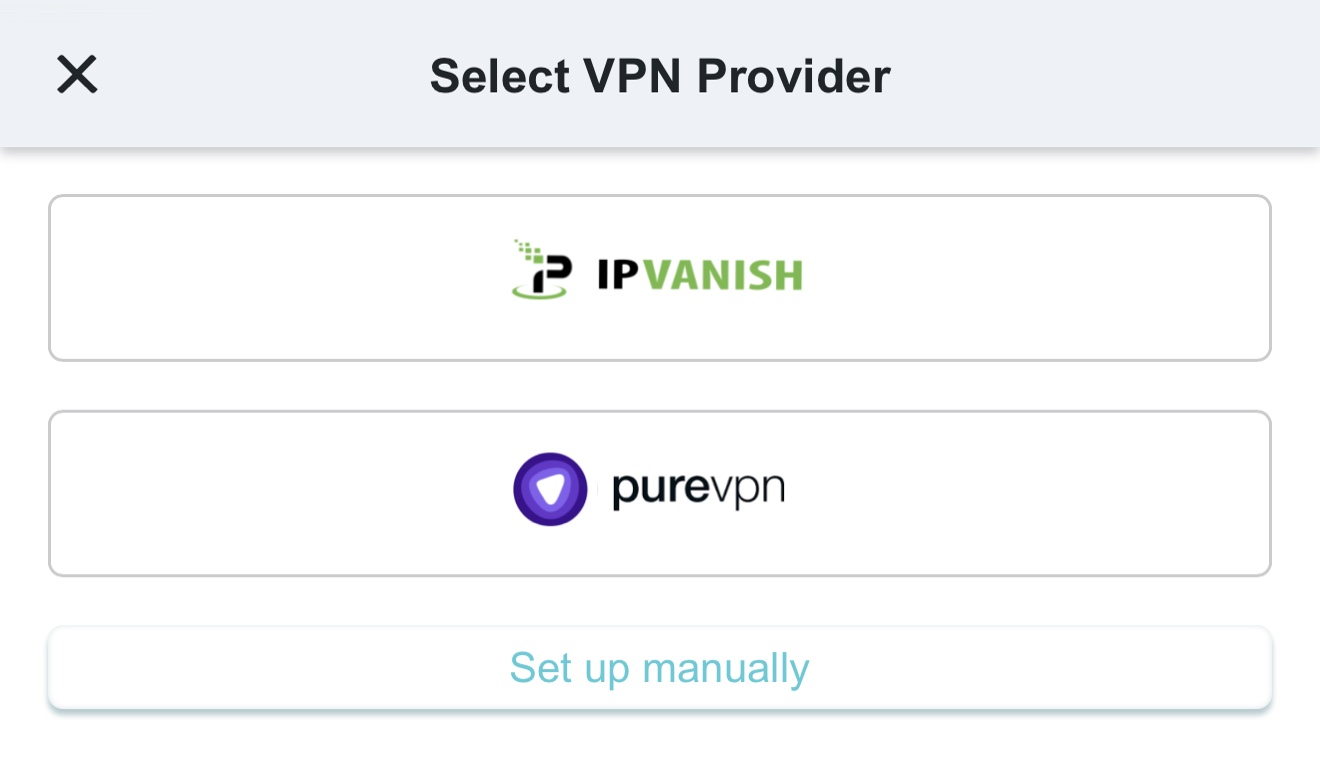
3. Third-Party VPN
Added quick configuration support for third-party VPN providers, such as IPVanish and PureVPN.
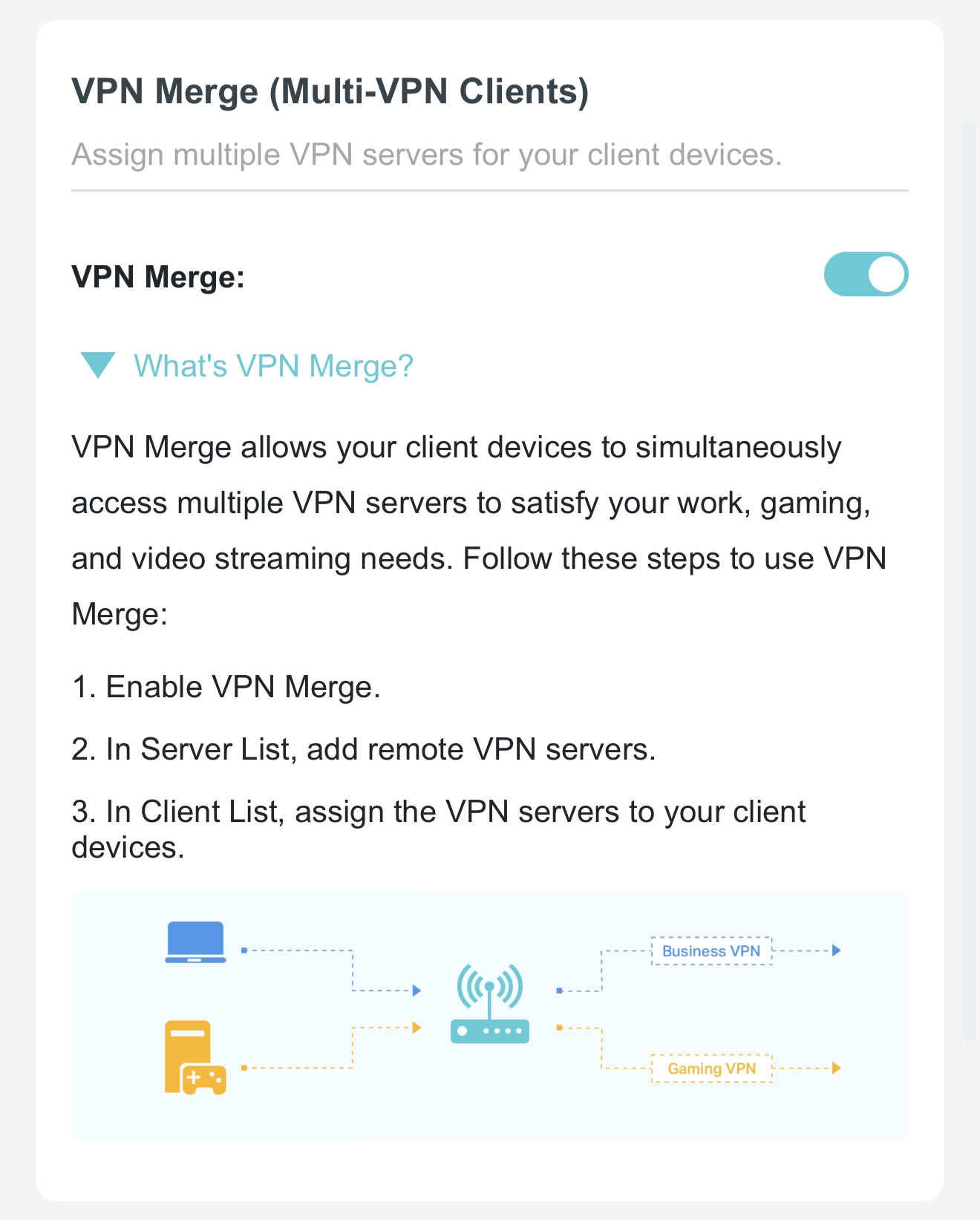
4. VPN Merge
VPN Merge(Multi-VPN Clients) function, allowing designated clients to use the VPN while others remain on the standard network.
5. VPN Kill Switch
Added a VPN Kill Switch function to ensure VPN clients only access the internet through a secure tunnel; internet access will be automatically disabled if the VPN connection fails to prevent data leaks.
6. EasyMesh IoT/Guest Expansion
Added support for EasyMesh to extend IoT and Guest network coverage.
Optimizations:
- Upgraded wireless drivers to enhance overall system security and stability.
- Optimized VPN performance for faster and more reliable connections.
- Optimized HomeShield and Parental Control features for a better user experience.
Bug Fixes:
Fixed an issue where traffic statistics for specific clients appeared abnormal under certain conditions.
Firmware Download:
Before the Upgrade
(1) Please be sure you have read the Beta Test Agreement before upgrading the pre-release firmware!
(2) For the sake of insurance, it's always recommended to save a copy of the router's Backup Config file before upgrading or downgrading.
(3) This pre-release firmware for Archer GE800 V1 is available for all versions.
(4) You may follow the guide to upgrade the firmware of your router. How to Upgrade the Firmware on the TP-Link Wi-Fi Routers.
| Model | Direct Download Link |
| Archer GE800_V1 | Archer GE800_V1_1.3.4 Build 20260618(Pre-Release Firmware) |
Additional Information
As always, we value your feedback. If you encounter any issues during or after the router firmware upgrade, please leave a message below and include the following information. Your feedback helps us continuously improve and provide you with better products and support.
Please provide detailed information, including but not limited to:
- A complete network topology diagram.
- The device's connection method and whether EasyMesh networking is enabled.
- Screenshots of relevant error messages, etc.
Thank you for your continued support and for being a member of our community.
Related Article:
New Firmware for Archer BE800 V1 to Support VPN Merge,Guest/IoT Network Extend in EasyMesh, and More
- Copy Link
- Subscribe
- Bookmark
- Report Inappropriate Content

@raven-au that is a significant drop, especially when you have over 100 devices online.
To give you some feedback from my end, I currently have 33 Tapo smart IoT devices connected to my network. Fortunately, I haven't experienced any instability, disconnections, or drops with them on this new pre-release firmware-they have been completely stable so far.
Since you are seeing your connected list cut in half down to 50 devices, it really sounds like the firmware might be hitting some sort of internal table limit or buffer issue when handling a very large number of simultaneous clients. Hopefully, Joseph-TP and the dev team can look into how the app and router handle client lists of that size
- Copy Link
- Report Inappropriate Content

I am currently using the GE800 as the main router and the BE805 as a satellite router.
Both routers are connected via a wired connection, and the BE805 is running version 1.4.1.
The IoT Network is not expanding via Easymesh.
What settings do I need to enable for it to expand?
- Copy Link
- Report Inappropriate Content
@SoJos for the IoT network to expand properly over a wired easymesh backhaul, you need to ensure that traffic separation is enabled on your main archer GE800
- Copy Link
- Report Inappropriate Content

- Copy Link
- Report Inappropriate Content
Vendex wrote
@raven-au that is a significant drop, especially when you have over 100 devices online.
To give you some feedback from my end, I currently have 33 Tapo smart IoT devices connected to my network. Fortunately, I haven't experienced any instability, disconnections, or drops with them on this new pre-release firmware-they have been completely stable so far.
Since you are seeing your connected list cut in half down to 50 devices, it really sounds like the firmware might be hitting some sort of internal table limit or buffer issue when handling a very large number of simultaneous clients. Hopefully, Joseph-TP and the dev team can look into how the app and router handle client lists of that size
@Vendex yes, I think it's the number of devices too.
I tried the previous beta release for the GE800 and had similar problems but that was mostly fixed by the time the beta went to release so I'd have to say they already have some experience with this.
There was the forum comment about TP Link rewriting wireless code which has to be wrong since this device is based on a Qualcomm wireless chipset so I expect the development kit (that contains the wireless drivers and most of the utility packages) comes from them. Point is, from what I've seen, the Qualcomm drivers are, in my experience, high quality and quite stable. However, I get that to upgrade the development kit version is a big deal (which I assume they have had to do for this) and a lot of work so I do understand the instability. But it's likely not the wireless drivers it's probably the configuration tweaks and possibly external control scripts (and program code) that are undoubtedly needed for it.
- Copy Link
- Report Inappropriate Content
@Vendex Thank you for your reply. The extension still isn't working even though I've enabled it.
- Copy Link
- Report Inappropriate Content
Information
Helpful: 0
Views: 1238
Replies: 36
Voters 0
No one has voted for it yet.