
Live view not working with SD camera?
 This thread has been locked for further replies. You can start a new thread to share your ideas or ask questions.
Live view not working with SD camera?
Tags:
#Live View
#MicroSD card
#Tapo Care
#Tapo App
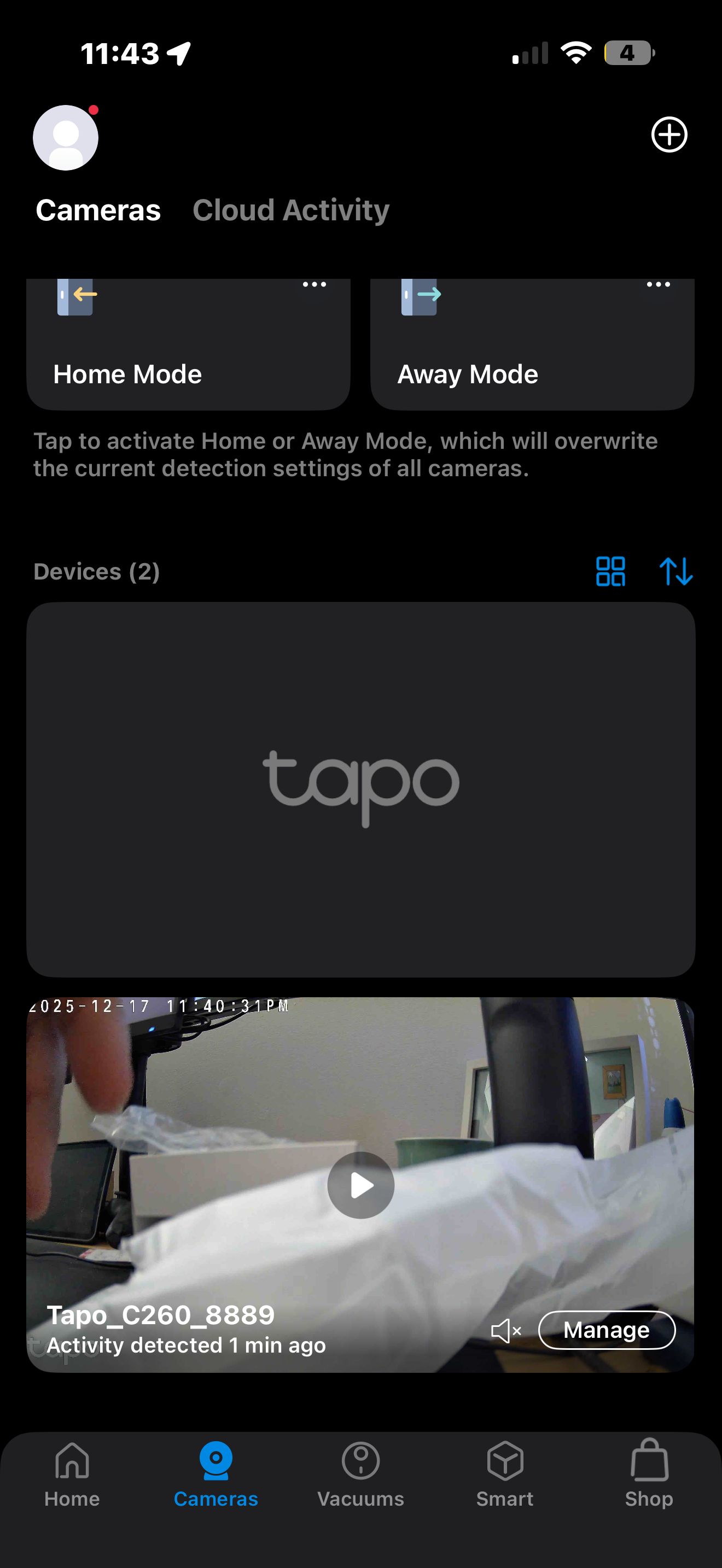 Is this an issue? I have set up 2 cameras, and after updating firmware and adding SD card one won't give live preview. Only the name of the camera and when you hit play nothing happens i have to 'manage device' to see live view. I rebooted, removed sd card, removed camera and re-added and still no preview for the 1 camera. Not sure if it's an app glitch the entire live preview controls disappear when i try to enter live view

