C220 stopped working remote after firmware uppdate.

C220 stopped working remote after firmware uppdate.

C220 stopped working remote after firmware uppdate.
Saturday - last edited Sunday
Model: Tapo C220  
Hardware Version: V2
Firmware Version: 1.2.1 BUILD 251221 Rel 40592n

after (automatic) firmware update i cannot access my cameras remotely.


When i detected it i installed another brand new C220 which prompted me to uppdate firmware which i did, and that one now says it can only be controlled locally.


The other two C220 does not say that but cannot be controlled or accessed remotely, only locally.


I am sure it is a firmware issue because i just installed another brand new C220 emporarily using an access point that does not have internet access (so the camera could not autoupdate firmware) and directly unticked "automatic update", then i reset wifi and configured it for my internet wifi network and it works remotely and locally.


The working C220 camera has version 1.0.2 (i cannot proved more detail because it only prompt me to update and does not show the whole version information)


I aslso have a C210 firmware 1.2.3 that works but that also prompt me to update to 1.2.5 but i dont dare to do that for fear of loosing it.


In summary, i have three C220 with latest firmware that cannot be accessed remotely, one C210 and two C220 with older firmware that CAN be accessed remotely, at the same location using the same wifi network.


How to solve this?



  0      
  0      
#1
Options
4 Reply
Re:C220 stopped working remote after firmware uppdate.
Monday

  @Gunnar_ 

Hi,
For the reported phenomenon, please try the following steps.


  1. Change the DNS server to 8.8.8.8 and 8.8.4.4 on your router for a try.
  2. Take one Tapo C220 with the new firmware as an example, please try pressing and holding the reset button for 10 seconds to factory reset it, then reconfigure it, and check if it can be controlled remotely.
  3. Enable a hotspot Wi-Fi on your phone, factory reset a C220, configure it with another phone, connect it to the hotspot Wi-Fi, and then check if you can control it remotely.
  4. On the Tapo C220 that can't be controlled remotely, what's the LED status, such as solid red, flashing red, etc.?


Best Regards

  0  
  0  
#2
Options
Re:C220 stopped working remote after firmware uppdate.
Tuesday - last edited Tuesday

  @Solla-topee 


Thank you for the reply.


I cannot change my routers DNS, it is fixed at 8.8.8.8 (i have very little control of it, basically all i can set is wifi channel,  SSID and password).

The router is a FiberHome HG6145F3.


Anyway, i did #3 and it did not work.


Then i did #4 using my wifes phone as hotspot and to my surprise it worked! (as long as i used the phone hotspot).


After a lot of tinkering i nailed it down to DNS being the culprit.


In the cameras I went to Advanced settings, network settings, and enabled static IP.


1:st I only changed the DHCP provided DNS adress (from the router) from 8.8.8.8 to 8.8.4.4, keeping the DHCP IP adress) and then it worked!


I then changed the DNS adress to Cloudflare DNS 1.1.1.1 and that worked too!


Changing back to 8.8.8.8 in static IP mode and it stops working..


Some parsing error in the firmware from the DHCP provided adress perhaps...?


Since I need my cameras to have fixed known IP anway so i can access them with ContaCam and Onvif device manager it is not a problem now that i know how to make it work.


So in summary:

with manual override of IP and DNS the uppdated cameras work remote.


Non working the indicator led was solid red, now working is solid green.


Caveat: I have only tested it on two of the three cameras that have the latest firmware but i believe it will work on the third too.


Just a reminder, the 2 oldest cameras (all 5 C220 are the same age bought three months ago but i installed only two first, the other three where for later) worked with my router for approximately two months (using the previous firmware that was updated too during installation) until the firmware got "upgraded" again and they went offline remote.


Non-upgraded cameras still work in default DHCP mode, no manual IP tinkering required.


  0  
  0  
#3
Options
Re:C220 stopped working remote after firmware uppdate.
Yesterday

  @Gunnar_ 

Hi,
Thank you for your test and feedback here. For further analysis, please send me (@Solla-topee) your Tapo C220's MAC address via a private message. You can go to the camera's Device Settings > Device Info page to find it.

Best Regards

  0  
  0  
#4
Options
Re:C220 stopped working remote after firmware uppdate.
2 hours ago

  @Solla-topee 

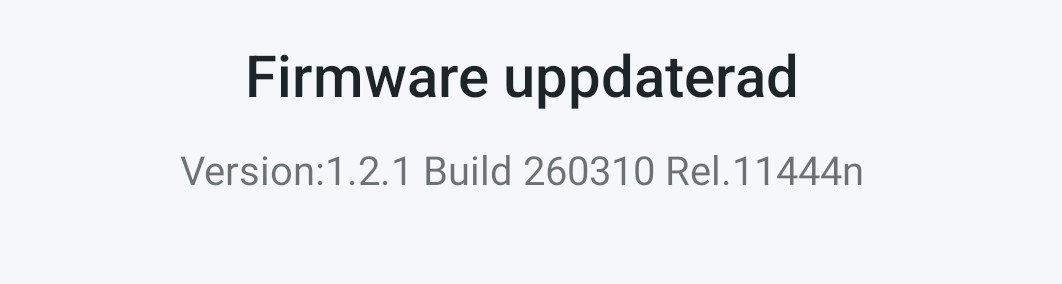
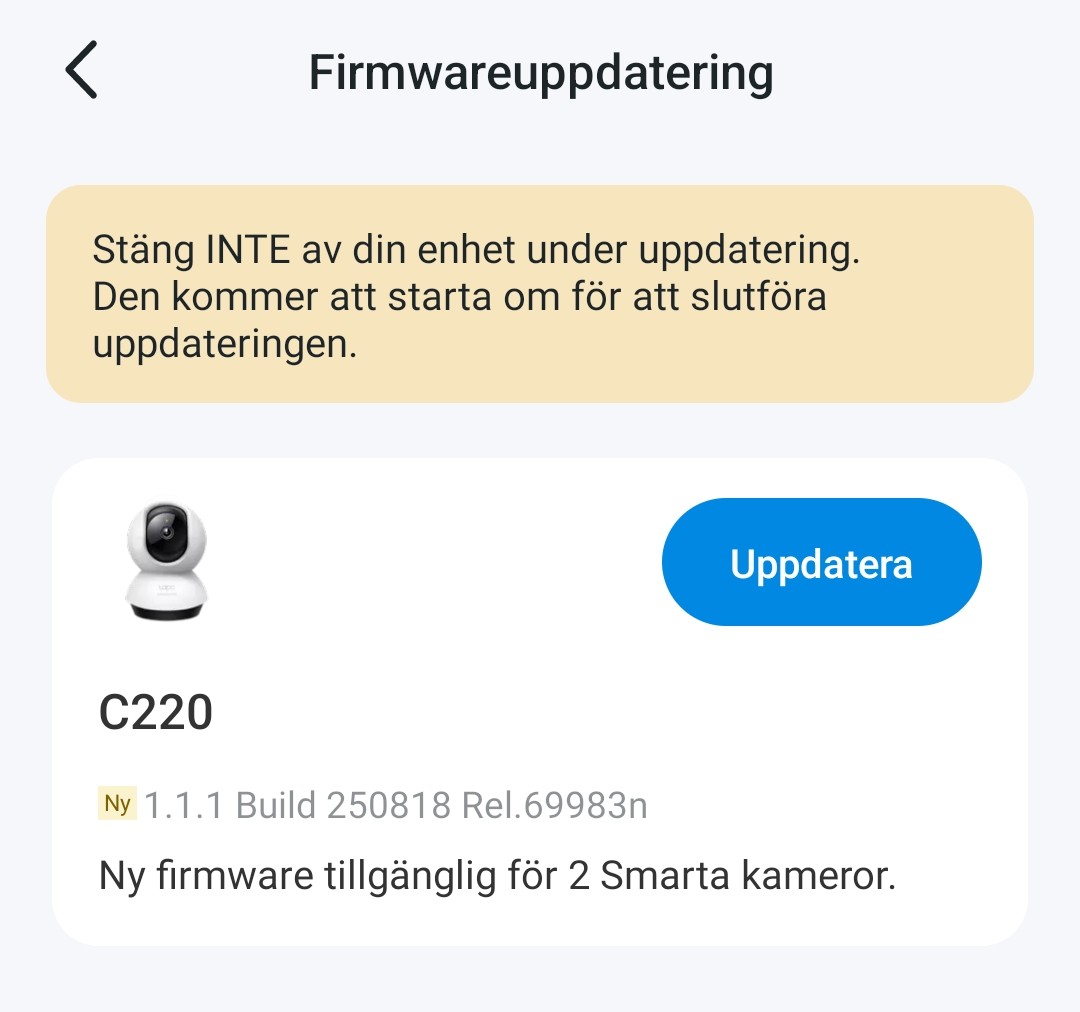
While waiting a new update appeared which I installed and it seems to have solved the problem.


My two newly installed cameras had an older update waiting, I will try and see what happens when I update them.

  0  
  0  
#5
Options