
Beta Software Firmware 1.1.99 for Deco BE25 Adds Channel Selection, DoH/DoT & Fixed WAN Port!


This Article Applies to:
Deco BE25(US/EU/CA/HK/AU/NZ)_V1.0/V1.6
Hey everyone,
We’re pleased to invite members of our community to experience early access to beta firmware for the Deco BE25_V1.0
This firmware brings a multitude of significant enhancements, including Channel Selection, Fixed WAN port, Internet Backup, DoH&DoT, and more!
Firmware Features and Enhancements:
- Supported fixing a specific port as the WAN port.
- Advanced Parental Control subscription added APP block/App Time Limits feature
- Added Channel Selection feature.
- Added Hotspot Backup and Hybrid Mesh Backup features.
- Added DoH & DoT feature.
- Added Speed Limit feature for client devices.
- Optimized HomeShield feature.
- Optimized Onboarding experience.
- Improved the security and stability of the system.
Download Link
| Deco BE25(US/EU/CA/HK/AU/NZ)_V1.0/V1.6 | Deco BE25_1.1.99_build26031912_rel73941 |
Update Notice:
- Please be sure you have read the Beta Test Agreement before upgrading the Pre-release firmware!
- Please make sure the Deco APP is up-to-date.
- The Beta firmware versions can be degraded directly to the official 1.1.7 via web UI.
- How to manually update the firmware via web UI.
As always, we value your feedback. If you happen to encounter any concerns during or after the firmware upgrade, please feel free to comment below with the following information. Your input helps us continue to improve and provide the best possible products and support.
- Provide a detailed network layout, including how the devices are connected.
- Include a detailed description of the issue and as much information as possible regarding the specific conditions that seem to trigger the behavior.
Thank you for your continued support and for being part of our community.
- Copy Link
- Subscribe
- Bookmark
- Report Inappropriate Content

I still can't update. Even after re-downloading, it's not working. After adding a Deco, the upgrade page shows 'go to upgrade', but it just navigates right back to the local management URL of this primary unit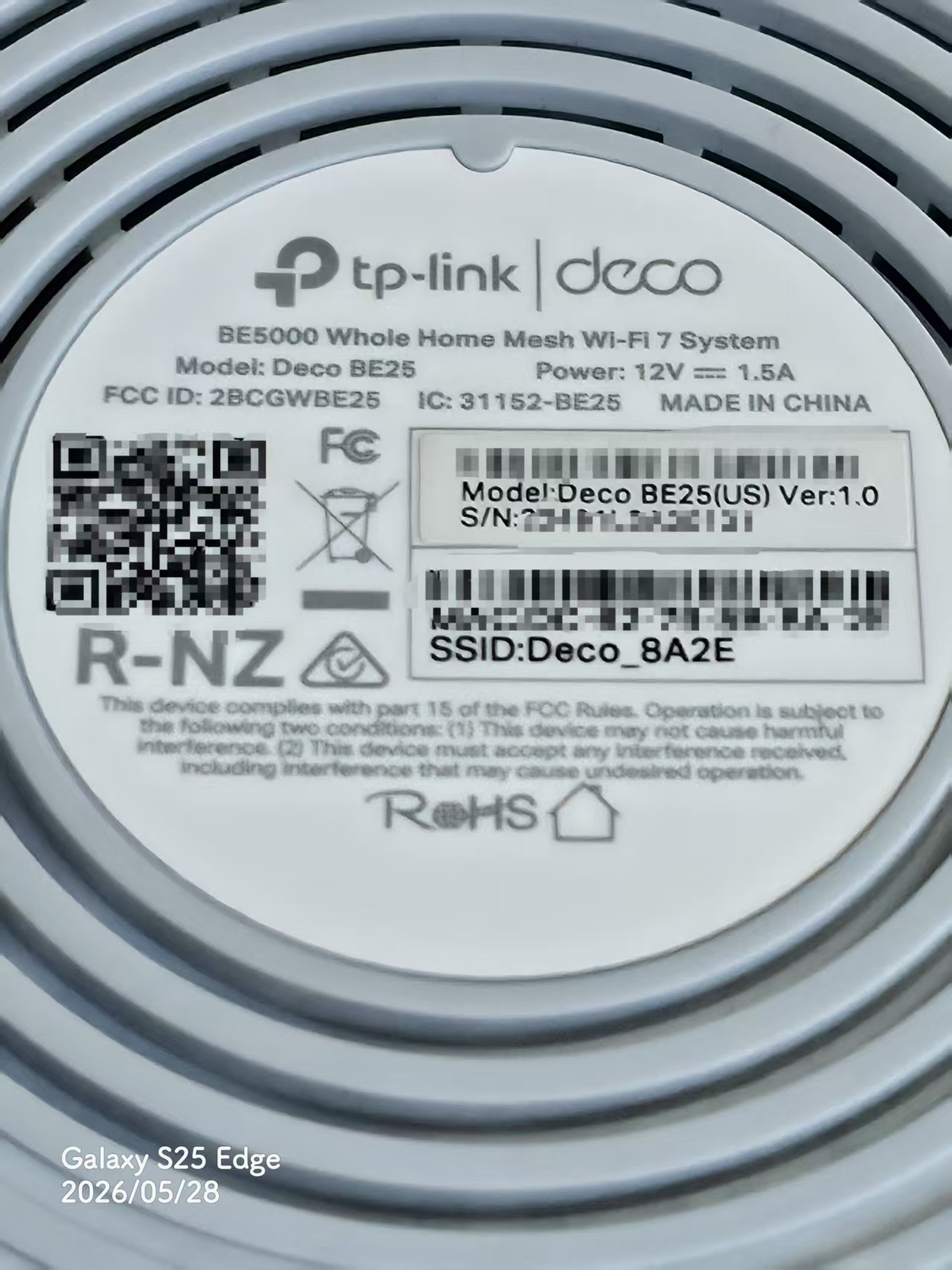
- Copy Link
- Report Inappropriate Content
As an addendum, I can update the firmware directly in this post
https://community.tp-link.com/en/home/forum/topic/858878?moduleId=39
- Copy Link
- Report Inappropriate Content

Hi,
Please confirm which region you purchased the Deco BE25 from?
Best Regards
- Copy Link
- Report Inappropriate Content
@Solla-topee Hongkong
- Copy Link
- Report Inappropriate Content
Hi,
I have escalated your case to our tech team, and they will contact you via email to assist you further. Please wait patiently.
Best Regards
- Copy Link
- Report Inappropriate Content

@David-TP
On my deco be25, I don't have fixed WAN Port setting on firmware 1.1.99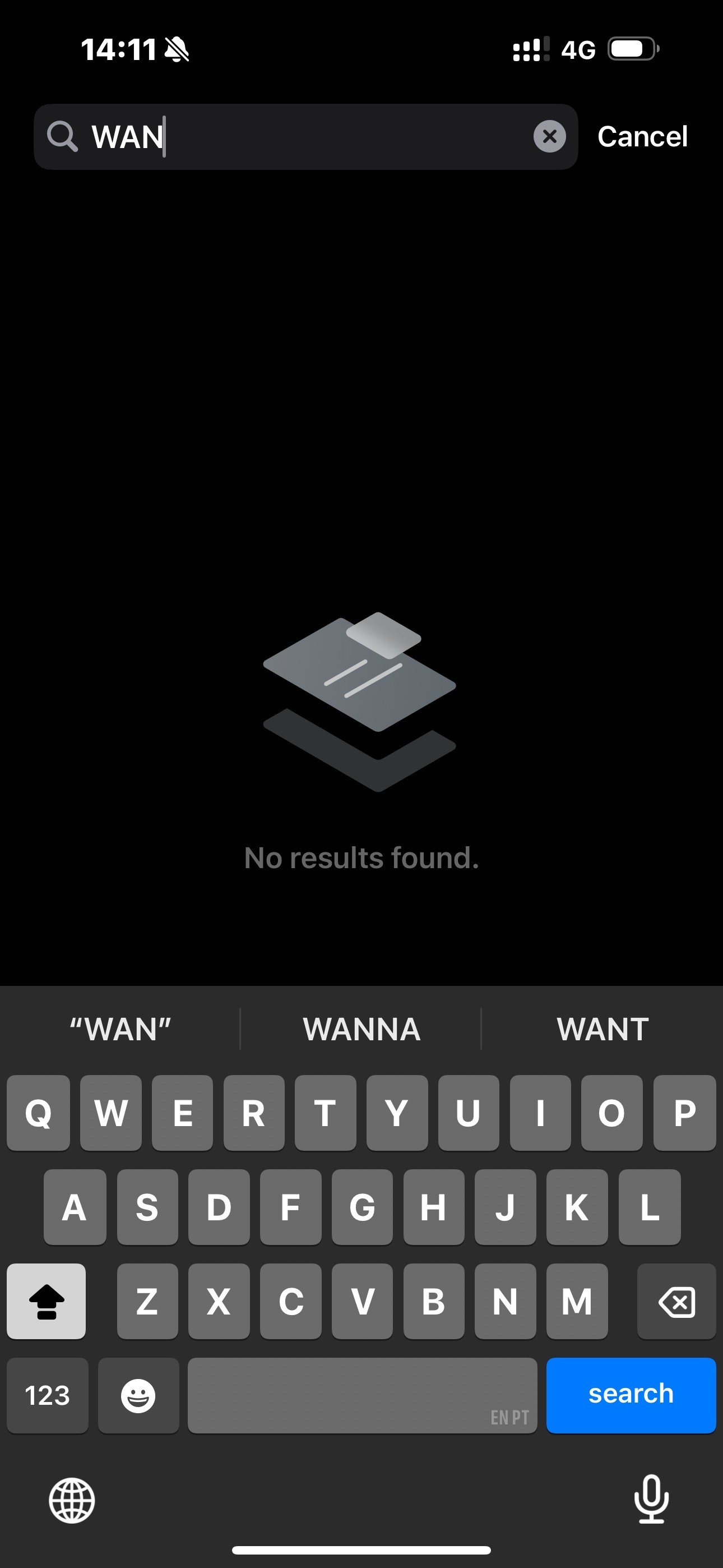
- Copy Link
- Report Inappropriate Content
Hi,
Please ensure the Deco BE25 is the main Deco with the firmware version v1.1.99, and ensure the Deco works in Router mode rather than AP.
Then you can follow the instructions below to fix the WAN port.
How to set a fixed WAN Port on your Deco
Best Regards
- Copy Link
- Report Inappropriate Content

@David-TP I have just installed this but have the two following issues.
1. On the main network SSID I want to turn off the 2.4ghz channel so it's only running 5ghz. When I untick the 2.4ghz box and click save this error appears.
"Failed to save info. Please try later'
2. I enable QOS and setup my scene. After 24hrs or so if I select QOS it says I have to enable it.
Basically it's disabling itself.
- Copy Link
- Report Inappropriate Content
Hi,
Please try turn off the main Deco and satellite Deco, wait for 1 minutes, turn them back on; then force close the Deco app and re-open it, and then check if you can turn off 2.4GHz band on the main Wi-Fi network and see if the QoS feature keeps enabling.
Best Regards
- Copy Link
- Report Inappropriate Content
@Solla-topee hi, I tried that with with the same result. 2.4ghz will still not disable on the main network.
Regards
mark
- Copy Link
- Report Inappropriate Content
Information
Helpful: 1
Views: 4503
Replies: 41
Voters 1
