Early Access Deco X50/X55_V1.3_1.8.2 Expanded the Client Connection Detail and Added ECO Mode, VPN Kill Switch


Deco X50/X55_V1.3_1.8.2 Expanded the Client Connection Detail and Added ECO Mode, VPN Kill Switch
Hey Everyone,
We’re excited to introduce a new firmware update for the Deco X50/X55_V1.30/V1.33, packed with powerful new features and enhancements designed to elevate your Deco Mesh Home Networking experience.
This Article Applies to:
Deco X50(US/KR) / Deco X55(US/CA)_V1.30/V1.33
Modifications and Enhancements:
- Streamlined TP-Link Simple Setup process.
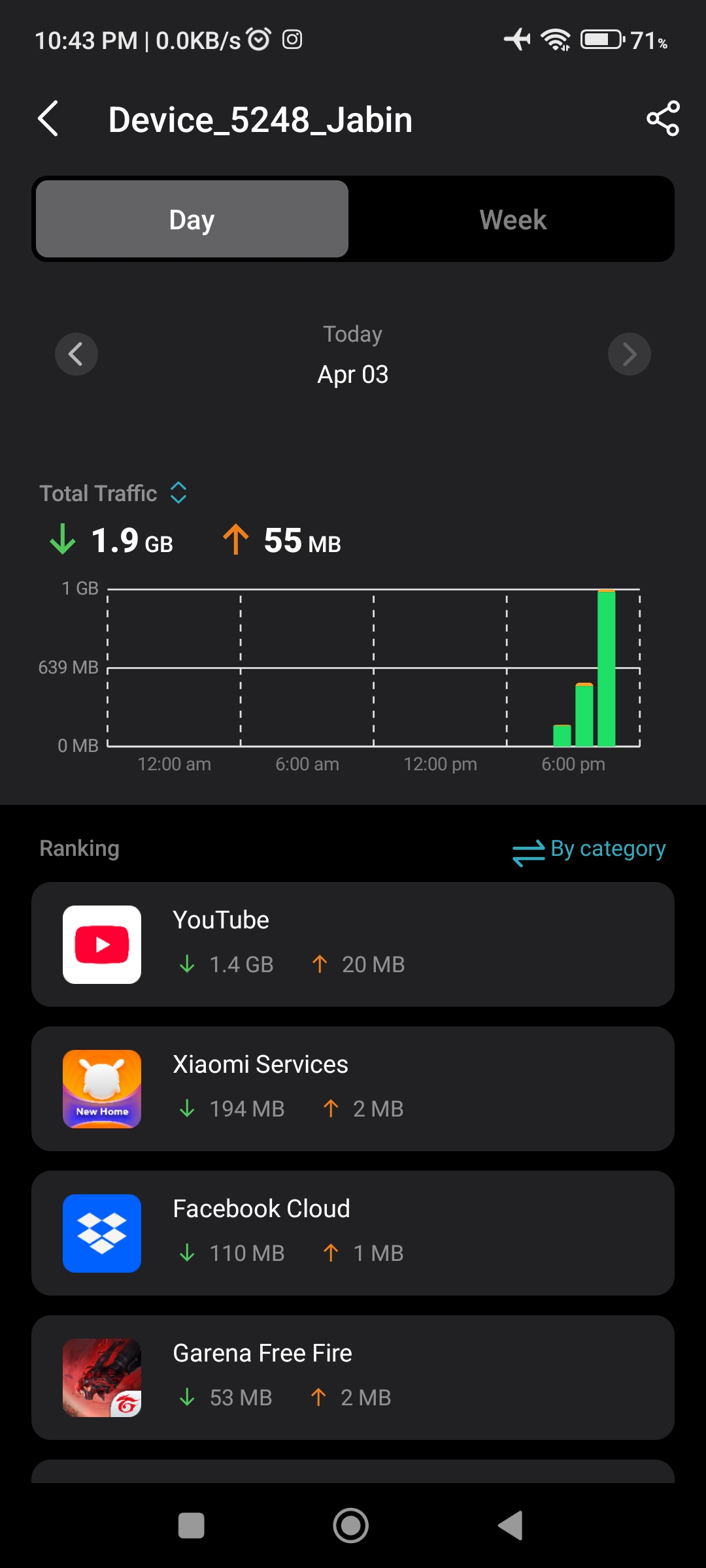
- Added Traffic Usage for online clients and optimized real-time information display on the Deco App, including wireless standard/bandwidth/encryption and online time.
- Added ECO Mode
- Added the VPN Kill Switch
- Optimized the Configuration Backup feature for a smoother device migration operation
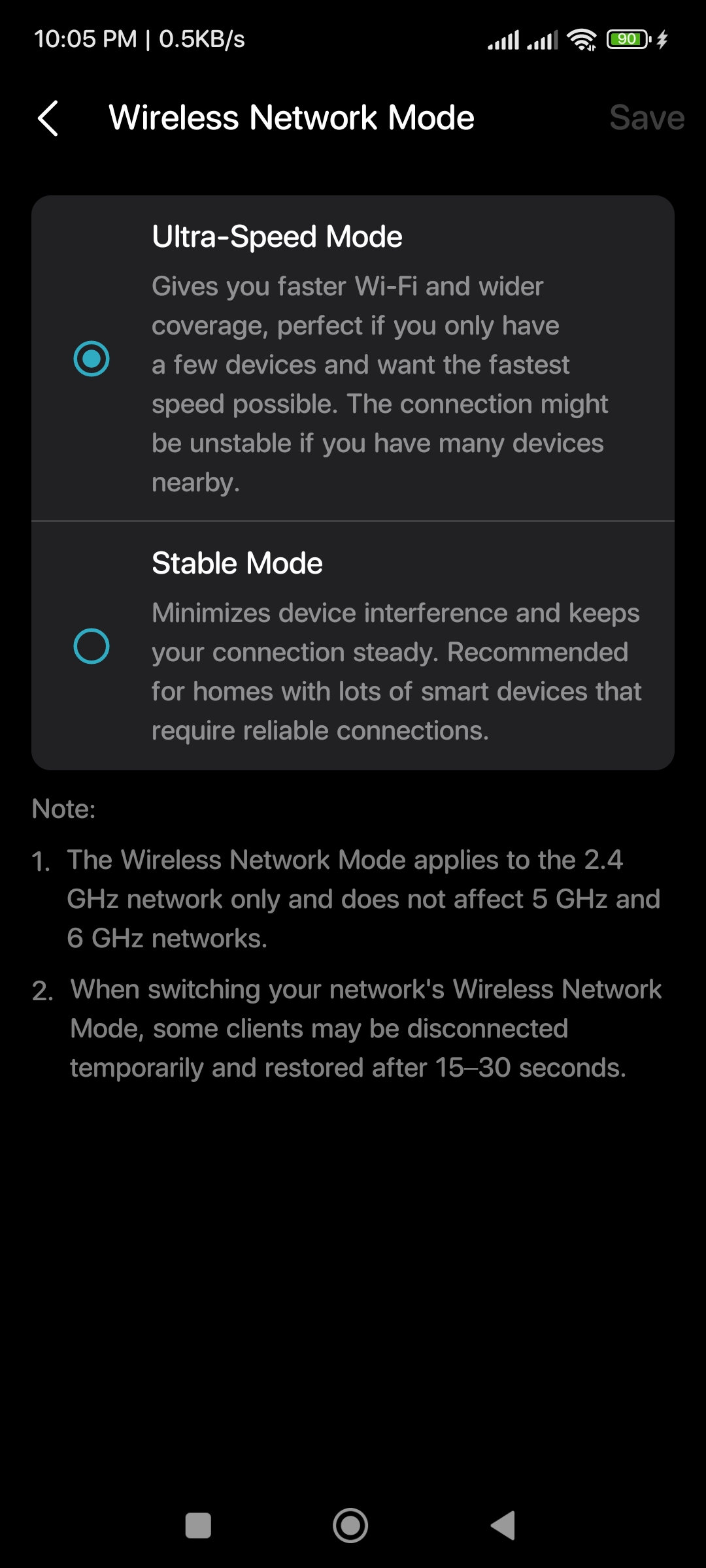
- Improved 2.4GHz mesh performance and overall networking experience.
- Improved Overall System Security & Stability
- Correct the Deco node's Online Time.
Firmware Download Link:
Deco X50/X55_V1.30/V1.33 |
1.8.2_build_20260421_rel_45251_Beta |
Update Notice:
- This beta firmware version number, as well as the future official version, has been adjusted to 1.8.x to align and streamline software release management with Deco X50/X55_V1.0/V1.6 going forward.
- Please be sure you have read the Beta Test Agreement before upgrading the Pre-release firmware!
- Please make sure the Deco APP is up-to-date.
- This firmware can’t be degraded directly to the previous version. A firmware recovery is required to revert to the official 1.3.1 version.
- How to manually update the firmware via web UI.
As always, we value your feedback. If you happen to encounter any concerns during or after the firmware upgrade, please feel free to comment below with the following information. Your input helps us continue to improve and provide the best possible products and support.
- Provide a detailed network layout, including how the devices are connected.
- Include a detailed description of the issue and as much information as possible regarding the specific conditions that seem to trigger the behavior.
Thank you for your continued support and for being part of our community.
Update Log
Apr 24th, 2026
- Update the pre-release firmware.
- Add a release note: Correct the Deco node's Online Time.