Tapo C230 Crackling and white noise in Live Preview, Playback mode and actual recorded video file

This thread has been locked for further replies. You can start a new thread to share your ideas or ask questions.

Tapo C230 Crackling and white noise in Live Preview, Playback mode and actual recorded video file

This thread has been locked for further replies. You can start a new thread to share your ideas or ask questions.

Tapo C230 Crackling and white noise in Live Preview, Playback mode and actual recorded video file
2025-07-17 11:04:42 - last edited 2025-07-30 10:11:20
Model: Tapo C230  
Hardware Version: V1
Firmware Version: V.1.3.1 Build 250107 Rel. 65612n

Hello,


As the subject states, I’ve encountered the following issue: the Tapo C230 cameras are producing crackling and white noise in Live Preview mode as well as in the actual recorded video files.

Less than a week ago, I purchased a Tapo C230 camera (installed at the hallway entrance, referred to as TapoC230Door), which worked flawlessly (both video and audio) for about 3–4 days. Then I purchased a second Tapo C230 camera (TapoC230Dorm) for the opposite corner of the apartment, in the bedroom (no, not for naughty stuff laugh ).


After setting up the second camera, I opened the Tapo app the next day and was prompted to update its firmware to version V1.3.1, which I did.

Following the update and restart, I noticed the camera producing strange noises—crackling and white noise—in Live Preview, Playback mode, and in the video files downloaded from the camera.


To rule out the possibility of a faulty microSD card, I tried swapping them. However, since the issue also occurs in Live Preview, I believe the microSD card is not the root cause.

Here are the cards I tested:

  • SanDisk Extreme 64GB – U3, V30, SDXC I, A2, 160MB/s (used in a GoPro)

  • Kingston Canvas Select Plus 64GB – 100MB/s, Class 10, U1, V10, A1, UHS-I

  • SanDisk Ultra microSDXC 128GB – 140MB/s, A1, Class 10, UHS-I (currently in the first C230, formerly used in a DJI Mavic drone)

  • SanDisk Ultra 64GB – Class 10, U1, SDXC I, 120MB/s (currently in the second C230)


After some extended online research, I used the TapoC230Dorm as a test device and tried the following:

  • Rebooting the camera

  • Factory resetting

  • Adjusting mic input levels (low to high)

  • Changing frame rate

  • Powering the camera directly from an APC Back-UPS ES 850G2 (to rule out power line noise)

  • Changing router settings (I use two routers: a main router and an AP - TP-Link Archer C6)

Main Router Settings Tested:

  • Switched from auto to 2.4GHz

  • Tested channels: Auto, 1, 6, 11

  • Switched from Mixed Mode to IEEE 802.11n Only

  • Bandwidth: Auto, 20MHz, and 40MHz

  • Reduced transmit power to 70–80% from 100%

I then connected the camera to the second router (set as AP) and applied the same network changes.


Apparently, there is a new firmware version available on your website, but it does not appear when searching for updates through the app:

Link: https://www.tp-link.com/en/support/download/tapo-c230/#Firmware-Release-Notes
Firmware: Tapo C230(EU)_V1_1.3.2 Build 250604
Published: 2025-07-10


I can provide video samples clearly showing the issue.


These cameras are intended to provide evidence for local authorities, so I need to know whether this can be resolved in a timely manner or if I should proceed with returning them.


Thanks!

  0      
  0      
#1
Options
1 Accepted Solution
Re:Tapo C230 Crackling and white noise in Live Preview, Playback mode and actual recorded video file-Solution
2025-07-18 04:00:55 - last edited 2025-07-30 10:11:20

  @SteFun 

Hi,
1. Since the new official firmware is rolled out gradually, it's usual to see that the new firmware info is published on our official website, but you haven't received the new firmware on your camera, or only some of the cameras receive the new firmware. Generally, you just need to wait patiently for the new firmware to be released to your camera.


2. You can check if the following tips will improve the audio quality of the camera. If not, you can upload the video showing the camera's audio quality to your cloud server (such as Google Drive), generate a download link, and send it to me (@Solla-topee) via a private message.


  1) Make sure that there are no obstructions covering the microphone and speaker openings on the camera.
  2) Ensure the camera is positioned to allow clear and unobstructed sound reception. Avoid placing it in enclosed spaces or near surfaces that may reflect sound.
  3) Test the audio with your mobile device positioned away from the camera, preferably in a different room. The proximity between the phone and camera during a voice call can cause audio feedback.


Best Regards

Recommended Solution
  0  
  0  
#2
Options
6 Reply
Re:Tapo C230 Crackling and white noise in Live Preview, Playback mode and actual recorded video file-Solution
2025-07-18 04:00:55 - last edited 2025-07-30 10:11:20

  @SteFun 

Hi,
1. Since the new official firmware is rolled out gradually, it's usual to see that the new firmware info is published on our official website, but you haven't received the new firmware on your camera, or only some of the cameras receive the new firmware. Generally, you just need to wait patiently for the new firmware to be released to your camera.


2. You can check if the following tips will improve the audio quality of the camera. If not, you can upload the video showing the camera's audio quality to your cloud server (such as Google Drive), generate a download link, and send it to me (@Solla-topee) via a private message.


  1) Make sure that there are no obstructions covering the microphone and speaker openings on the camera.
  2) Ensure the camera is positioned to allow clear and unobstructed sound reception. Avoid placing it in enclosed spaces or near surfaces that may reflect sound.
  3) Test the audio with your mobile device positioned away from the camera, preferably in a different room. The proximity between the phone and camera during a voice call can cause audio feedback.


Best Regards

Recommended Solution
  0  
  0  
#2
Options
Re:Tapo C230 Crackling and white noise in Live Preview, Playback mode and actual recorded video file
2025-07-18 07:27:43 - last edited 2025-07-18 07:55:09

  @Solla-topee 


Hello,


1 - No obstructions covering the microphone and speaker openings on the camera
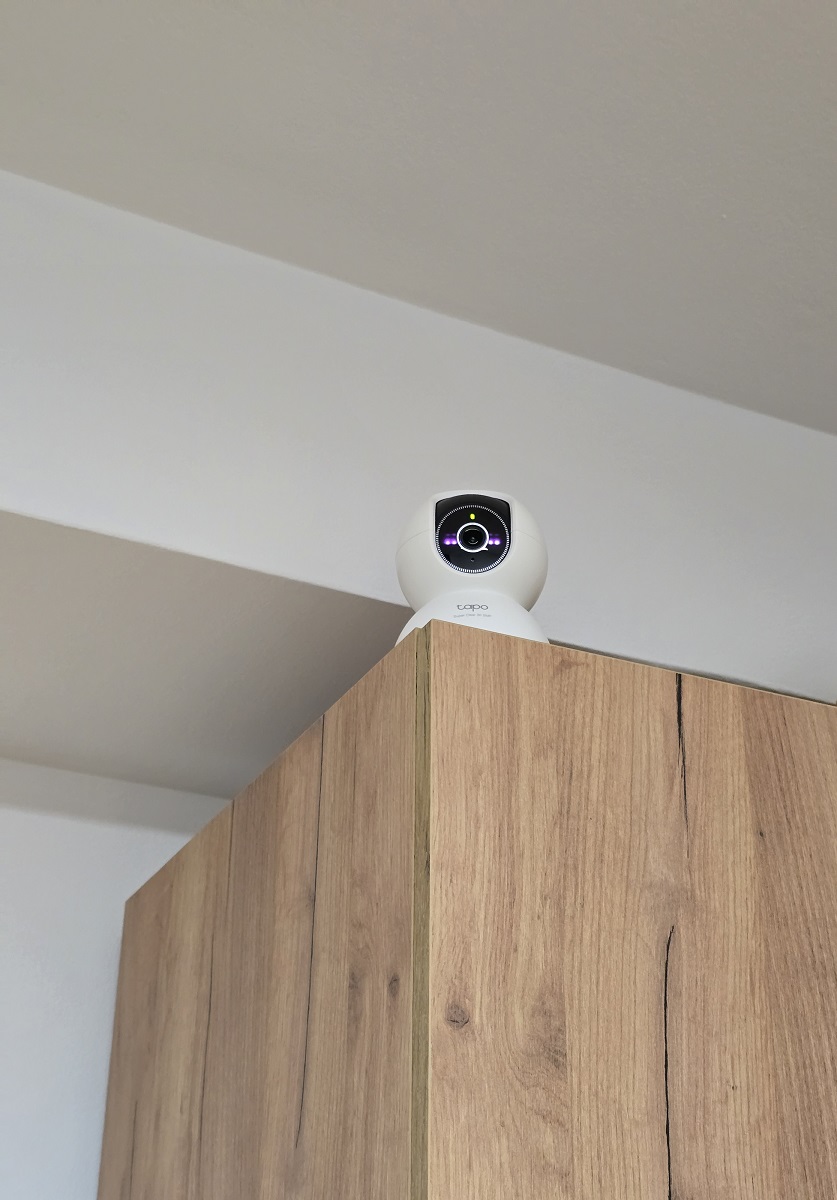
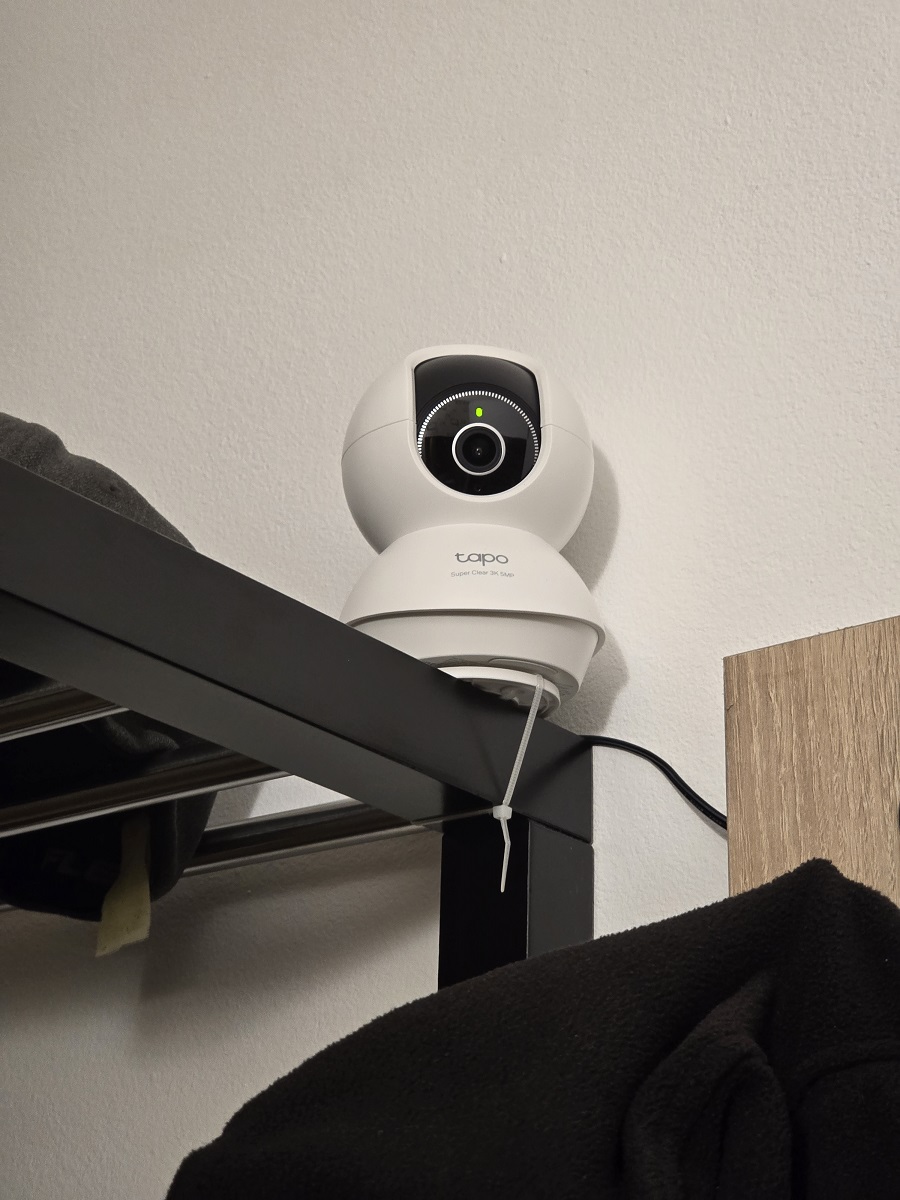
2 - Full clearance. Same behavior even on the edge my desk.
3 - Sent videos via pm. The mobile screen recording was done from a different room.


TapoC230Dorm_placementTapoC230Door_placement


LE: I have updated one camera to the latest firmware Tapo C230(EU)_V1_1.3.2 Build 250604 Rel.70554n - Same problem.

I've uploaded to the same Google Drive two new videos:


TapoC230Dorm_20250718_104530

TapoC230Dorm_S24Ultra_Screen_Recording_20250718_104530


Thanks!

  0  
  0  
#3
Options
Re:Tapo C230 Crackling and white noise in Live Preview, Playback mode and actual recorded video file
2025-07-18 14:56:41

I can confirm this sound issues for my C210 as well. Posted a new thread.

  0  
  0  
#4
Options
Re:Tapo C230 Crackling and white noise in Live Preview, Playback mode and actual recorded video file
2025-07-21 02:55:10

  @SteFun 

Hi,
The Google link you sent needs your approval to access. I have sent the access request. Please approve it. Thanks!
Best Regards

  0  
  0  
#5
Options
Re:Tapo C230 Crackling and white noise in Live Preview, Playback mode and actual recorded video file
2025-07-21 06:05:00 - last edited 2025-07-21 06:37:43

 @Solla-topee 


Done. It was already set to "anyone with a link". I added your email. Please check and confirm.

  0  
  0  
#6
Options
Re:Tapo C230 Crackling and white noise in Live Preview, Playback mode and actual recorded video file
2025-07-21 07:58:57

  @SteFun 

Hi,

I have escalated your case to our tech team, and they will contact you via email to further assist you. Please wait patiently.

Best Regards

  0  
  0  
#7
Options